
TECH
WhatsApp Rolls Out 10 Powerful New Features for Calls, Chats and AI Tools — Here’s Everything You Need to Know
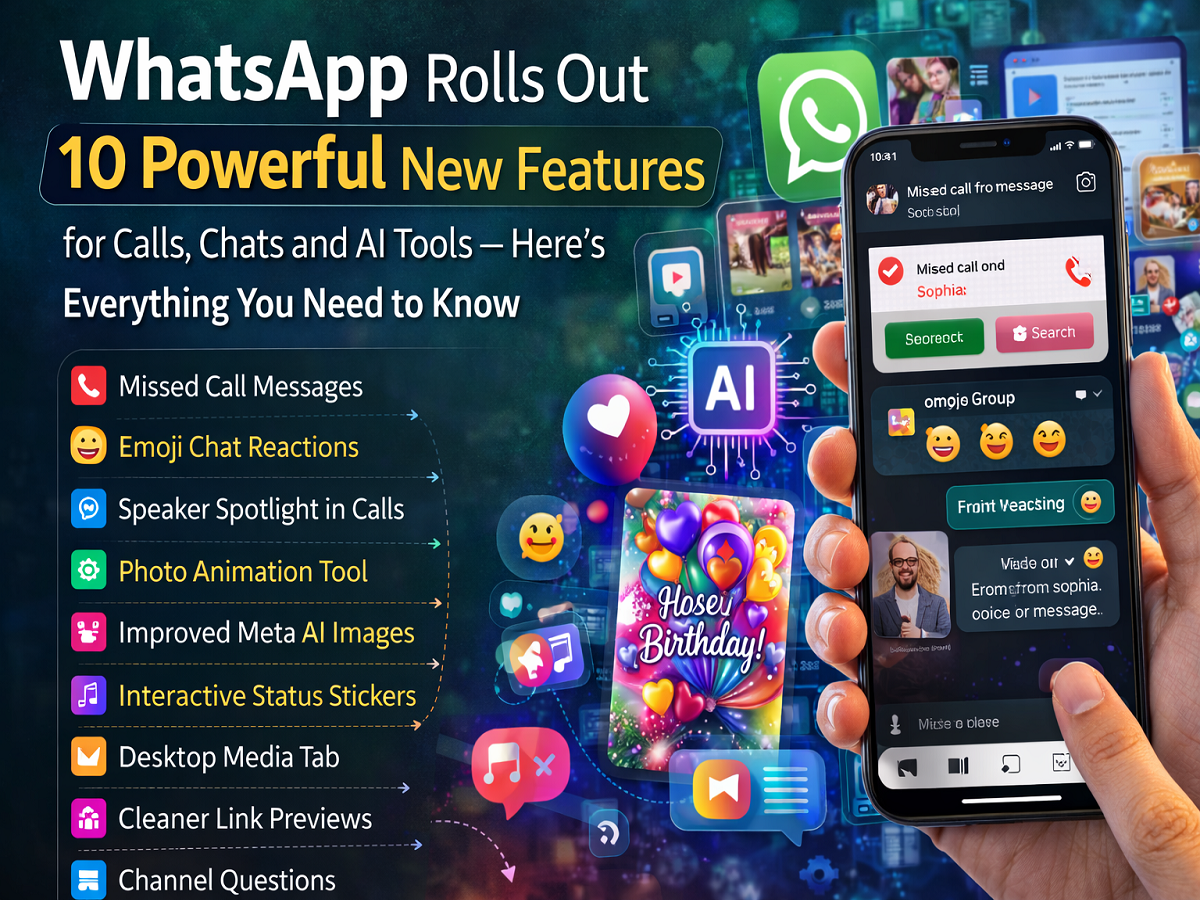
WhatsApp has introduced a major update bringing 10 new features aimed at improving calling, messaging, and creative tools for users. The update includes several improvements such as missed-call messages, AI-powered image generation, animated photos, and enhanced desktop features.
With billions of users worldwide, WhatsApp continues to expand its capabilities to make communication more interactive and efficient. The latest update focuses on improving the experience across mobile devices, desktop apps, and web versions.
Here’s a complete look at the new features WhatsApp has introduced.
1. Missed Call Messages
One of the most notable additions is the missed call message feature. Now, when someone misses a call, the caller can immediately leave a voice or video message.
The system automatically matches the message format with the call type:
-
Voice calls allow voice notes
-
Video calls allow video messages
This removes the need for traditional voicemail services and allows users to communicate quickly after a missed call.
2. Emoji Reactions in Voice Chats
WhatsApp has added emoji reactions for group voice chats. Participants can now react with emojis during a conversation without interrupting the speaker.
This feature is particularly useful during large group discussions where users may want to show agreement or appreciation without speaking.
3. Speaker Spotlight in Group Calls
Group video calls are now easier to follow thanks to the Speaker Spotlight feature.
The system automatically highlights the person who is currently speaking. This makes it simpler for participants to track conversations during large video meetings or family calls.
4. Improved Meta AI Image Generation
WhatsApp has upgraded its Meta AI-powered image generation tools. The update now integrates advanced AI capabilities that enhance image quality and creativity.
Users can generate custom visuals such as:
-
Greeting cards
-
Creative graphics
-
Personalized images
These improvements are designed to make AI-generated images clearer and more detailed.
5. Photo Animation Tool
A new feature allows users to turn static images into short animated videos. This tool adds motion effects to photos shared in chats or Status updates.
The animation feature helps make photos more engaging and visually appealing.
6. Interactive Status Stickers
WhatsApp Status updates now include interactive stickers that allow users to engage with their contacts.
New sticker options include:
-
Music lyric stickers
-
Question prompts
-
Interactive response elements
These tools encourage followers and friends to interact with Status updates more actively.
7. Desktop Media Search Tab
Users who access WhatsApp through desktop apps or WhatsApp Web will benefit from a new centralized media tab.
This feature allows users to search for:
-
Documents
-
Links
-
Photos and videos
across all conversations in one place, making file management much easier.
8. Cleaner Link Previews on Desktop
WhatsApp has redesigned link previews for desktop users to create a cleaner look.
The updated previews include:
-
Simplified design
-
Shortened URLs
-
Less visual clutter in chat conversations
This improvement helps keep chats more organized.
9. Interactive Questions for Channels
Channel administrators can now post interactive questions to their followers using the desktop app.
This feature allows channel owners to collect feedback or opinions from their audience in real time, improving engagement with subscribers.
10. Productivity and Messaging Improvements
In addition to the major features mentioned above, WhatsApp has also introduced several general improvements to messaging and productivity tools across its platform.
These updates are designed to enhance the overall communication experience and ensure smoother interactions across devices.
A Major Update for WhatsApp Users
The introduction of these 10 new features highlights WhatsApp’s effort to transform the messaging app into a more versatile communication platform.
From smarter calling tools and AI-powered creative features to improved desktop productivity options, the update aims to make conversations more interactive and efficient.
As these features roll out globally, users can expect a more powerful and flexible messaging experience on WhatsApp.


