
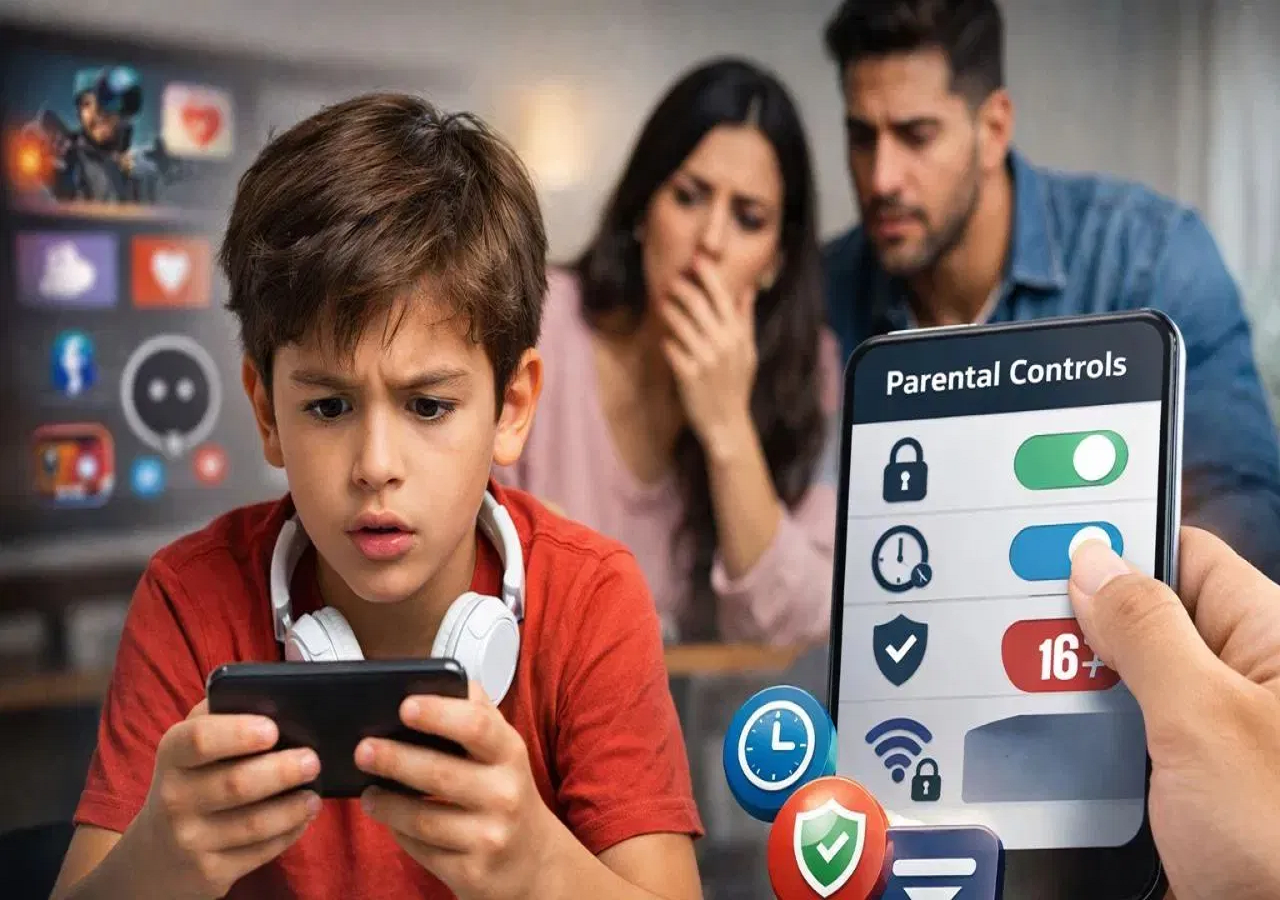
WhatsApp has announced a new safety feature called Parent-Managed Accounts, designed to help parents supervise their children’s messaging activity and provide a safer communication environment for users under 13.
The feature, introduced by Meta Platforms, will allow parents or guardians to control and monitor children’s accounts, ensuring young users can chat and make calls while staying protected from online risks. The rollout will take place gradually over the coming months worldwide.
Designed Specifically for Children Under 13
The new Parent-Managed Account system is aimed at children below the age of 13.
Key aspects include:
-
Accounts must be created and supervised by a parent or guardian.
-
The child’s account will be linked directly to the parent’s WhatsApp account.
-
Privacy settings will be stricter than regular WhatsApp accounts.
Children will mainly be able to send private messages and make voice calls, allowing them to communicate with family members and trusted contacts only.
Parents will also have the ability to control which groups their child can join.
Several Features Disabled for Children
To enhance safety, many common features will not be available in child accounts.
These restrictions include:
-
No Status updates
-
No Channels
-
No Meta AI features
-
Disappearing messages disabled in one-to-one chats
Additionally, messages from unknown numbers will automatically go into a Message Requests folder, which can only be opened using the parent’s PIN.
Parents will also receive notifications when a child:
-
Adds a new contact
-
Blocks someone
-
Reports a user
End-to-End Encryption Still Enabled
Despite the added controls, WhatsApp confirmed that children’s accounts will still use the same end-to-end encryption system used across the platform.
This means conversations will remain private and protected from outside access, maintaining the core security standards of WhatsApp.
How Parents Can Create a Parent-Managed Account
Parents can set up the account during the WhatsApp sign-up process by selecting the Parent-Managed Account option.
The setup process includes:
-
Entering the child’s date of birth.
-
Linking the parent’s phone and the child’s phone.
-
Confirming adult identity, sometimes through selfie verification.
Once activated, parents will be able to manage privacy settings and parental controls directly through the app.


