WhatsApp is one of the most widely used messaging apps, making it a frequent target for hackers and scammers. If someone gains unauthorized access to your account, they may read your chats, impersonate you, or even misuse your personal information.
Fortunately, WhatsApp offers several ways to check whether your account has been compromised. Here are the warning signs you should never ignore.
1. You receive an unexpected verification code
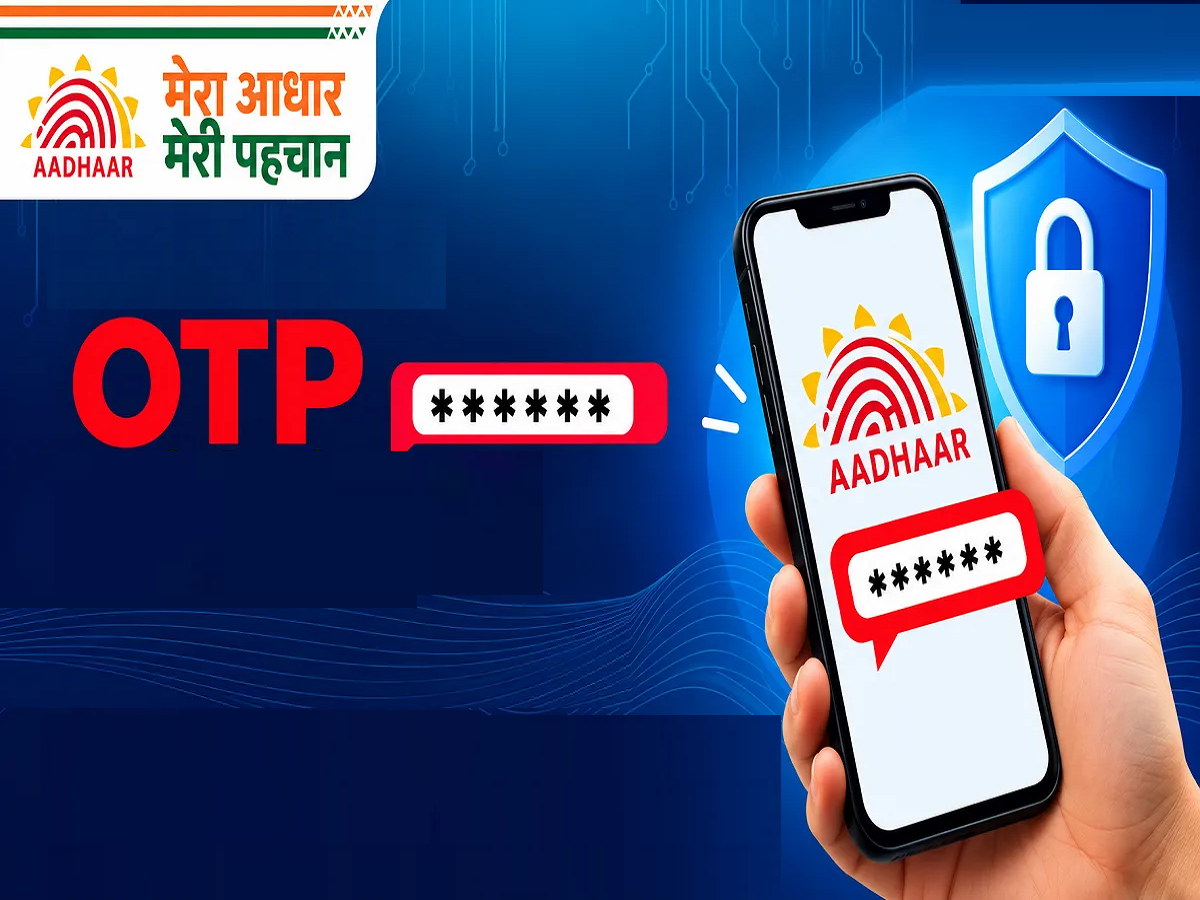
If you suddenly receive a WhatsApp verification SMS or call without requesting it, someone may be trying to register your number on another device. Never share the verification code with anyone.
2. Unknown devices are linked to your account
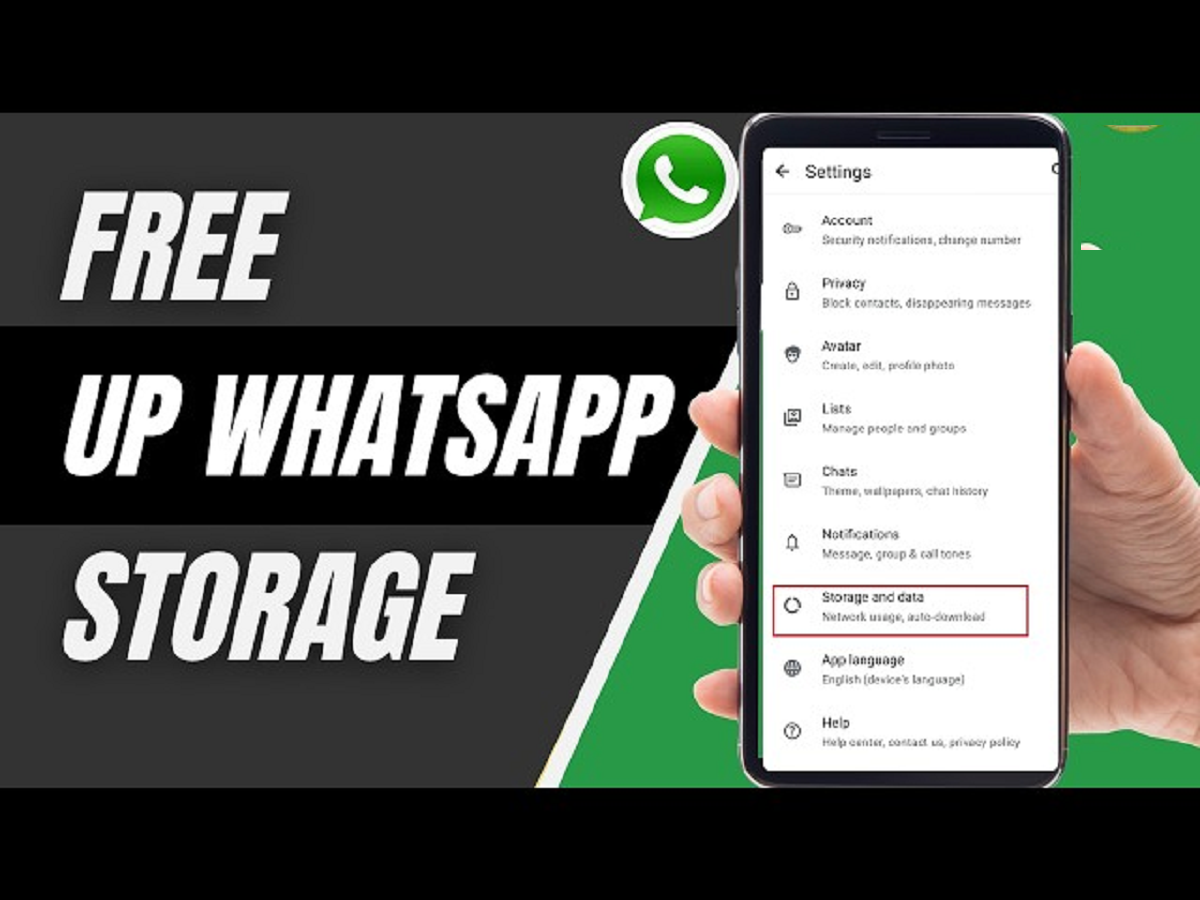
Open WhatsApp > Settings > Linked Devices and review all connected devices.
If you notice a computer or browser you don't recognize, log it out immediately. This is one of the easiest ways to detect unauthorized access.
3. Messages appear that you never sent
If your contacts tell you they received messages, photos, or links that you didn't send, your account could have been accessed by someone else.
4. Your profile details change unexpectedly
Pay attention if your:
-
Profile photo changes
-
Name is modified
-
About section is edited
-
Privacy settings are altered
Unexpected changes may indicate someone else has accessed your account.
5. You are suddenly logged out of WhatsApp
WhatsApp works on only one primary phone at a time. If you're unexpectedly logged out and asked to verify your number again, someone may have attempted to register your account on another device.
6. Suspicious messages or login alerts
Be cautious if you receive messages claiming your account has a problem or asking you to verify your details through unfamiliar links. These are often phishing attempts designed to steal your account.
7. Strange activity in linked chats
If you notice chats marked as read without opening them, deleted conversations, or messages disappearing unexpectedly, review your account activity immediately.
What should you do if you suspect your WhatsApp has been hacked?
If you notice any of these warning signs:
-
Log out of all unknown linked devices.
-
Enable Two-Step Verification with a six-digit PIN.
-
Never share your OTP or verification code.
-
Update WhatsApp to the latest version.
-
Inform your contacts if suspicious messages have been sent from your account.
-
Re-register your phone number on WhatsApp if you've lost access.
How to make your WhatsApp more secure
A few simple precautions can greatly improve your account security:
-
Turn on Two-Step Verification.
-
Keep your phone's screen lock enabled.
-
Download WhatsApp only from official app stores.
-
Avoid clicking suspicious links received through messages.
-
Regularly check the Linked Devices section for unfamiliar logins.
The bottom line
A hacked WhatsApp account can expose your personal conversations and put your privacy at risk. Regularly checking linked devices, protecting your verification code, and enabling Two-Step Verification are some of the best ways to keep your account secure and prevent unauthorized access.