TECH
Whatsapp Chat Lock: This way you can easily lock anyone's chat on WhatsApp, no one will be able to read it
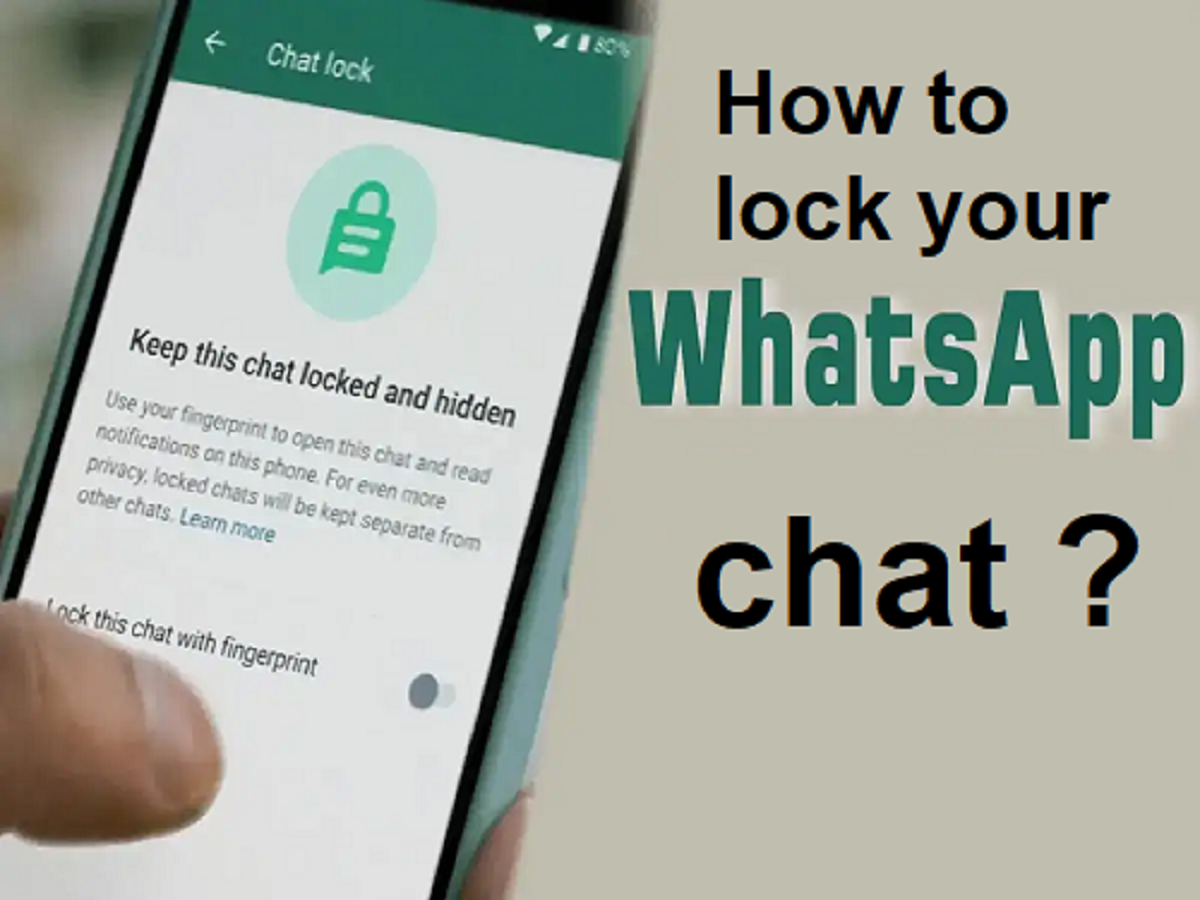
Not every WhatsApp chat is meant for everyone to see. That's why WhatsApp introduced the Chat Lock feature. It gives you more privacy for specific conversations without locking the entire app.
This feature is especially useful if you sometimes share your phone with family, friends, or coworkers and want some chats to remain completely private.
What happens when you lock a chat?
Once you lock a chat, it disappears from your main chat list and is moved to a special folder called Locked Chats. These conversations can only be opened after authentication. What's even better is that locked chat notifications don't show the message content. So, even if your phone is unlocked or someone else is holding it, your private messages remain hidden.
WhatsApp supports different security options depending on your device, such as a PIN, fingerprint, Face ID, Touch ID, or passcode, making this feature both flexible and secure.
How to lock WhatsApp chat?
On Android
Open the chat you want to hide.
Tap the contact or group name at the top.
Find and turn on Chat Lock.
Confirm using your fingerprint or PIN.
That's it. The chat is now moved to the Locked Chats section.
On iPhone (iOS)
Open the chat you want to lock.
Go to the contact or group info page.
Tap Chat Lock and enable it.
Confirm using Face ID or your passcode.
The chat will immediately disappear from the main screen.
How to open a locked chat
On Android
Scroll to the top of your chat list to find Locked Chats. Tap it and verify your identity using your fingerprint, PIN, or pattern. Once unlocked, you can read messages normally.
On iPhone
Open the Locked Chats section and authenticate using Face ID, Touch ID, or a passcode to access your hidden conversations.
PC: Amar ujala