
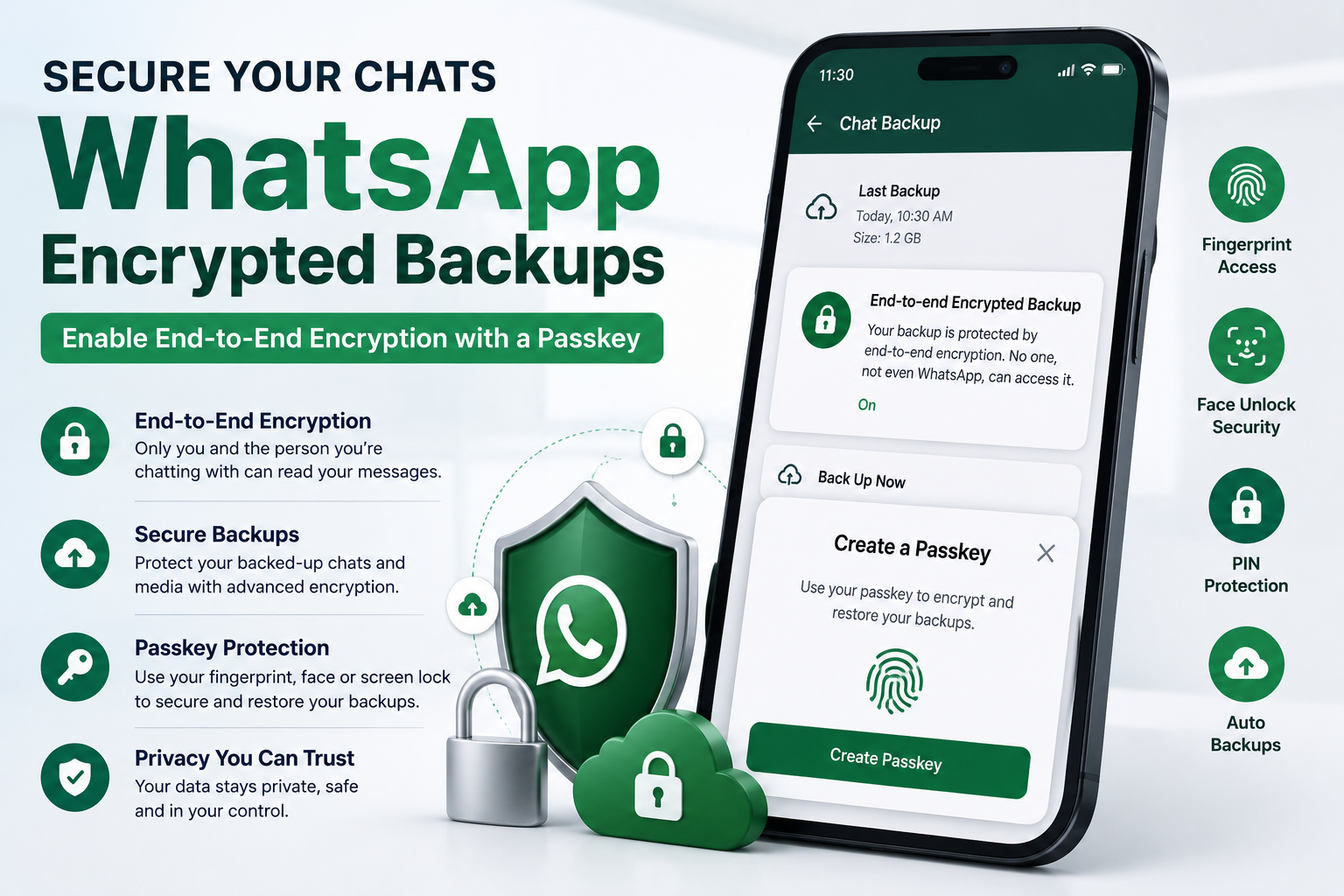
WhatsApp has become one of the most widely used messaging platforms in the world, handling billions of personal conversations every day. From family chats and office discussions to sensitive financial details and private media, users now rely heavily on the app for communication. To strengthen user privacy, WhatsApp introduced end-to-end encryption several years ago, ensuring that only the sender and receiver can read messages.
Now, the platform also allows users to secure their chat backups with advanced end-to-end encryption and passkey protection. This feature helps users keep their backed-up messages safe from unauthorized access while making account recovery easier when switching devices or restoring chats.
If you are wondering how to activate encrypted WhatsApp backups using a passkey, here is a complete step-by-step guide explaining everything you need to know.
What Is End-to-End Encryption on WhatsApp?
End-to-end encryption is a security system that converts your messages into unreadable encrypted code while they are being sent. The message can only be decrypted and viewed on the recipient’s device using a unique encryption key.
This means:
- Nobody else can read your chats
- Hackers cannot easily access your private messages
- Even WhatsApp or its parent company Meta claims it cannot access encrypted conversations
In simple terms, encrypted messages work like a secret language understood only by the sender and receiver.
This technology was first introduced by WhatsApp in 2016 to improve user privacy and data protection.
Why Encrypted WhatsApp Backups Matter
Many users back up their WhatsApp chats to avoid losing important conversations, photos, videos, and documents when changing phones or reinstalling the app.
However, ordinary backups may still carry certain security risks if not properly protected. End-to-end encrypted backups add another layer of protection by securing the stored chat data as well.
Some major benefits include:
Better Privacy Protection
Your backed-up chats remain encrypted, reducing the risk of unauthorized access.
Safe Device Switching
Users can restore chats securely while moving to a new smartphone.
Protection Against Data Theft
Encrypted backups help protect sensitive personal and professional conversations.
Stronger Authentication Through Passkeys
Passkeys use your fingerprint, face unlock, phone PIN, or screen lock to verify identity securely.
How Passkeys Improve WhatsApp Security
Passkeys act as an advanced authentication system for encrypted backups.
Instead of relying only on passwords, WhatsApp can use:
- Fingerprint authentication
- Face unlock
- Device PIN
- Screen lock credentials
This makes restoring backups both secure and convenient.
How to Enable Encrypted WhatsApp Backups on Android
Before starting, users should ensure that their smartphone runs Android 9 or later versions.
Step-by-Step Process
- Open WhatsApp on your Android device
- Go to Settings
- Tap on Chats
- Select Chat Backup
- Tap on End-to-End Encrypted Backup
- Click Turn On
- Choose Create a Passkey
- Follow the on-screen instructions
Once enabled, your WhatsApp backups will automatically become end-to-end encrypted.
Users can also choose a 64-digit encryption key instead of a passkey for added security.
How to Enable Encrypted WhatsApp Backups on iPhone
iPhone users should ensure their device runs on iOS 16 or newer versions before proceeding.
Step-by-Step Process for iOS
- Open WhatsApp on your iPhone
- Go to your WhatsApp profile settings
- Tap on Chats
- Open Chat Backup
- Select Back Up Now
- Tap on End-to-End Encrypted Backup
- Turn the feature on
- Create a passkey by following the prompts on the screen
After activation, all future backups will remain encrypted and protected.
Important Things Users Should Know
While encrypted backups significantly improve privacy, users should remember a few important points:
- If someone gains remote access to your unlocked phone, encryption alone may not fully protect chats
- Passkeys and encryption keys should be stored safely
- Losing access to authentication methods could make backup recovery difficult
Users are advised to regularly update their devices and use strong security settings.
WhatsApp Continues to Focus on User Privacy
As concerns around digital privacy continue to grow globally, encrypted messaging and secure backups are becoming increasingly important for smartphone users.
With passkey-based encrypted backups, WhatsApp is offering stronger protection for users who want greater control over their personal data and conversations.
The feature is available on both Android and iPhone devices and can be activated within a few minutes through the app settings.



