BUSINESS
Voter ID Card: How to Correct Your Name, Address and Date of Birth Online Without Visiting an Election Office
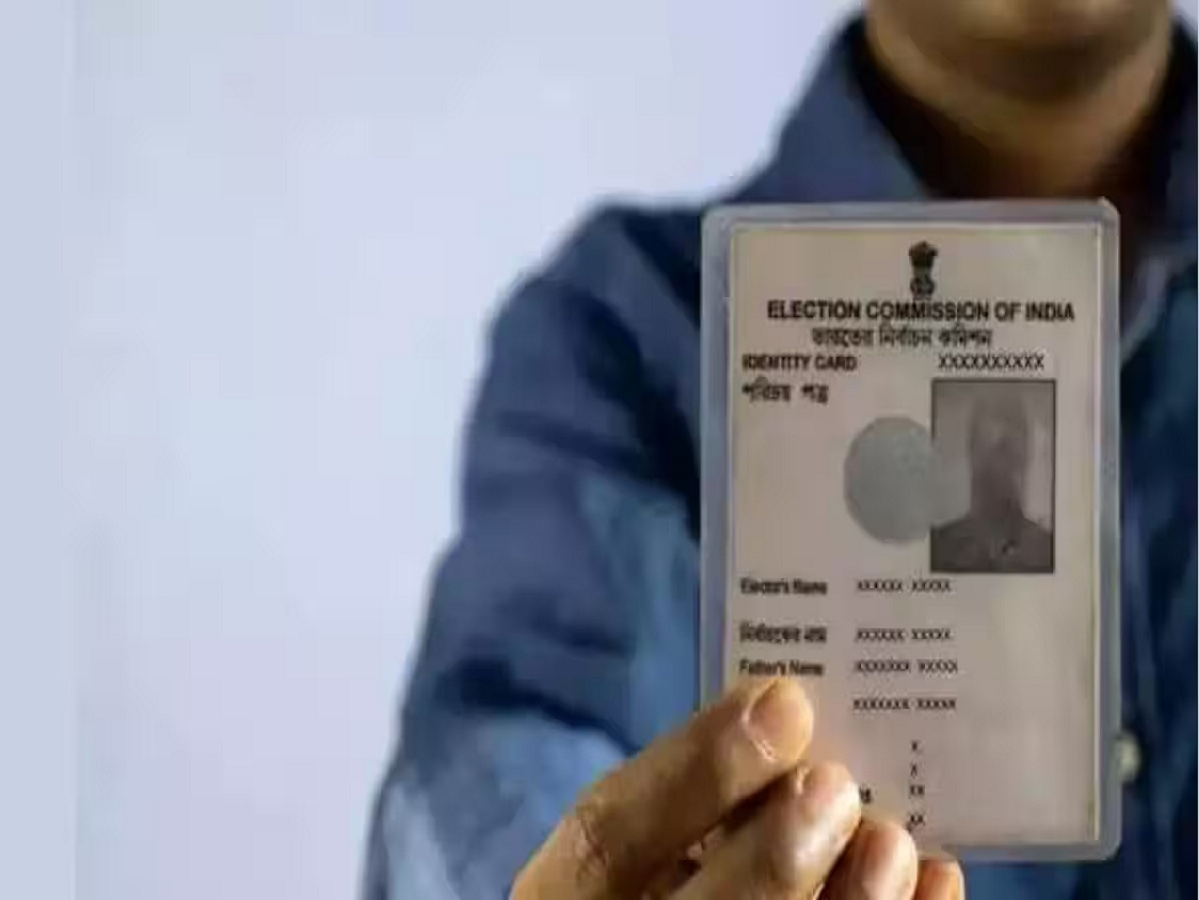
A Voter ID card is an important identity document for Indian citizens who are eligible to vote. Apart from allowing citizens to participate in elections, it can also serve as identity and address proof for certain purposes.
However, many people discover mistakes in their voter records only when they need to vote or complete document verification. Incorrect spelling, an outdated address or an incorrect date of birth can create unnecessary difficulties.
The good news is that eligible voters can use the Election Commission of India's online services to request corrections and updates to their electoral records.
1. Correct Your Name and Personal Details
If your name is incorrectly spelt on your Voter ID card or electoral record, you can submit a correction request online.
The correction facility can also be used for eligible changes to details such as gender, date of birth and photograph. You may need to upload supporting documents depending on the correction requested.
2. Update Your Address After Shifting Homes
If you have moved to another house or shifted to a different constituency, you should ensure that your electoral details reflect your current ordinary residence.
You can submit the relevant application online through the Election Commission's voter services portal. Address-related requests may require supporting proof of residence.
3. Download Your Digital Voter ID Card
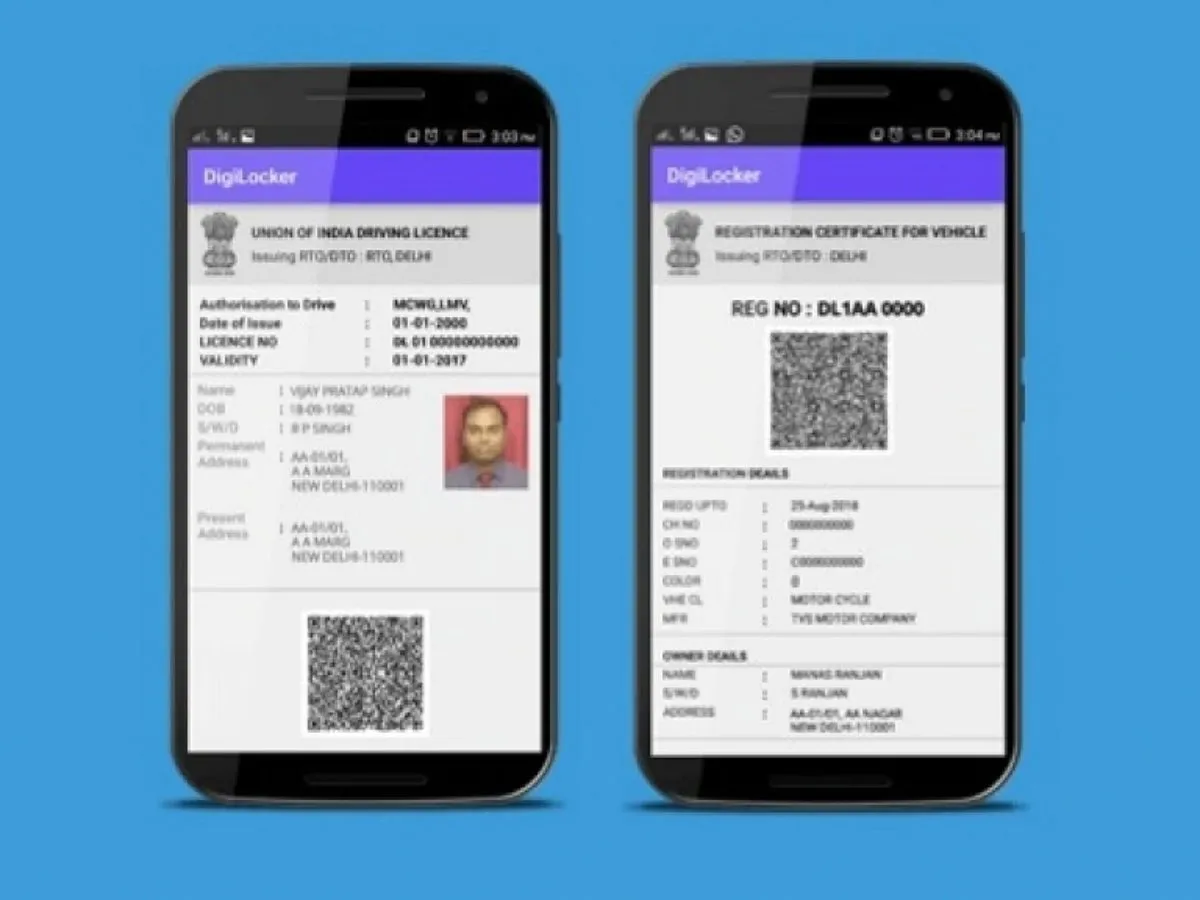
You do not always need to carry your physical Voter ID card. The Election Commission provides an electronic version called e-EPIC.
Eligible voters can download their e-EPIC through the official voter services portal after completing the required verification.
The digital document can be stored on your smartphone for convenient access.
4. Check Your Name in the Voter List
Possessing a Voter ID card does not automatically guarantee that your name appears in the current electoral roll.
Before an election, check whether your name is included in the latest voter list. If your name is missing, you may need to submit a fresh enrolment application, subject to eligibility.
You can search using your personal details or EPIC number through the official voter services website.
5. Apply for a New Voter ID Card
Indian citizens who meet the eligibility requirements can apply for voter registration through Form 6.
This facility is particularly useful for people who have recently become eligible to register as voters or are applying for inclusion in the electoral roll for the first time.
Make sure you provide accurate personal information and the required supporting documents.
How to Update Your Voter ID Details Online
Follow these steps:
-
Visit the official website: voters.eci.gov.in.
-
Register or log in using the available options.
-
Select the relevant voter service.
-
Enter your EPIC number or other required details.
-
Fill in the correction or update information.
-
Upload the necessary supporting documents.
-
Submit the application and save the reference number.
You can use the reference number to track the status of your application.
Important Things to Remember
Always use the official Election Commission website for voter registration and correction requests. Avoid sharing personal information or document copies with unknown agents or unofficial websites.
Also, remember that correcting your Voter ID details and ensuring your name appears in the electoral roll are two separate things. Check your electoral registration status before election day to avoid last-minute problems.
Keeping your voter information accurate helps ensure that you can exercise your voting rights without unnecessary complications.