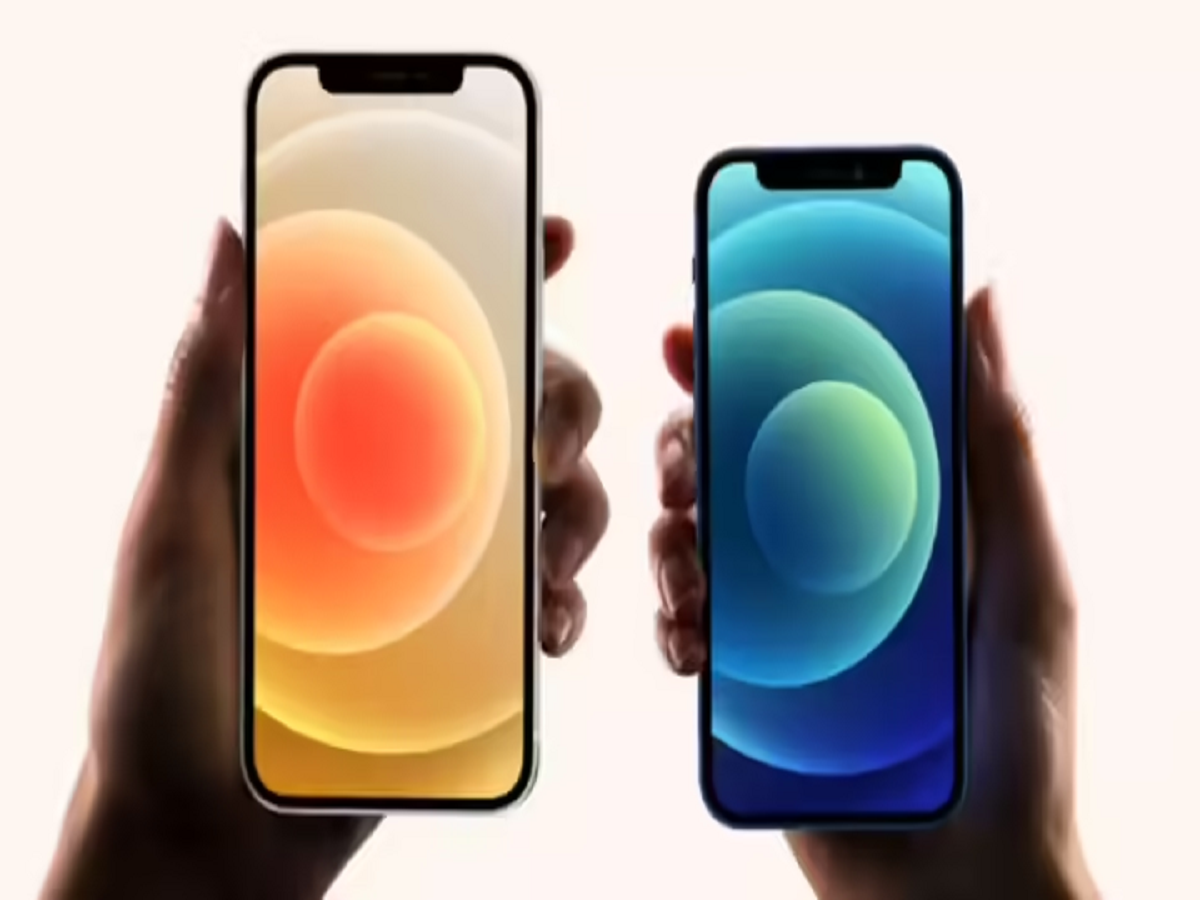
Apple revolutionised smartphone security with the introduction of Face ID, a biometric authentication feature that allows users to unlock their iPhones using facial recognition. First introduced with the iPhone X in 2017, Face ID has since become one of the most reliable and secure ways to protect personal data on an iPhone.
Unlike traditional passcodes or fingerprint sensors, Face ID relies on advanced hardware and intelligent software to recognise a user’s face with remarkable accuracy. Whether you are new to iPhones or upgrading from an older model, understanding how Face ID works and how to set it up correctly can significantly enhance your user experience.
What Is Face ID and How Does It Work?
Face ID uses Apple’s TrueDepth camera system, which is located at the top of the iPhone display. This system includes:
-
An infrared camera
-
A flood illuminator
-
A dot projector that projects thousands of invisible dots
Together, these components create a highly detailed 3D map of your face, allowing the iPhone to identify you even in low light conditions. Since Face ID analyses depth and facial structure, it is far more secure than regular 2D facial recognition systems.
Apple states that Face ID can adapt to changes in appearance over time, such as growing a beard, wearing makeup, or using glasses.
Which iPhones Support Face ID?
Face ID is available on all iPhone models starting from iPhone X and newer, excluding the iPhone SE series which still uses Touch ID.
Step-by-Step Guide: How to Set Up Face ID on an iPhone
Setting up Face ID is quick and simple. Follow these steps carefully:
Step 1:
Open the Settings app on your iPhone.
Step 2:
Scroll down and tap on Face ID & Passcode.
Step 3:
Enter your device passcode to access Face ID settings.
Step 4:
Tap on Set Up Face ID or Enroll Face under the Face ID section.
Step 5:
Select Get Started when prompted.
Step 6:
Hold your iPhone in portrait mode and position your face inside the on-screen frame.
Step 7:
Slowly move your head in a circular motion so the camera can capture different angles of your face.
Once the scan is complete, Face ID will be activated successfully.
How Face ID Adapts to Your Appearance
One of the biggest advantages of Face ID is its ability to adapt. Even if you:
-
Change your hairstyle
-
Wear sunglasses
-
Apply makeup
-
Grow or shave facial hair
Face ID continues to recognise you accurately. Over time, the system learns subtle changes to improve recognition.
Where Can You Use Face ID?
Face ID can be used for multiple purposes, including:
-
Unlocking your iPhone
-
Authorising App Store and iTunes purchases
-
Logging into supported apps
-
Making Apple Pay transactions
-
Autofilling saved passwords
Is Face ID Secure?
Apple prioritises user privacy. Face ID data is encrypted and stored securely within the Secure Enclave on your device. Facial data is never uploaded to Apple servers or shared with third-party apps.
Final Thoughts
Face ID offers a perfect balance of security and convenience. With fast recognition, adaptive learning, and strong privacy protection, it remains one of the most advanced smartphone security features available today. Setting it up correctly ensures smoother access to your iPhone while keeping your data safe.