
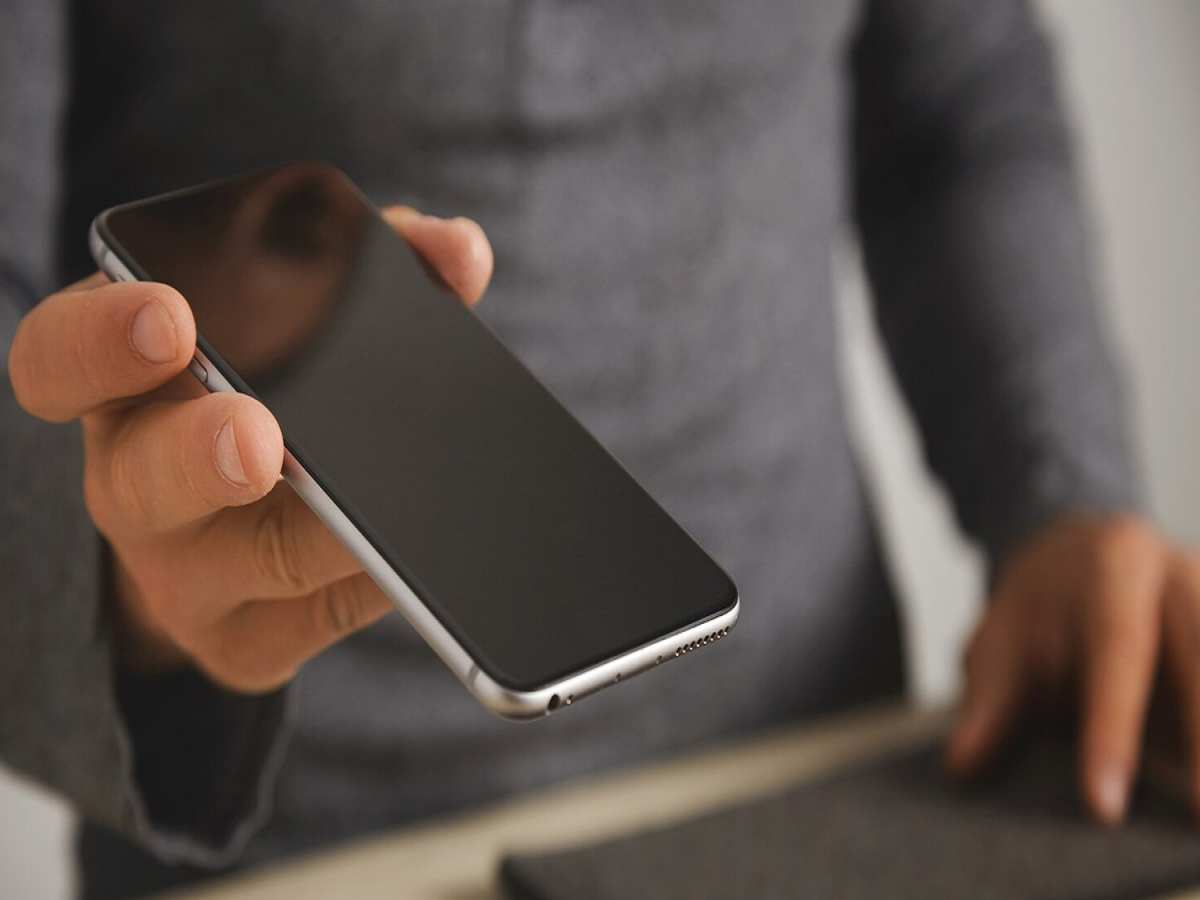
Learn how to turn your old smartphone into a home security camera. Live-monitor your home with the right app, installation, and privacy tips.
Nowadays, technology is changing so rapidly that we switch to a new phone every year or two. While our old phones often lie in the corner of a drawer, did you know that they're not useless, but are still very useful? Yes, you can turn them into a high-tech home security camera and keep an eye on your home and children from anywhere. Therefore, it's important to know how to use old phones. Today's article is devoted to this topic. In this article, we'll explain the correct method for turning old phones into cameras. Let's find out...
Choose the right app to turn your old phone into a camera
To use your old smartphone as a CCTV camera, you'll need a security camera app. There are several reliable apps available on the Google Play Store and Apple App Store.
You'll need to install this app on both your old phone and your current phone. These apps offer features like motion detection and two-way talk. Simply log in to both phones with the same email address and your setup is ready.
How to install the phone in the right place
After setting up your camera, the most important step is to place it correctly. You should choose a location that covers a large area of the room.
Since video streaming drains the battery quickly, keep your phone near a charging point. Keep your phone connected to the charger at all times to prevent interruptions in recording. You can use an inexpensive tripod or smartphone stand to prop up your phone.
Take special car
Learn how to turn your old smartphone into a home security camera. Live-monitor your home with the right app, installation, and privacy tips.
Nowadays, technology is changing so rapidly that we switch to a new phone every year or two. While our old phones often lie in the corner of a drawer, did you know that they're not useless, but are still very useful? Yes, you can turn them into a high-tech home security camera and keep an eye on your home and children from anywhere. Therefore, it's important to know how to use old phones. Today's article is devoted to this topic. In this article, we'll explain the correct method for turning old phones into cameras. Let's find out...
Choose the right app to turn your old phone into a camera
To use your old smartphone as a CCTV camera, you'll need a security camera app. There are several reliable apps available on the Google Play Store and Apple App Store.
You'll need to install this app on both your old phone and your current phone. These apps offer features like motion detection and two-way talk. Simply log in to both phones with the same email address and your setup is ready.
How to install the phone in the right place
After setting up your camera, the most important step is to place it correctly. You should choose a location that covers a large area of the room.
Since video streaming drains the battery quickly, keep your phone near a charging point. Keep your phone connected to the charger at all times to prevent interruptions in recording. You can use an inexpensive tripod or smartphone stand to prop up your phone.
Take special care of the internet and privacy
If you want live monitoring, your old phone must be connected to a Wi-Fi connection. If you have broadband at home, connect your old phone to it.
Also, be mindful of privacy. Keep your camera app password strong and change it frequently.
Images: Freepik
e of the internet and privacy
If you want live monitoring, your old phone must be connected to a Wi-Fi connection. If you have broadband at home, connect your old phone to it.
Also, be mindful of privacy. Keep your camera app password strong and change it frequently.
Images: Freepik



