
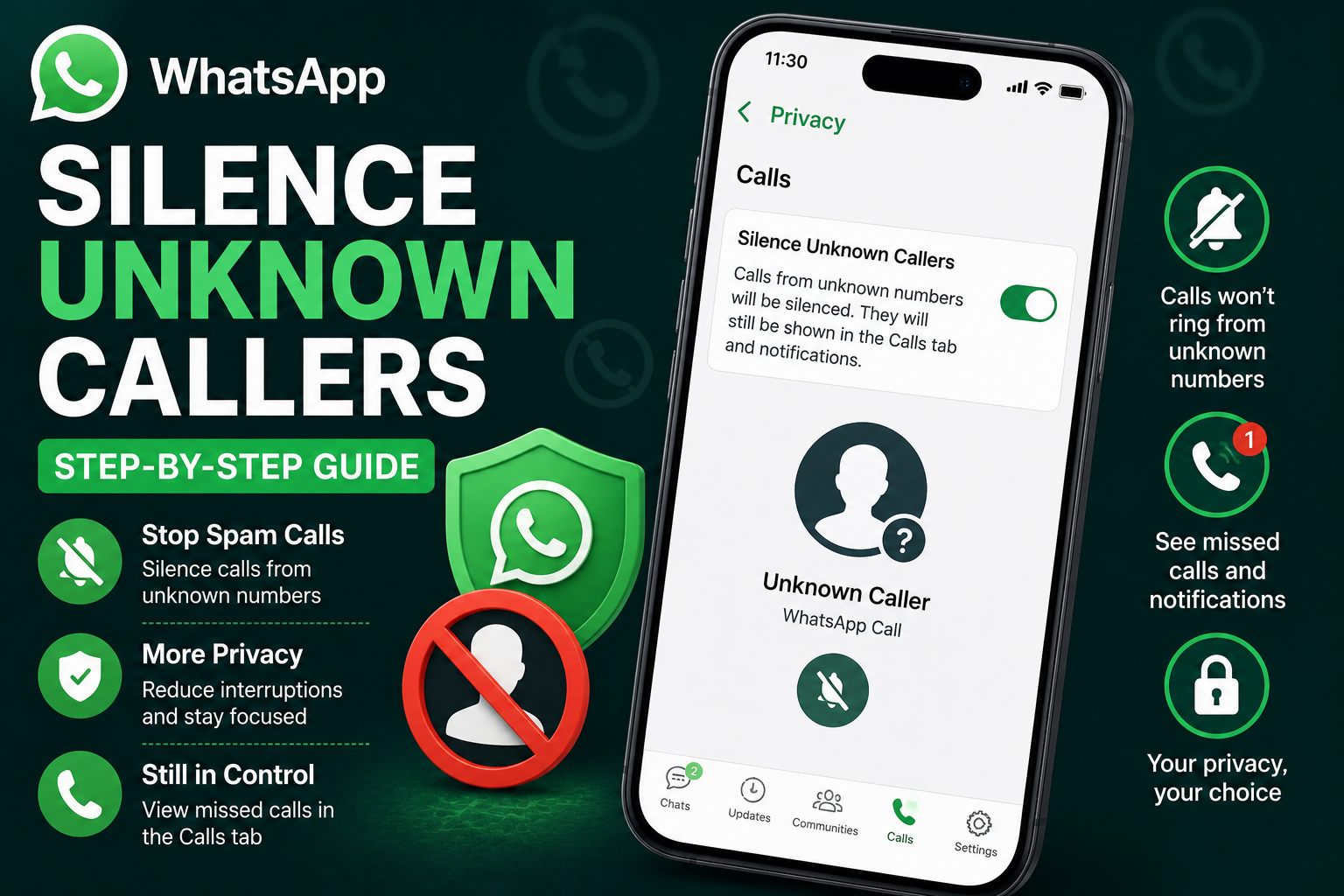
Spam calls and unknown numbers have become a growing problem for smartphone users worldwide. To help users reduce unwanted interruptions, WhatsApp offers a built-in privacy feature called “Silence Unknown Callers.” This feature allows users to mute calls from unfamiliar numbers without completely blocking them.
The feature is available on both Android and iPhone versions of WhatsApp and is especially useful for avoiding scam calls, telemarketing attempts, and random disturbances throughout the day. Once activated, calls from numbers that are not saved in your contact list — or from people you have never interacted with before — will stop ringing on your device. However, WhatsApp will still record these calls in the Calls tab and notifications section, allowing users to review them later if necessary.
WhatsApp Adds More Privacy Controls for Users
Over the past few years, privacy and spam protection have become major concerns for messaging app users. With the increasing number of fraud attempts and unsolicited calls, WhatsApp has gradually expanded its security and privacy settings to give users greater control over who can contact them.
The Silence Unknown Callers feature is part of those efforts. Instead of fully blocking unknown callers, the tool simply prevents the phone from ringing when unfamiliar numbers attempt to call through WhatsApp. This helps users maintain peace and avoid unnecessary distractions while still keeping the option open to review missed calls later.
The feature can be particularly helpful for:
- Users receiving frequent spam calls
- People dealing with scam attempts
- Professionals who want fewer interruptions
- Parents managing children’s phone usage
- Anyone looking for a quieter messaging experience
How to Silence Unknown WhatsApp Callers on Android
Android users can activate the feature directly from WhatsApp’s privacy settings in just a few steps.
Step-by-Step Guide for Android Smartphones
- Open the WhatsApp app on your Android phone.
- Tap the three-dot menu located in the top-right corner.
- Open the “Settings” section.
- Select “Privacy.”
- Scroll down and tap on “Calls.”
- Enable the “Silence Unknown Callers” toggle.
After turning on the feature, calls from unknown numbers will no longer ring loudly on your device. However, WhatsApp will continue displaying them in notifications and the call history section.
How to Silence Unknown WhatsApp Callers on iPhone
The process for iPhone users is also simple and works similarly through the app’s settings menu.
Steps for iPhone Users
- Open WhatsApp on your iPhone.
- Tap the “Settings” tab at the bottom of the screen.
- Select “Privacy.”
- Open the “Calls” section.
- Turn on the “Silence Unknown Callers” option.
Once enabled, your iPhone will stop ringing for unknown WhatsApp callers automatically.
What Happens After Enabling the Feature?
Many users mistakenly believe that enabling this setting completely blocks unknown contacts. However, WhatsApp only silences the incoming call notification — it does not fully block communication.
Even after activating the feature:
- Unknown calls still appear in the Calls tab
- Missed call notifications remain visible
- Users can return calls manually later
- Chat messages from those contacts can still arrive
This approach gives users flexibility while reducing disturbances from suspicious or unwanted callers.
Important Thing Users Should Know
WhatsApp has also clarified an important detail regarding future communication. If you decide to call or message a previously silenced unknown number, WhatsApp may start treating that contact as familiar in the future. As a result, future calls from that number could ring normally on your phone again.
For users who want to completely stop all contact from a particular number, WhatsApp still provides the option to block that contact permanently.
Can You Turn the Feature Off Later?
Yes. The feature is completely optional and can be disabled anytime by returning to the Calls settings inside WhatsApp and switching off the Silence Unknown Callers toggle.
Why This Feature Matters Today
As messaging platforms continue becoming targets for spam, phishing, and scam calls, privacy tools like Silence Unknown Callers are becoming increasingly important. Many users receive dozens of unwanted calls every week, often from unknown international numbers or suspicious accounts.
By offering a way to mute these calls without fully blocking communication, WhatsApp gives users better control over their digital privacy while maintaining flexibility for important or genuine calls that may come from unfamiliar numbers.
For users who frequently deal with interruptions or scam attempts, enabling the Silence Unknown Callers feature can be one of the easiest ways to create a calmer and safer messaging experience on both Android and iPhone devices.



