TECH
Stop Charging Your Phone to 100% Every Night? This Simple Battery Trick Can Help It Last Longer
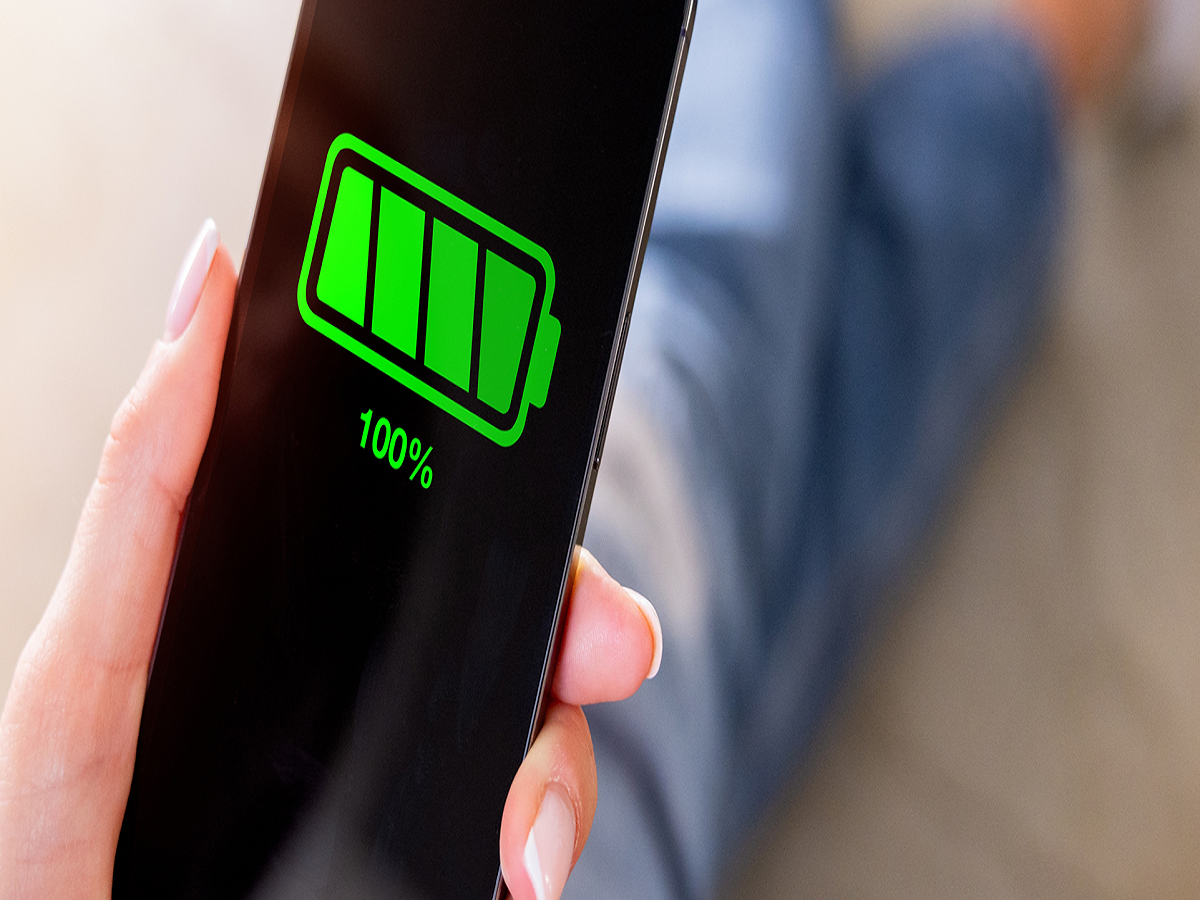
Your smartphone battery may gradually lose its ability to hold a full charge, but the way you charge your device can influence how quickly that happens. While modern phones have built-in charging protections, a few simple habits can help reduce unnecessary battery stress.
Why Does Phone Battery Health Decline?
Most smartphones use lithium-ion or lithium-polymer batteries. These batteries naturally lose capacity as they go through charging cycles.
Heat, very high charge levels and prolonged periods at extreme battery percentages can contribute to battery ageing. This doesn't mean charging your phone to 100% is dangerous, but constantly keeping it at full charge may not be ideal for long-term battery health.
Try an 80% Charging Limit
Many newer smartphones offer a feature that limits charging to around 80%. The exact option depends on the manufacturer and model.
If you don't need maximum battery capacity every day, enabling this feature can reduce the amount of time your battery spends at a very high charge level.
For people who regularly have access to a charger during the day, an 80% limit can be particularly convenient.
Avoid Excessive Heat While Charging
Temperature is another important factor.
Using demanding applications such as games or navigation while the phone is charging can generate additional heat. Leaving a phone in direct sunlight or under a pillow while charging can also prevent heat from escaping.
Whenever possible, charge your phone in a cool, well-ventilated location.
Fast Charging Isn't Automatically Bad
Fast charging has become common, and modern smartphones are designed to manage higher charging speeds.
However, faster charging can produce more heat under certain conditions. Phones generally reduce charging power as the battery gets closer to full, which helps control temperature and battery stress.
If your phone becomes unusually hot while charging, however, it is worth checking the charger, cable, charging environment and battery condition.
You Don't Need to Wait Until 0%
Older battery advice often suggested completely draining a phone before charging it again. That's generally unnecessary for modern lithium-based batteries.
Instead of deliberately running the battery down to zero, you can recharge whenever it is convenient.
Short charging sessions throughout the day are perfectly normal.
Use Your Phone's Built-In Battery Protection
The easiest approach is to check your phone's battery settings.
Depending on the device, you may find options such as Optimized Charging, Adaptive Charging, Battery Protection or an 80% charging limit.
These features are designed to reduce the amount of time the battery remains at a very high charge level, particularly when the phone is connected to a charger for extended periods.
The Bottom Line
You don't have to obsess over every percentage point of your phone's battery. Modern smartphones already include sophisticated charging management.
But if you want to maximize long-term battery health, three habits are worth following: avoid unnecessary heat, use battery-protection features when available, and don't keep the phone sitting at 100% for unnecessarily long periods.
A little attention to charging habits today could help your phone's battery remain useful for longer.