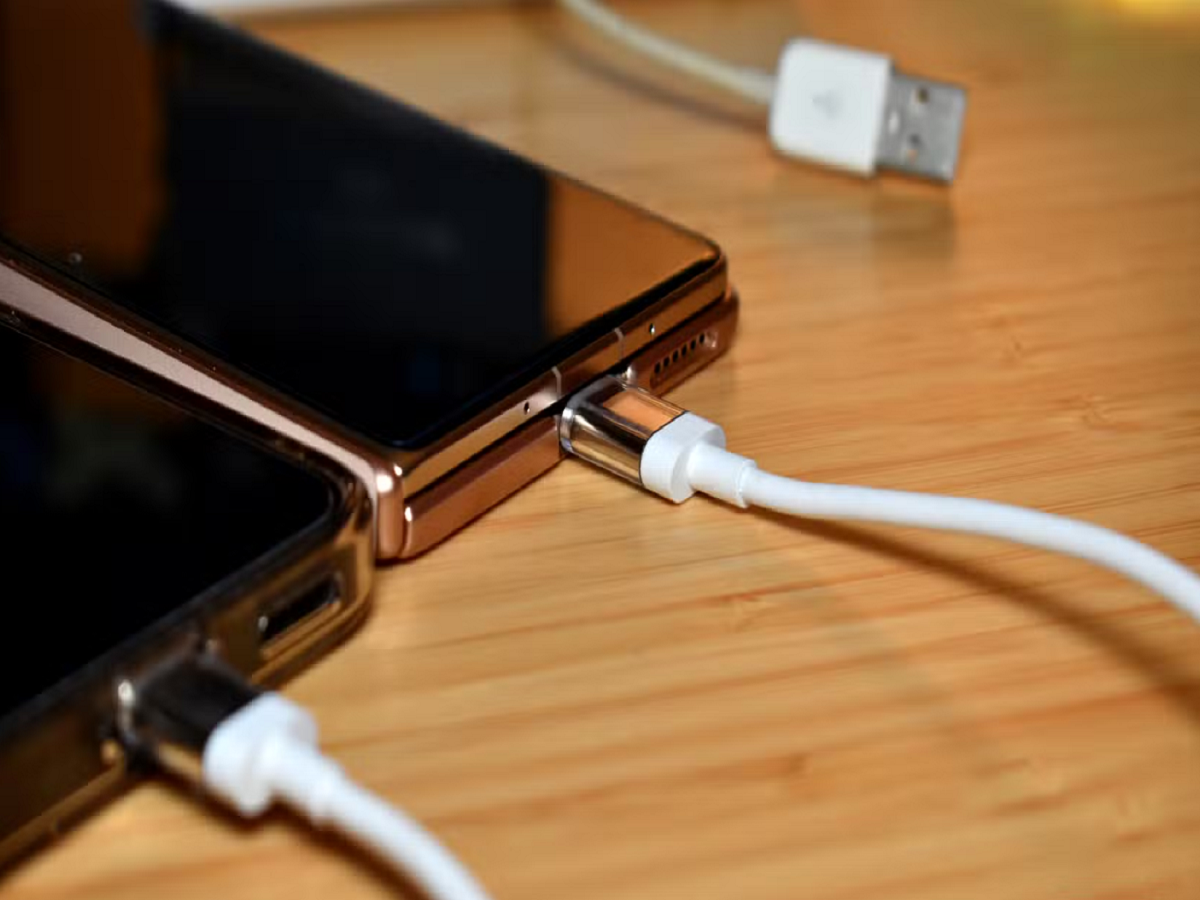
Most smartphone users plug a USB-C cable into their phone to charge the battery or transfer files. However, this small port can support several other useful functions, depending on the phone's hardware, software and accessories.
From connecting external storage to using wired internet, USB-C can turn a compatible smartphone into a more versatile device.
Here are seven features worth exploring.
1. Connect a Pen Drive Directly to Your Phone
You do not always need a computer to access files stored on a USB drive.
With a compatible USB-C pen drive or an appropriate adapter, you can connect external storage to your smartphone and access documents, photographs, videos and other files.
On supported Android phones, the Files app usually allows you to browse the connected drive and copy files between locations.
This is particularly useful when you need to transfer large videos, share documents or free up internal storage.
Before buying an adapter, check whether your phone supports USB host functionality and whether the drive uses a compatible file system.
2. Connect a Keyboard and Mouse
Did you know that a compatible smartphone can work with a physical keyboard and mouse?
A USB-C hub or suitable adapter can let you connect these accessories to supported Android devices. Bluetooth keyboards and mice are also convenient alternatives.
This setup can make typing long emails, editing documents and working with spreadsheets much easier than using an on-screen keyboard.
Some smartphones also offer desktop-style interfaces when connected to compatible displays, although the available features differ by manufacturer and model.
3. Use Wired Internet Instead of Wi-Fi
Wi-Fi is convenient, but it is not always the most reliable connection.
With a compatible USB-C-to-Ethernet adapter, some smartphones can connect directly to a wired internet network.
This can be useful for video calls, large downloads or troubleshooting a weak wireless connection.
You may need to enable Ethernet settings or use a compatible adapter. Network restrictions, device support and power requirements can also affect whether the connection works.
4. Connect Your Phone to an External Display
Some smartphones support video output through USB-C, allowing them to connect to a monitor or television using a compatible cable or adapter.
Depending on the device, you may be able to mirror your screen, view photographs on a larger display or use a desktop-style environment.
However, not every USB-C phone supports video output. Some ports support charging and data transfer but cannot send a video signal directly.
Check your phone's specifications before purchasing a USB-C-to-HDMI adapter. A simple adapter cannot add video-output capabilities that the phone does not support.
5. Transfer Large Files Faster
USB-C describes the physical connector, not the maximum data-transfer speed.
Two cables that look identical may offer very different performance. One might support only basic USB speeds, while another may support much faster data transfer.
If you regularly move large videos, photographs or work files, check the supported USB standard of your phone, cable and connected device.
For faster transfers, all parts of the connection must support the required speed. A high-speed cable alone will not make a slower phone port faster.
6. Connect a Game Controller
Mobile gaming does not always have to depend on touchscreen controls.
Compatible USB-C adapters and hubs can allow certain phones to connect to wired game controllers. Bluetooth controllers are another option.
Physical controls may provide more comfortable movement, aiming and button access in games that support them.
Before purchasing a controller, check its compatibility with your phone and the game you want to play. Some games do not support external controllers, even if the phone recognises the device.
7. Use USB-C Accessories for Better Audio
USB-C can also support digital audio accessories, including compatible wired earphones, headphones and audio adapters.
This is useful for people who prefer wired audio or want to avoid Bluetooth connectivity.
However, not every USB-C audio adapter works with every smartphone. Some adapters contain a digital-to-analogue converter, while others rely on audio capabilities that the phone may not support.
Choose an adapter designed for your specific device rather than assuming that every USB-C accessory will work.
An Important Warning About USB-C Charging
USB-C does not automatically mean that a cable or charger supports every charging speed.
Fast charging depends on compatibility between the phone, charger, cable and supported charging protocol. A cable may fit perfectly while still limiting charging performance.
Use reputable accessories and check the manufacturer's recommendations. Avoid damaged cables, loose connectors and suspiciously cheap chargers with unclear safety certifications.
Never force a connector into the port, and keep the charging port free of lint and debris. If it needs cleaning, follow the manufacturer's guidance rather than inserting metal objects.
The Bottom Line
USB-C is much more than a charging connection. On compatible smartphones, it can support external storage, keyboards, mice, wired networking, displays, gaming controllers and digital audio accessories.
The key is understanding your device's actual capabilities. Before buying a cable or adapter, check the phone's specifications and the accessory's compatibility.
A feature you have never tried may already be available through the port you use every day.