
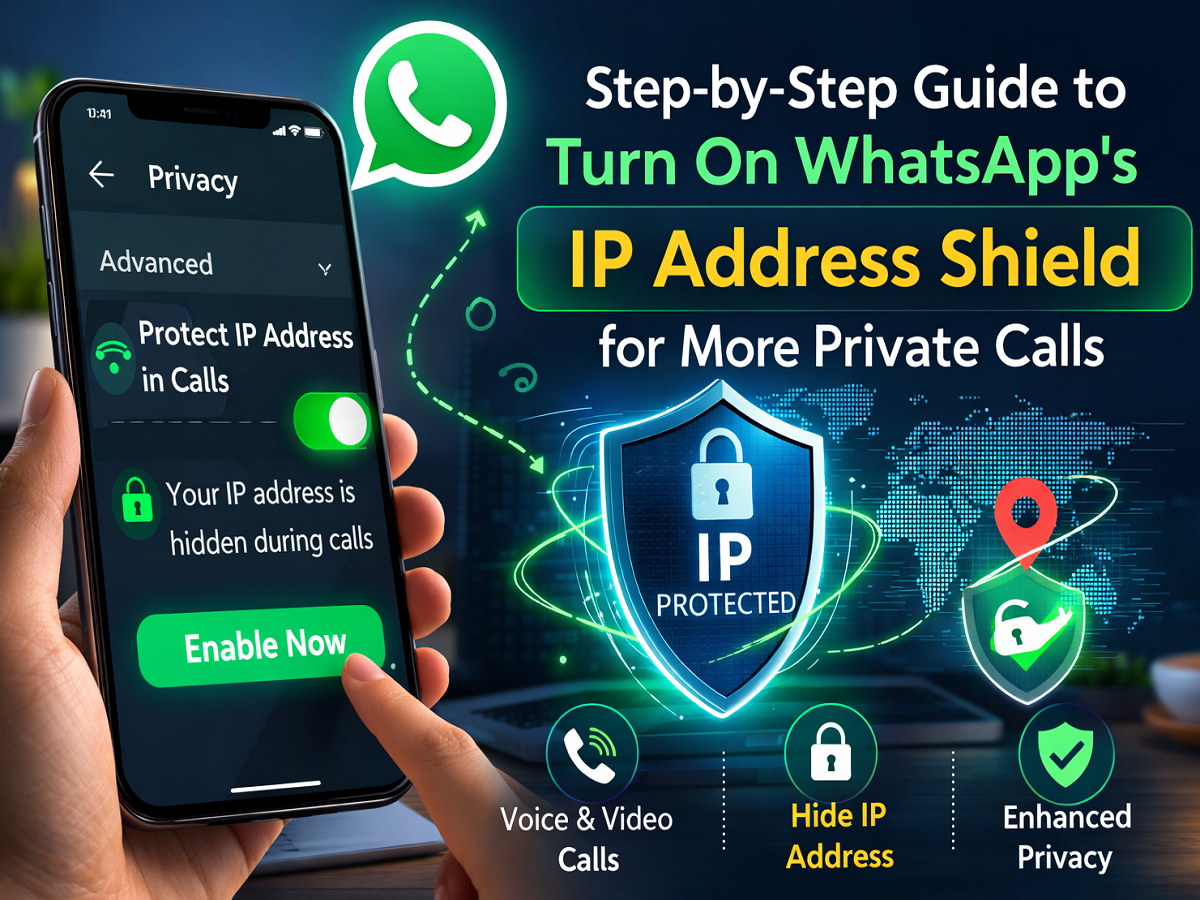
Online privacy is becoming increasingly important, and WhatsApp has introduced a security-focused calling feature to enhance user protection. Known as IP Protect, this setting helps conceal your IP address during voice and video calls, making it harder for others to trace your approximate location.
If you want stronger privacy while making WhatsApp calls, here’s a detailed explanation of how the feature works and how you can activate it.
What Does the IP Address Protection Feature Do?
When you make a call on WhatsApp, devices may connect directly, which can potentially expose your IP address. An IP address can sometimes reveal general location information.
With IP Protect enabled:
-
Your calls are routed through WhatsApp’s secure servers.
-
Your IP address is hidden from the person you’re calling.
-
It becomes more difficult for others to determine your location.
This feature adds an extra security layer, particularly useful when speaking to unknown or new contacts.
Currently, the feature is being rolled out gradually and may only be available to selected users before a wider release.
Why You Should Consider Activating It
Here are the main benefits:
Enhanced Call Privacy
Your real IP address remains concealed during calls.
Better Location Protection
It reduces the chances of someone tracking your approximate geographical position.
Additional Security Layer
It strengthens overall call protection, especially for sensitive conversations.
How to Activate IP Address Protection in WhatsApp
Follow these simple steps:
1. Open the WhatsApp Application
Launch WhatsApp on your smartphone.
2. Access the Menu
Tap the three-dot icon located in the top-right corner.
3. Navigate to Settings
Select “Settings” from the dropdown menu.
4. Tap on Privacy
Inside Settings, open the “Privacy” section.
5. Scroll to Advanced Options
Move down until you find the “Advanced” category.
6. Choose “Protect IP Address in Calls”
Tap on this option.
7. Enable the Toggle
Switch the toggle on to activate the feature.
Once enabled, your IP address will remain hidden during WhatsApp calls.
Important Points to Remember
-
Call clarity may be slightly affected since calls are routed through WhatsApp servers rather than directly between devices.
-
This setting applies only to voice and video calls.
-
Make sure your app is updated to the latest version to access new privacy features.
Conclusion
As digital threats continue to evolve, using built-in privacy features is a smart move. Activating IP address protection in WhatsApp takes only a few seconds but significantly improves your call privacy.
If safeguarding your online presence matters to you, enabling this feature is a simple yet effective step toward safer communication.


