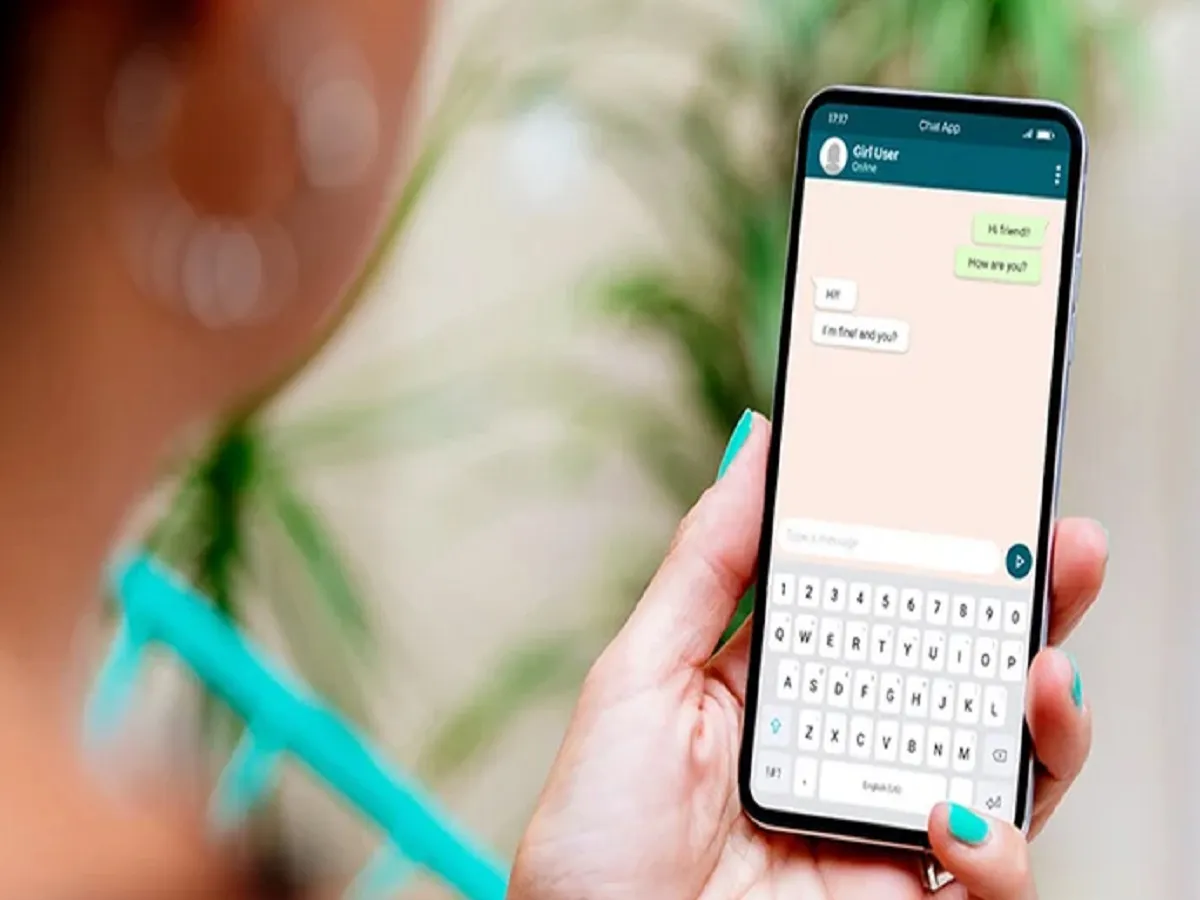
Many people don't want others to see their profile photo on WhatsApp. If you want this too, today we're going to tell you about a feature that lets you hide your profile photo from others.
Many people don't want others to see their profile photo on WhatsApp. If you want this too, today we're going to tell you about a feature that lets you hide your profile photo from others.
The privacy feature in WhatsApp will help you with this. To do this, first open your WhatsApp account on your phone. Tap the three-dot menu in the upper right corner and go to Settings. Tap the Account option and select Privacy. You'll see the Profile Photo option, and tap it.
After selecting this option, anyone with your WhatsApp number will be unable to see your profile photo. You should do this today. This will ensure your privacy.
PC: popsci