TECH
Mobile Internet Saving: Is your mobile data running out quickly? Change these internet settings and check them immediately
While watching Reels or scrolling through videos on YouTube during the day, a message like "You've used 100% of your daily data limit" suddenly appears, ruining your joy. Many people get headaches wondering how the data recharged in the morning ran out before noon.
We don't even use our phones much, so where is all this expensive internet going? If this question crosses your mind every day, then understand that without your knowledge, a data thief is lurking in the background of your mobile, slowly but steadily using your internet.
The root of this problem lies in the auto-update and background refreshing system of various apps on your phone. Even if you close an app, it doesn't go away; it continues to update itself behind the scenes, using the internet and loading ads.
This not only consumes your vital data but also drains your phone's battery quickly. To catch this sneaky thief and stop wasting internet data, you need to make a small but very effective change to your phone's settings.
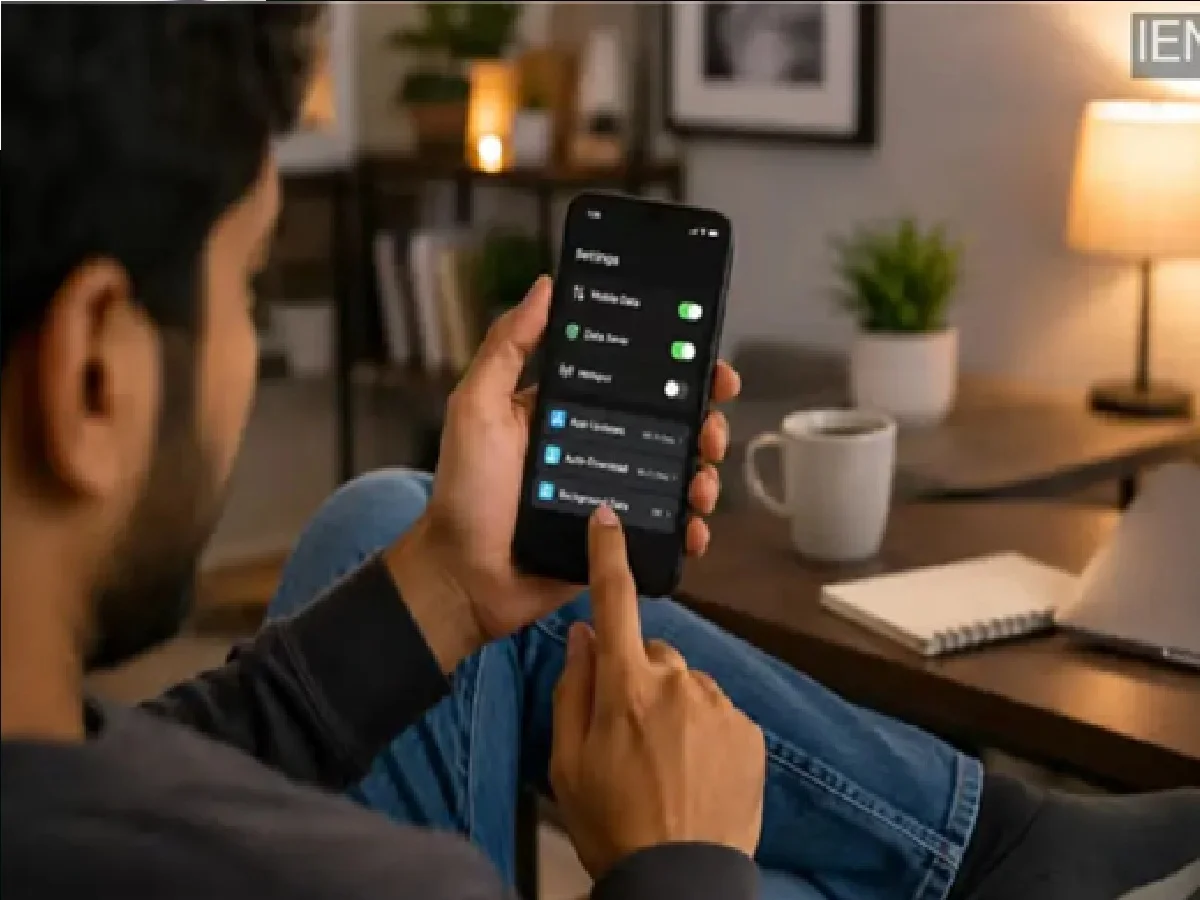
The easiest and most effective way to do this is to turn on 'Data Saver' mode or the hidden setting ''line-height:normal'>Go to 'Settings' on your phone and click on 'Network & Internet' or 'Connection' option.
There you will see the 'Data Usage' option.
As soon as you turn on this mode, unnecessary apps running in the background will not be able to usee the internet.
Only the main app you are currently using will be used on the screen and will get full internet access.
Once you make this simple change, your internet will work like magic all day long. By cutting off unnecessary apps' data usage, the apps you're currently using, like YouTube or Google, will experience super-fast internet speeds.
Now, without the fear of running out of data, you can watch your favorite videos and reels without any interruption and fully recharge your daily internet plan.
PC: Daily Hunt