
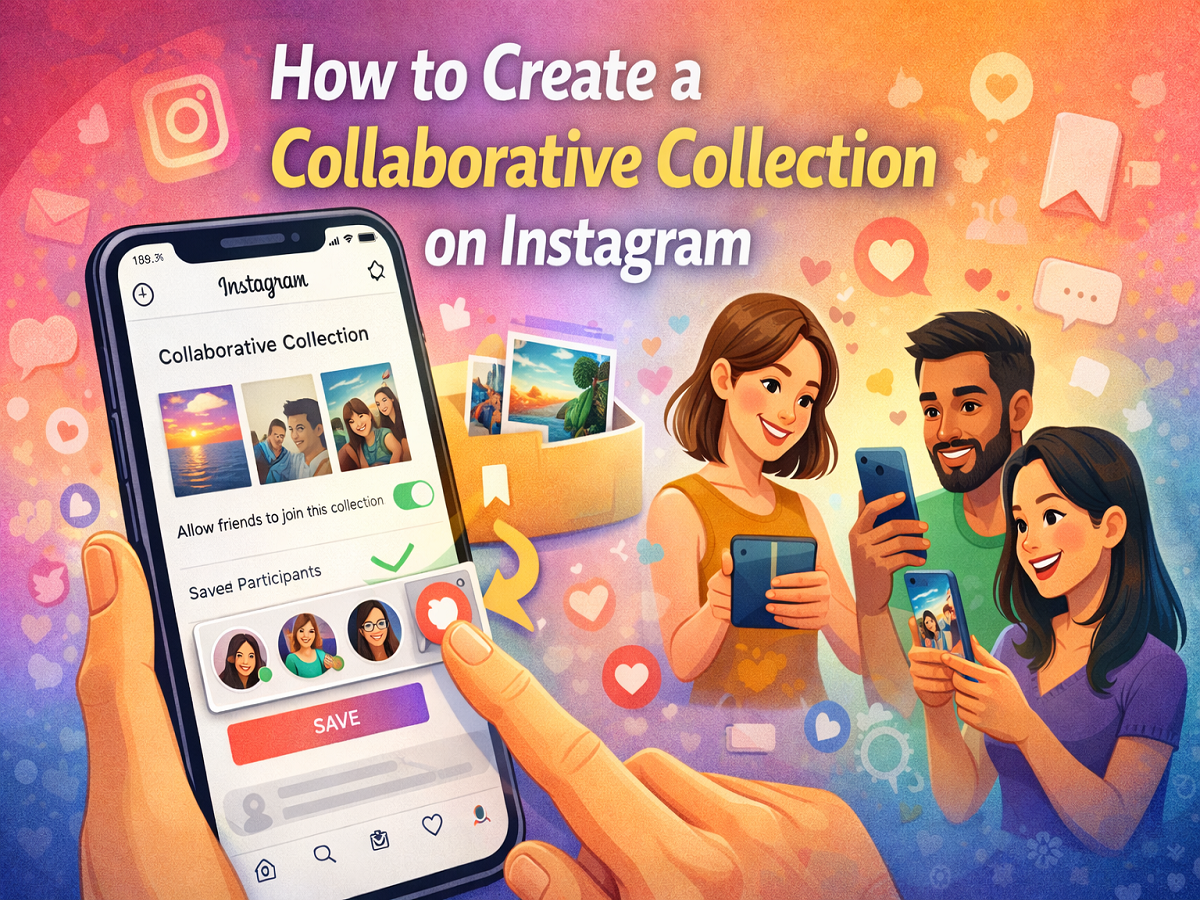
Instagram continues to introduce features that make sharing and discovering content more interactive. One such feature is Collaborative Collections, which allows users to save posts in a shared space where multiple people can view and contribute content together.
Instead of saving posts privately, this feature enables you to create a shared collection with friends, making it easier to organise ideas, memes, travel inspirations, shopping finds, or any content you discover on the platform.
If you frequently send posts to friends through direct messages, collaborative collections can help you keep everything organised in one place. Here’s a complete guide explaining what Instagram Collaborative Collections are and how you can create one step by step.
What Is an Instagram Collaborative Collection?
A Collaborative Collection on Instagram is a shared folder where users can save posts together. Once the collection is created, the creator can invite friends to join and contribute content.
The feature acts as a common space for sharing saved posts from Instagram feeds, allowing all members to view, add, or manage the content inside the collection.
Some key highlights of the feature include:
-
A shared place to save and organise Instagram posts
-
Multiple users can add or remove posts from the collection
-
Members receive notifications when they are invited
-
Up to 250 people can be added to a collaborative collection
This feature is particularly useful for groups planning trips, sharing creative inspiration, collecting shopping ideas, or simply organising posts with friends.
How Instagram Collaborative Collections Work
When a collaborative collection is created, the user who sets it up can invite others to join. Once accepted, all participants can see the saved posts and contribute new ones.
The collection remains linked to the group of users who were invited. If it is created within a group chat, the collection is accessible to members of that chat. Anyone added later to the conversation will also be able to see the existing collections shared within that group.
However, these collections are restricted to the invited group, meaning users outside the chat or invitation list cannot access them.
Step-by-Step Guide to Create a Collaborative Collection on Instagram
Creating a shared collection is simple and can be done directly from your Instagram feed.
Step 1: Open Instagram
Launch the Instagram app on your smartphone and log in to your account.
Step 2: Find a Post to Save
Scroll through your feed and find a post you want to include in a shared collection.
Step 3: Tap the Bookmark Icon
Below the post, tap the bookmark (save) icon.
Step 4: Select “New Collection”
After tapping the bookmark icon, choose the “New Collection” option.
Step 5: Name Your Collection
Enter a name for your collection so it is easy to identify later.
Step 6: Enable Collaboration
Turn on the toggle for “Allow friends to join this collection.”
Step 7: Add Participants
Search for friends or select usernames from the list to invite them to the collection.
Step 8: Tap Save
Once you have added participants, tap Save in the top-right corner to create the collaborative collection.
What Happens After You Create the Collection?
After the collection is created, the invited users will receive a notification through Instagram Direct Messages informing them that they have been added to the shared collection.
Once they join, they can:
-
View all saved posts in the collection
-
Add new posts from their Instagram feed
-
Remove posts if necessary
This allows the collection to evolve over time as more members contribute content.
Accessing Collaborative Collections Later
You can access your collaborative collections anytime through Instagram.
If the collection was created within a group conversation, simply:
-
Open the group chat in Instagram Direct Messages.
-
Tap the chat name at the top of the screen.
-
View the shared collections available in that conversation.
This makes it easy to revisit saved posts and continue adding new content.
Final Thoughts
Instagram’s Collaborative Collections feature adds a new level of interaction to the platform by allowing users to save and organise posts together with friends. Whether you are planning a trip, gathering inspiration, or simply sharing entertaining posts, collaborative collections provide a convenient way to keep everything in one place.
With the ability to add up to 250 participants, the feature is ideal for group activities and shared interests. By following the simple steps above, you can quickly create your own collaborative collection and start saving posts together with friends.


