TECH
If you want to protect your Facebook account from hackers and snooping, then start doing these privacy settings today
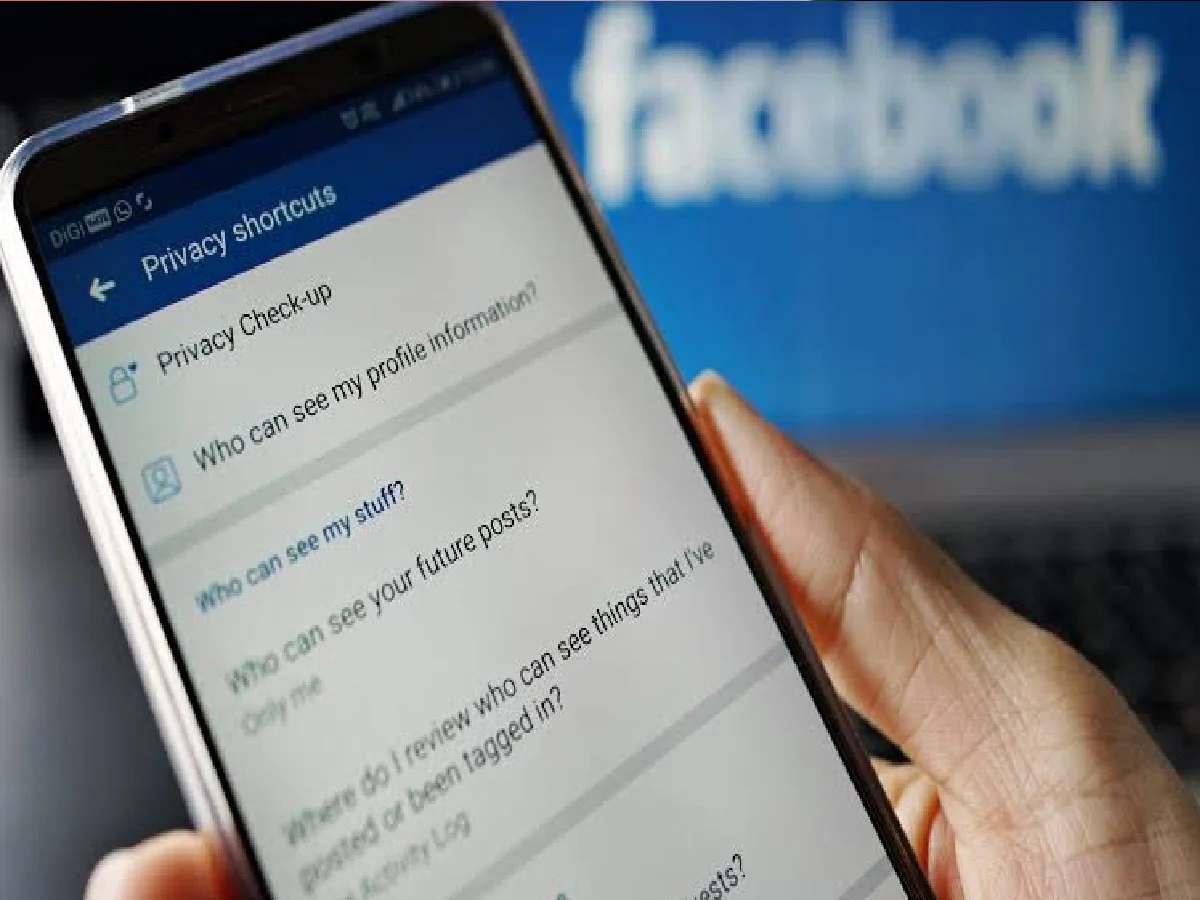
The threat of data theft and unauthorized access on social media is constant. Change these 3 settings immediately to protect your private photos, chats, and personal data:
Run a Privacy Checkup:
Go to Facebook's Settings & Privacy > Privacy Checkup tool. Here, you can change who can see your profile information, past posts, and phone number in one click. Change it from 'Public' to 'Friends' or 'Only Me.'
Turn on two-factor authentication (2FA):
To strengthen account security, turn on two-factor authentication in addition to your password. Whenever a new device tries to log in to your Facebook account, you'll be sent a code to your registered number or asked for approval from an authenticator app.
Off-Facebook Activity Controls:
Facebook tracks which websites and apps you use outside of the app. To stop this, go to Settings > Off-Facebook Activity, select 'Clear History', and then turn off 'Manage Future Activity'.
PC: Search engine journal