
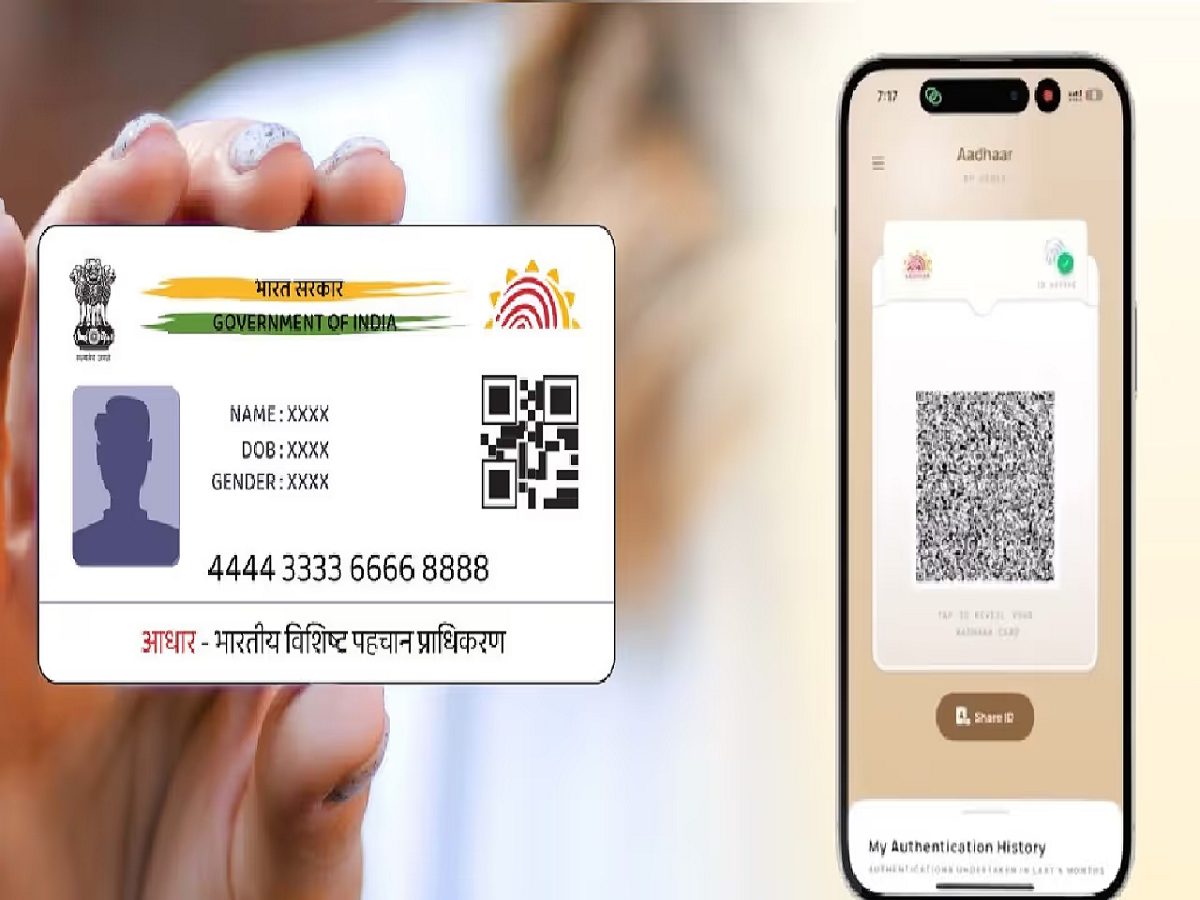
UIDAI has introduced a new feature in the new Aadhaar app. You can now update your Aadhaar mobile number from the comfort of your home using OTP and face authentication. There's no need to visit an Aadhaar center.
New Delhi: Now you can update the mobile number linked to your Aadhaar card while sitting at home. The Unique Identification Authority of India (UIDAI) has introduced a feature in the new Aadhaar app, through which Aadhaar mobile number can be updated from the comfort of your home through OTP and face authentication. With this feature in the Aadhaar app, now you will not need to go to the Aadhaar center or stand in line to update the mobile number linked to Aadhaar. Till now, one had to go to the enrollment center to update the Aadhaar mobile number. But now instead of this, you can update the phone number from your mobile phone in a few moments.
Let us see how to update mobile number with the new Aadhaar app
Upon opening the new Aadhaar app, you'll see an option to "Update Mobile Number." Soon, the app will also allow you to update information like name, address, and email address. However, the option to update date of birth isn't currently available in the app. There's no online facility to update biometric information on your Aadhaar card, such as fingerprint and iris scan. You'll need to visit an Aadhaar enrollment center to update biometric information. As of the current update, only the mobile number update option is available through the Aadhaar app.
Since this is an OTP-based service, linking your mobile number to your Aadhaar card requires an active SIM card. Opening a bank account and several government services also require OTP-based services.



