TECH
Hotel Wi-Fi Can Put Your Data at Risk: Hackers May Use Fake Login Pages and Updates to Target Travelers
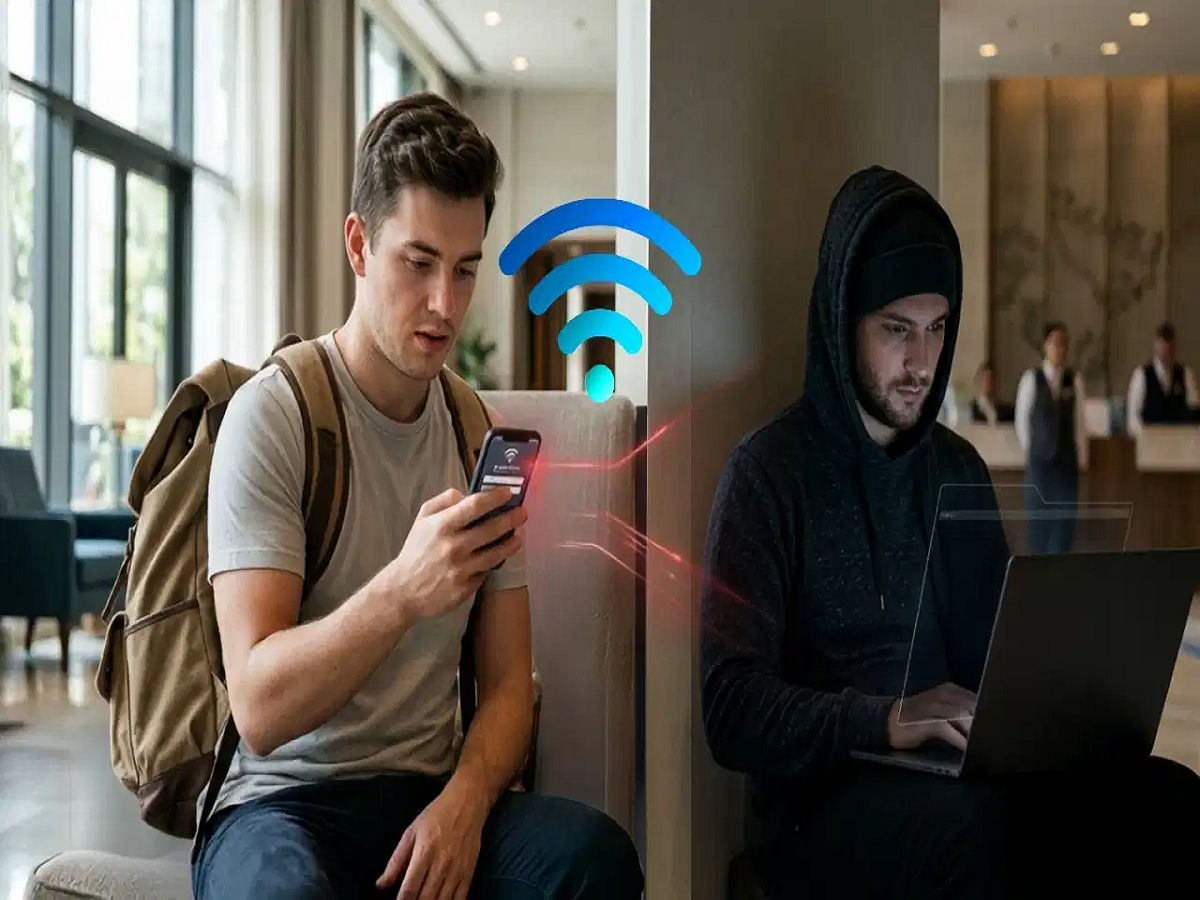
Free Wi-Fi at hotels, airports, conference centres and other public places is convenient, especially when you're travelling. But connecting to an unfamiliar network can also create cybersecurity risks.
According to the information provided in the report, Microsoft's threat intelligence researchers have warned about a campaign in which attackers can abuse shared hospitality networks to redirect users toward malicious websites or fake login pages.
Public Wi-Fi networks commonly use captive portals — webpages that appear after you connect and ask you to accept terms, enter details or complete another authentication step. Microsoft notes that such networks are designed to redirect web traffic until authentication is completed.
How can hackers misuse hotel Wi-Fi?
In the reported campaign, attackers can manipulate network traffic and DNS requests on compromised or poorly secured networks.
A traveler may suddenly be redirected to a page that looks like a familiar Microsoft login screen or another legitimate website. If the user enters their username and password on the fake page, those credentials could fall into the hands of attackers.
This is particularly concerning for business travelers because a compromised work account could potentially provide access to company information and other connected services.
Beware of fake software updates
Another tactic involves fake update notifications.
A webpage may display a message claiming that your browser, Windows system, security software or another application needs an urgent update. The message may look convincing and encourage you to download a file.
Instead of installing a legitimate update, however, the downloaded file could contain malware.
This is why an unexpected update prompt that appears immediately after connecting to public Wi-Fi should be treated with caution.
Malware can give attackers access to your device
The report also mentions a Windows-based remote-access Trojan called Cornflake. Malware of this type can potentially allow attackers to access an infected computer and steal sensitive information.
Depending on the malware involved, attackers may attempt to collect files, passwords and session information, monitor activity or establish persistent access to the device.
That makes downloading unknown software from a pop-up or unfamiliar website particularly risky.
Android users should also stay alert
The reported techniques may not be limited to Windows computers. Android users can also encounter malicious webpages that attempt to persuade them to download APK files from outside the official app ecosystem.
Installing an APK from an unknown source can expose a phone to malicious software.
If a website suddenly tells you to install an app simply to continue browsing or access hotel Wi-Fi, it is better to stop and verify the request with the hotel.
How to stay safe on hotel Wi-Fi
You don't necessarily have to avoid every public Wi-Fi network, but follow some basic precautions:
-
Avoid entering sensitive passwords on unexpected login pages.
-
Check the website address carefully before signing in.
-
Never download software or browser updates from random pop-ups.
-
Install Windows, browser and app updates through their official settings or trusted app stores.
-
Avoid installing APK files from unknown websites.
-
Use your mobile hotspot when accessing particularly sensitive accounts.
-
Keep your operating system, browser and security software updated.
-
Use multi-factor authentication wherever possible.
-
If a Wi-Fi login page suddenly looks different from what you normally see, ask the hotel staff to verify it.
Don't trust every pop-up on public Wi-Fi
Hotel Wi-Fi is designed to make internet access convenient, but users should remember that the network itself may not be under their control. A legitimate captive portal can already redirect users as part of normal authentication, so an unexpected page is not automatically proof of an attack.
The safest approach is to avoid entering sensitive information or installing software simply because a public Wi-Fi network tells you to do so. When in doubt, disconnect and use a trusted connection such as your mobile data or hotspot.