BUSINESS
Government Update: UMANG and DigiLocker Now Offer Thousands of Services—Check How You Can Use Them From Home
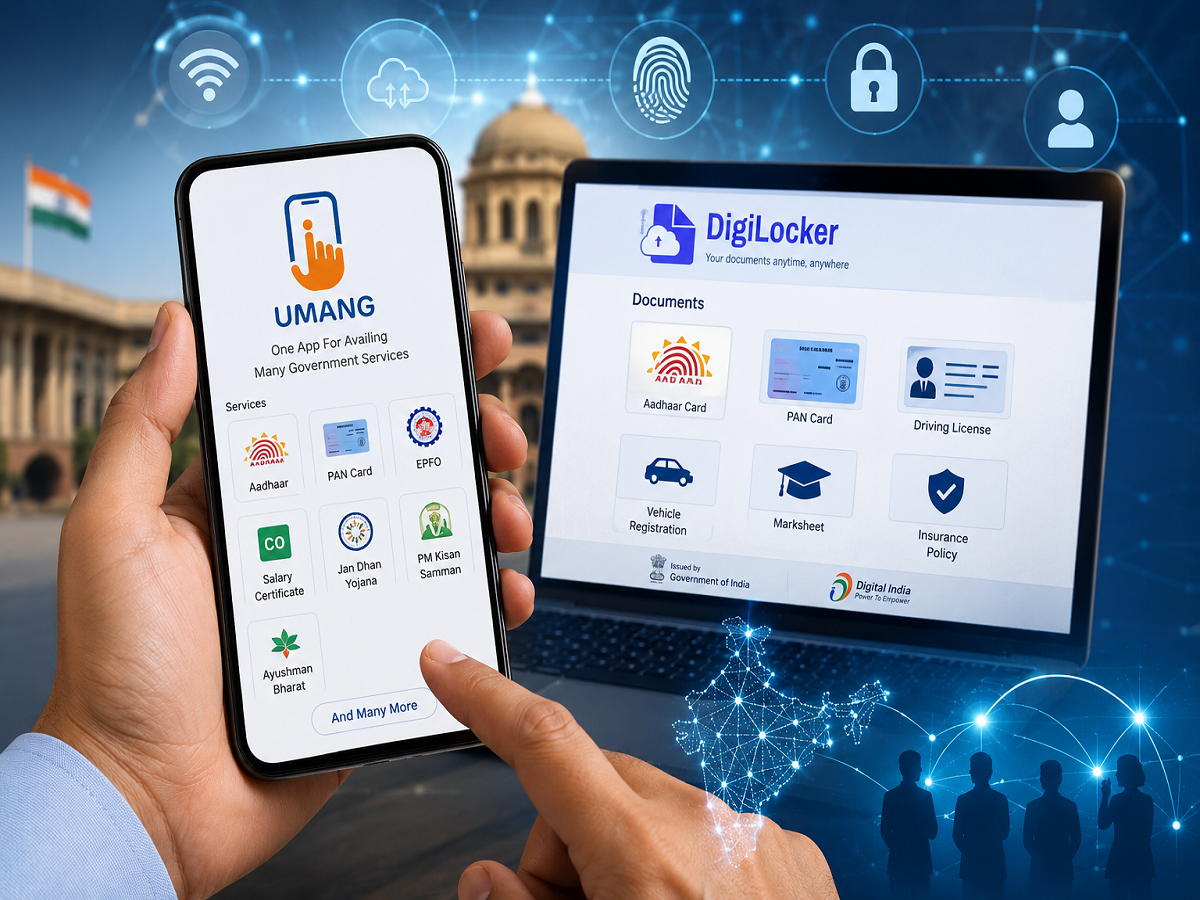
Getting government documents, checking benefits and accessing public services often involves paperwork, repeated visits to offices and long waiting times. However, India's digital governance platforms are making many of these tasks easier by allowing citizens to access services online.
According to a Press Information Bureau update published on August 12, 2026, the UMANG platform offered approximately 2,575 government services as of July 31, 2026. DigiLocker, meanwhile, provided access to 5,437 document types and services. These platforms are part of the government's Digital India initiative, aimed at making public services more accessible and reducing dependence on physical paperwork.
For ordinary citizens, knowing how to use these platforms can save time and make everyday administrative tasks more convenient.
What Is UMANG and How Can It Help You?
UMANG stands for Unified Mobile Application for New-age Governance. It brings together government services from different departments on a single digital platform.
Instead of searching for separate websites for every service, users can explore available facilities through the UMANG app or its official website.
Depending on the department and service available, users may be able to:
-
Access selected employee provident fund (EPF) services.
-
Check information related to eligible government services and schemes.
-
Access selected pension-related services.
-
Find public utility and other administrative services.
-
Track or manage certain service requests online.
The services available to each user depend on the relevant department, eligibility requirements and the platform's current offerings.
What Is DigiLocker? Keep Important Documents on Your Phone
DigiLocker is a digital document wallet operated under the Ministry of Electronics and Information Technology's Digital India programme. It enables users to access authentic digital documents issued by participating organisations.
Depending on availability, users can retrieve documents such as driving licences, vehicle registration certificates, educational certificates and other official records.
One major advantage is that documents obtained directly from authorised issuers can be shared digitally for verification, reducing the need to carry physical copies in situations where digital documents are accepted.
How to Get Started With DigiLocker
-
Visit the official website: https://www.digilocker.gov.in/
-
Register or sign in using the available verification process.
-
Open the section for issued documents or document search.
-
Select the relevant issuing authority and document type.
-
Enter the requested details to retrieve the document, if available.
Remember that uploading a photograph or scan of a document is not necessarily the same as retrieving an officially issued digital document. Check the document's status and issuing authority before relying on it for formal verification.
UMANG vs DigiLocker: What Is the Difference?
Although both platforms support digital governance, their primary purposes are different.
| Feature | UMANG | DigiLocker |
|---|---|---|
| Main purpose | Access government services | Access and share digital documents |
| Useful for | Selected departmental services, applications and requests | Driving licences, certificates and other issued documents |
| How it helps | Brings services from multiple departments together | Reduces dependence on physical document copies |
| Official website | https://web.umang.gov.in/ | https://www.digilocker.gov.in/ |
Both platforms are available online, allowing users to access supported services without necessarily visiting a government office.
Are Digital Documents Accepted Everywhere?
Documents issued through DigiLocker by authorised government departments and other participating issuers can be used for official purposes where the relevant rules recognise them.
However, acceptance depends on the type of document, its authenticity and the requirements of the organisation requesting it. A simple scan or photograph stored on a phone should not automatically be treated as equivalent to an officially issued digital document.
Before travelling to an office or appearing for an examination, check the concerned authority's document requirements.
How to Stay Safe While Using Government Apps
Digital services can make administrative work easier, but users should also protect their personal information.
Follow these precautions:
-
Download apps from official sources and verify the publisher.
-
Never share an OTP, password or banking PIN with someone claiming to provide government assistance.
-
Avoid links sent through unsolicited messages that promise benefits or demand fees.
-
Do not pay unofficial agents for services that are advertised as free.
-
Check that you are using the genuine government website before entering Aadhaar or other sensitive details.
-
Log out on shared devices and protect your phone with a secure screen lock.
If a service requires a fee, verify the amount through the relevant official department before making payment.
What Should Citizens Do Now?
If you regularly need government certificates, vehicle documents, employment-related services or other administrative facilities, it may be useful to explore UMANG and DigiLocker.
Start by checking whether the particular service or document you need is available. Follow the official instructions, complete the required verification and save access details securely.
The government's latest figures show the growing scale of digital public services in India. Although not every task can be completed online, these platforms can help citizens reduce paperwork and make better use of services already available through their phones.