
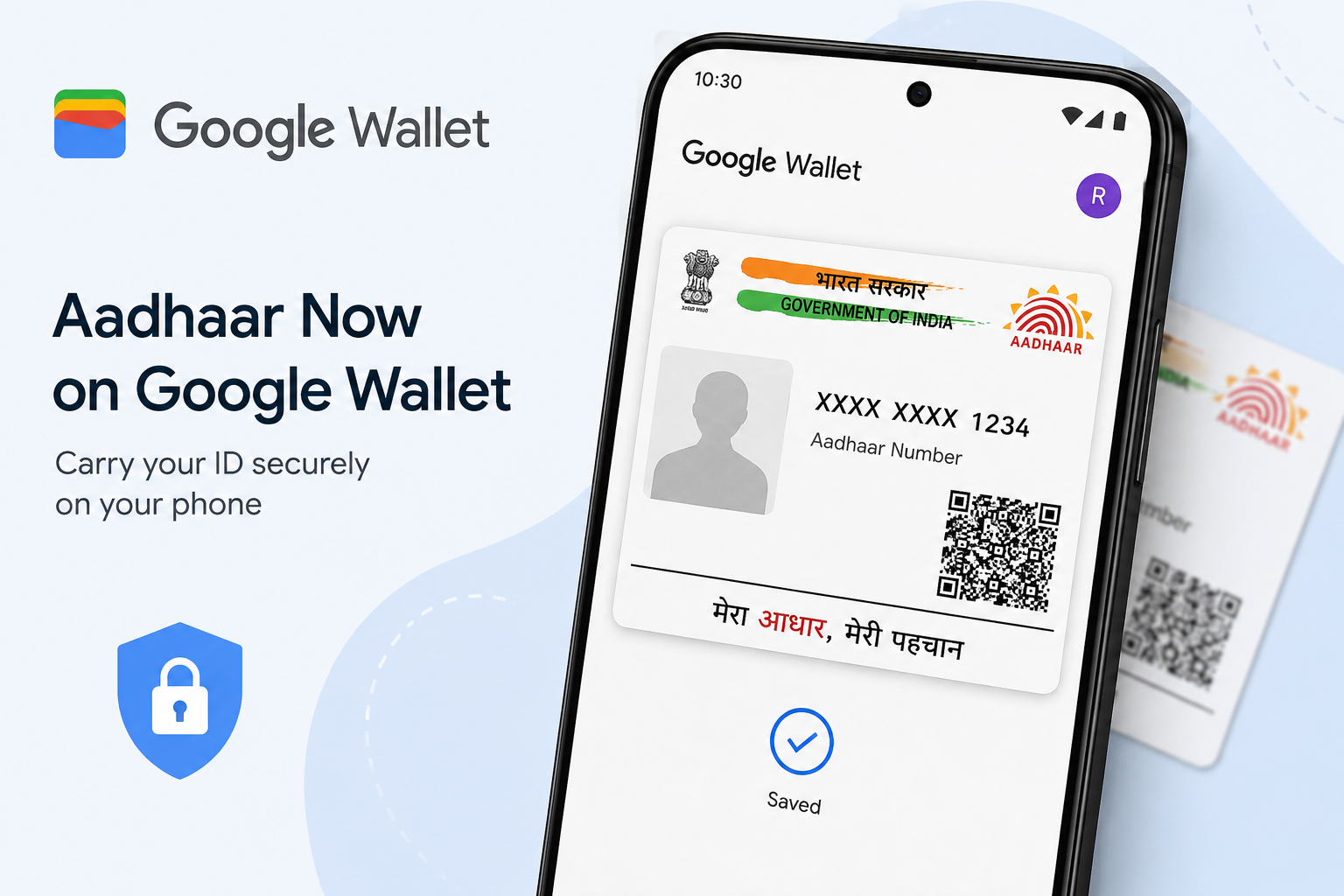
Android users in India can now keep their Aadhaar card securely stored inside Google Wallet, thanks to a newly launched feature introduced in collaboration with the Unique Identification Authority of India (UIDAI). The update is designed to make digital identity verification quicker, safer, and far more convenient for everyday use.
The latest move strengthens Google’s push toward digital documentation and paperless verification systems in India. With Aadhaar support now integrated into Google Wallet, users no longer need to carry their physical Aadhaar card everywhere or repeatedly share scanned copies online for verification purposes.
Digital Aadhaar Access Becomes Easier for Android Users
Since entering the Indian market in 2024, Google Wallet has gradually expanded its services beyond payments. The app already supports travel passes, boarding tickets, and digital identification cards. The addition of Aadhaar functionality marks another major expansion aimed specifically at Indian users.
Aadhaar remains one of the most important identity documents in the country and is widely used across banking, travel, telecom, government services, and online verification platforms. By allowing Aadhaar integration inside Google Wallet, Google is offering users a simpler way to access their identity credentials digitally whenever required.
However, the company has clarified that the digital Aadhaar available through Google Wallet should not be treated as a replacement for the original physical Aadhaar card. Instead, it acts as an additional digital access option for identity verification and convenience.
Why Storing Aadhaar in Google Wallet Can Be Useful
The new feature offers several practical advantages for smartphone users. One of the biggest benefits is instant accessibility. Users can simply unlock their phones and display their Aadhaar details through Google Wallet instead of carrying the physical document in their wallets or bags.
Another major advantage is improved security. Many people often share photocopies or PDF versions of their Aadhaar card online or through messaging apps, increasing the possibility of identity misuse or data theft. Keeping Aadhaar securely inside Google Wallet reduces the need for repeated file sharing and minimizes exposure of personal information.
Google has also partnered with several Indian platforms where users can use Aadhaar verification directly from Google Wallet. Customers visiting PVR INOX cinemas can use the feature for age verification. Similarly, platforms like BharatMatrimony and Atlys support Aadhaar-based identity confirmation and autofill services.
The company has also hinted at expanding this support to additional platforms, including Mygate and Snabbit in the near future.
Step-by-Step Process to Add Aadhaar to Google Wallet
Users can complete the setup process using the official Aadhaar app available on Android devices. The procedure is simple and takes only a few minutes.
Method 1: Add Aadhaar Through the Aadhaar App
- Install the Aadhaar application from the Google Play Store.
- Open the app and enter your Aadhaar number.
- Verify your identity using the OTP sent to your registered mobile number.
- After logging in, choose the “Add to Wallet” option.
- Select Google Wallet from the available list.
- Follow the remaining on-screen instructions to complete the linking process.
Once completed successfully, the Aadhaar card will appear inside Google Wallet for easy digital access.
How to Add Aadhaar Directly Through Google Wallet
There is also an alternative method for users who prefer starting directly from the Google Wallet application.
Method 2: Use Google Wallet App
- Download and open the Google Wallet app on your Android smartphone.
- Tap the “+” icon located at the bottom corner.
- Select the Aadhaar option.
- The app will redirect you to the Aadhaar application.
- Complete OTP authentication and continue following the instructions shown on the screen.
After verification, your Aadhaar details will be securely stored in the wallet application.
Is Aadhaar Integration in Google Wallet Free?
Yes, users can add and access their Aadhaar card inside Google Wallet without paying any additional fee. Google has made the service completely free for Android users in India.
Important Requirements Before Setup
Before beginning the setup process, users should ensure that:
- Their Aadhaar-linked mobile number is active for OTP verification.
- Both the Aadhaar app and Google Wallet app are installed on the smartphone.
- The device is running a compatible Android version.
As digital identity verification becomes increasingly important in India, the new Aadhaar integration in Google Wallet could significantly simplify daily verification processes while offering better convenience and security for millions of users.



