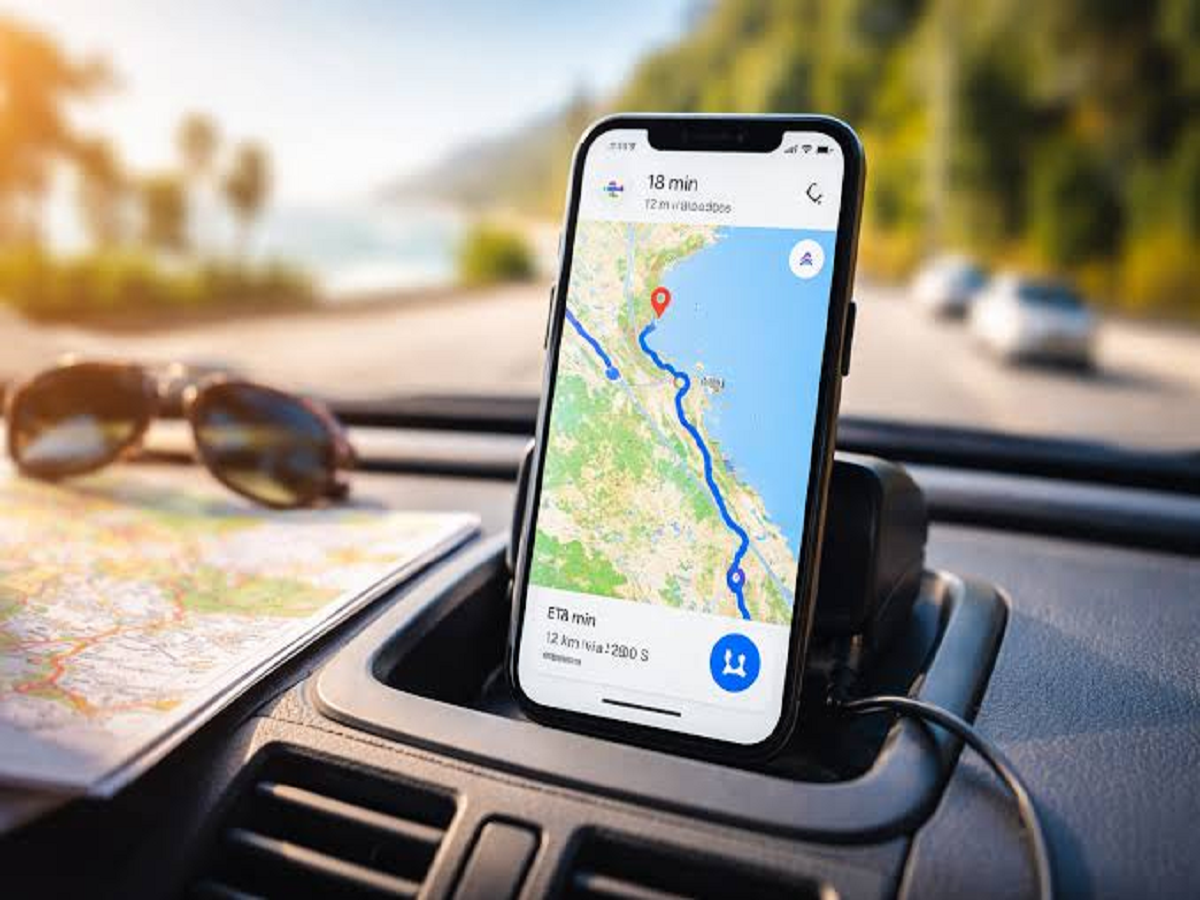
Google Maps has become much more than a simple navigation app. Besides showing directions, it offers several features that can help users plan journeys, save locations, find places, share their location and navigate even when an internet connection is unavailable.
Many of these tools are easy to miss because they are hidden inside menus or settings. Here are 8 Google Maps tips and tricks worth trying.
1. Download maps for offline navigation
Heading somewhere with unreliable mobile connectivity?
Google Maps allows users to download maps for specific areas and use them offline.
Before travelling, search for your destination, open the relevant map area and look for the option to download an offline map.
This can be particularly useful during road trips or when travelling through areas with weak network coverage.
Keep in mind that offline maps have limitations, and some features may not work without an internet connection.
2. Save your home and work locations
If you regularly travel between home and work, saving both locations can make navigation much faster.
Once your home and work addresses are saved, Google Maps can provide quick directions and relevant travel information without requiring you to type the complete address every time.
You can also update these locations whenever necessary.
3. Share your real-time location
Meeting someone in an unfamiliar place?
Instead of repeatedly explaining where you are, Google Maps allows you to share your real-time location with selected contacts.
You can choose how long your location should remain visible and stop sharing it whenever you want.
For privacy reasons, only share your location with people you trust.
4. Save places you want to visit
Found a restaurant, hotel, tourist attraction or shop that you want to visit later?
You can save places in Google Maps and organise them into lists.
For example, you could create separate lists for:
-
Restaurants to try
-
Weekend destinations
-
Hotels
-
Shopping places
-
Places to visit on holiday
This is especially useful when planning a trip because you don't have to search for the same locations repeatedly.
5. Check how busy a place is
Before visiting a popular restaurant, shopping centre or tourist attraction, Google Maps may show information about popular times.
This can help you estimate when a location tends to be busiest.
If you prefer quieter surroundings, checking this information before leaving home can help you choose a less crowded time.
The information is based on available location and activity data, so it should be treated as an estimate rather than a guarantee.
6. Use Street View to recognise your destination
If you're visiting an unfamiliar building or location, Street View can help you identify what the surrounding area looks like before you arrive.
This can be particularly helpful when:
-
Visiting a new office
-
Finding a hotel entrance
-
Looking for a particular building
-
Planning a walking route
-
Meeting someone at an unfamiliar location
Looking at the surroundings beforehand can make it easier to recognise the correct entrance when you arrive.
7. Measure distance between two locations
Google Maps can also be used to measure the distance between two points.
On supported devices and map views, you can select a starting point and use Measure distance to calculate the straight-line distance between locations.
This isn't the same as driving or walking distance, but it can be useful for quickly understanding how far apart two places are.
8. Add multiple stops to a journey
Planning a road trip with several destinations?
Instead of creating a separate route for every stop, you can add multiple destinations to a Google Maps journey.
For example, you could plan a route that includes:
Home → Restaurant → Tourist attraction → Hotel
This can make multi-stop journeys easier to organise and help you see the overall route before starting the trip.
Bonus tip: Use the compass to understand directions
If you sometimes struggle to understand which way you're facing, tap the compass icon while navigating.
Google Maps can use your phone's sensors to help indicate your orientation.
If the map seems to be pointing in the wrong direction, moving the phone in a figure-eight motion can sometimes help recalibrate the compass.
Don't blindly follow navigation
Google Maps can be extremely useful, but navigation information isn't perfect.
Road closures, construction work, temporary restrictions and traffic conditions can change quickly.
Always pay attention to actual road signs and local traffic rules, particularly when driving in unfamiliar areas.
Bottom line
Google Maps has several useful features beyond basic turn-by-turn navigation. Offline maps, location sharing, saved places, popular-times information, Street View and multi-stop routes can make everyday travel considerably easier.
Before your next trip, spend a few minutes exploring the app—you may discover features that save you time when you're actually on the road.