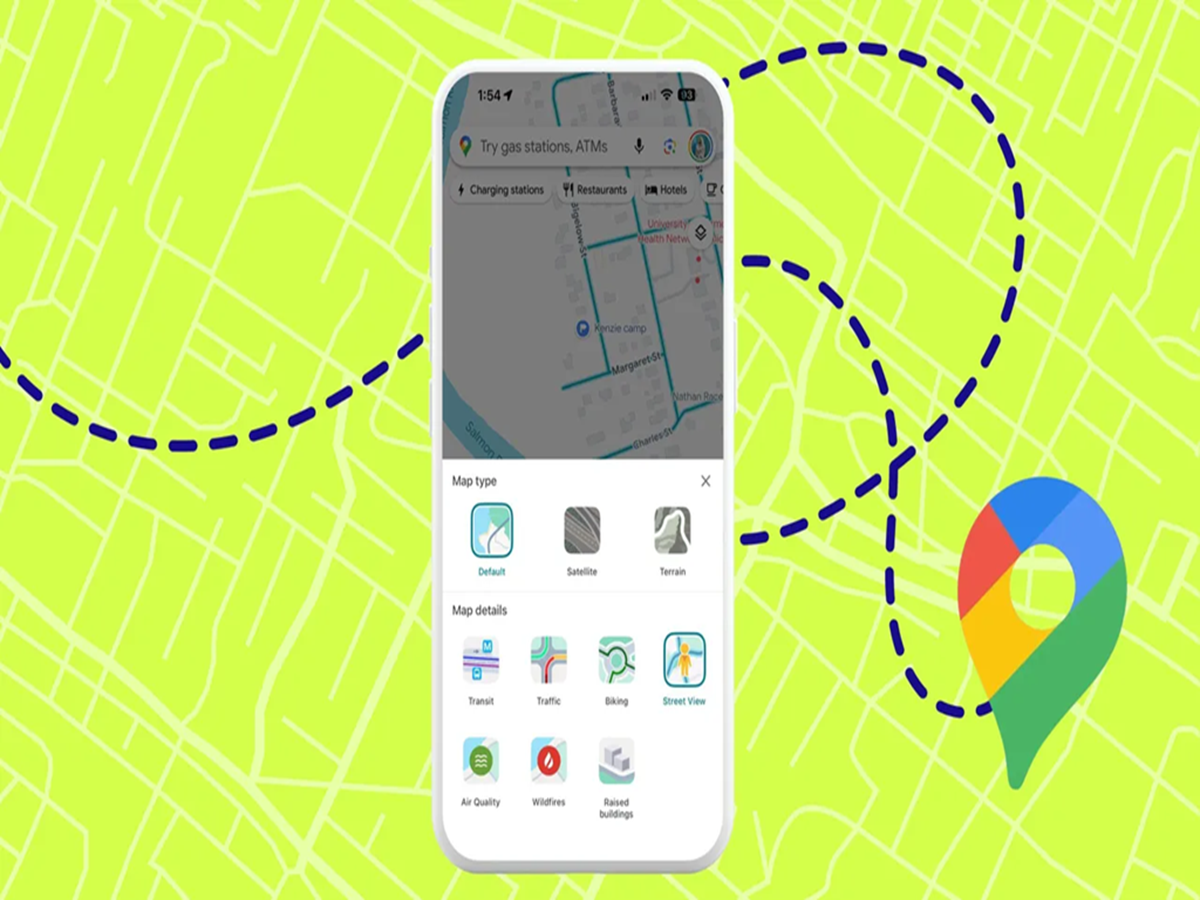
Google Maps has become an essential app for millions of smartphone users. From finding routes to checking traffic conditions, people use it every day for travel and navigation. However, many users are unaware of several useful features that can make their journey easier, safer, and more convenient.
Here are some Google Maps tips and tricks that can improve your navigation experience.
1. Save Your Parking Location
Many people forget where they parked their vehicles, especially in crowded markets, malls, or large parking areas.
Google Maps allows users to save their parking location.
How it helps:
-
Quickly find your vehicle location.
-
Avoid wasting time searching in crowded places.
-
Useful during trips and shopping visits.
2. Download Maps for Offline Use
Internet connectivity may not always be available while travelling. Google Maps offers an offline maps feature that allows users to download specific areas in advance.
Benefits include:
-
Navigation without mobile data.
-
Useful during road trips.
-
Helpful in areas with weak network coverage.
3. Check Real-Time Traffic Updates
Before starting a journey, users can check live traffic conditions on Google Maps.
This helps in:
-
Avoiding crowded routes.
-
Finding faster alternatives.
-
Saving travel time.
The app also shows delays caused by traffic, accidents, or road conditions.
4. Share Your Live Location
Google Maps allows users to share their live location with family and friends.
This feature is useful when:
-
Travelling alone.
-
Meeting someone at a new location.
-
Informing family members about your journey.
Users can choose how long they want to share their location.
5. Use Street View to Explore Places Before Visiting
The Street View feature allows users to virtually explore locations before reaching them.
It can help you:
-
Identify buildings and landmarks.
-
Check entrances of unfamiliar places.
-
Get a better idea of the surroundings.
6. Find Nearby Services Quickly
Google Maps can help users locate nearby:
-
Restaurants
-
Petrol pumps
-
Hospitals
-
ATMs
-
Hotels
-
Shops
Users can also check ratings and reviews before visiting many places.
7. Measure Distance Between Locations
Apart from navigation, Google Maps also allows users to measure distances between multiple points.
This can be useful for:
-
Planning routes.
-
Estimating travel distance.
-
Checking walking or cycling paths.
Bonus Tip: Use Voice Navigation
Drivers can use voice navigation instead of constantly looking at their phone screens.
Advantages:
-
Hands-free directions.
-
Safer driving experience.
-
Easier route guidance.
How to Use Google Maps Safely
While using navigation apps, users should remember:
-
Avoid checking maps while driving.
-
Verify routes before starting long journeys.
-
Keep location-sharing settings under control.
-
Download offline maps before travelling to remote areas.
With these simple tricks, Google Maps can become more than just a navigation app—it can help users plan smarter journeys and save valuable time every day.