
TECH
Get rid of unwanted calls without blocking them, the other person won't even know their number is blocked, learn the trick
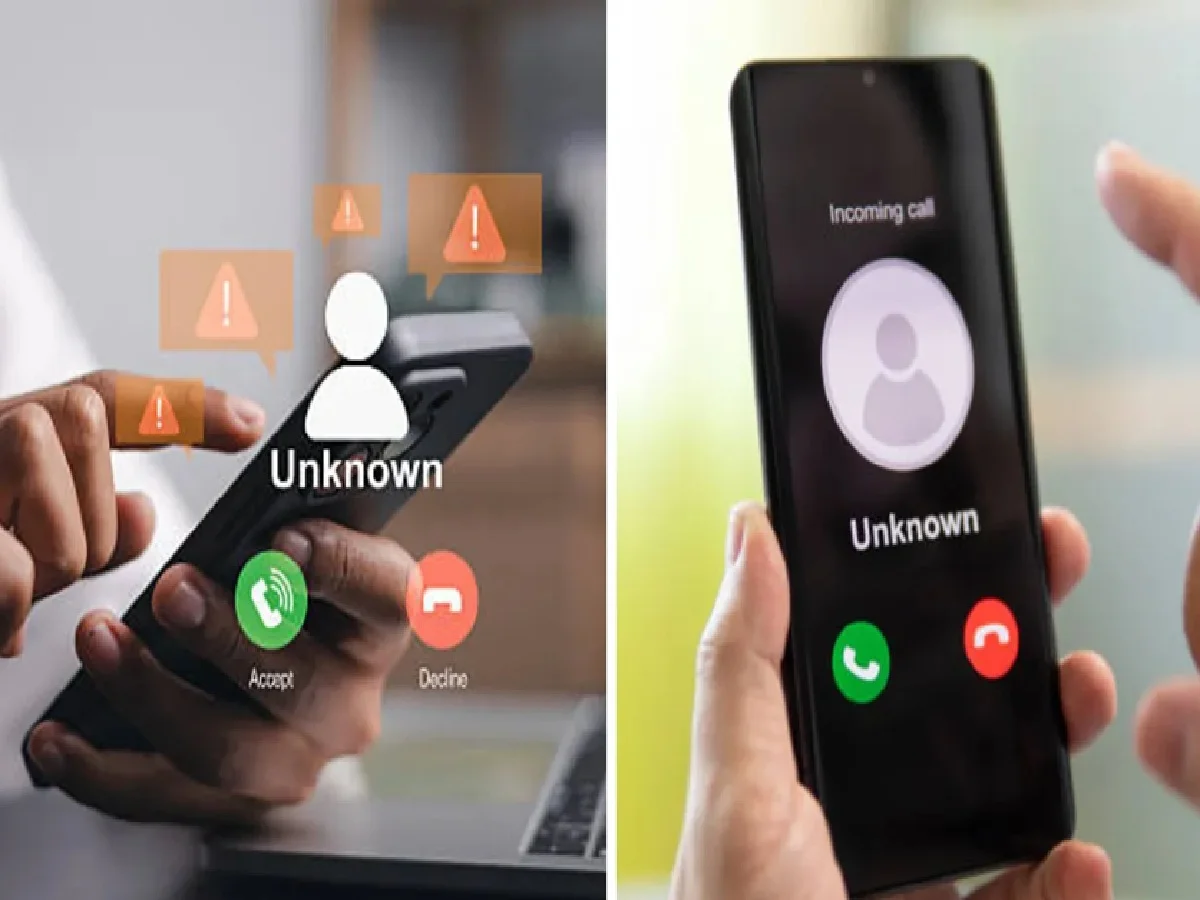
Does it happen to you that you want to block someone's number, but you can't for fear of the other person finding out? However, few people know about a secret setting on your smartphone that lets you get rid of unwanted calls without actually blocking the number. To do this, you need to turn on the secret setting to send that number to voicemail.
This will make the other person think you can't answer their call due to network issues. On the other hand, your phone won't ring, and you won't see notifications for calls from that number. This setting is available on most Android smartphones. You'll definitely love this technology.
What is voicemail?
Voicemail is a feature that comes in handy when you can't answer the phone. With it, callers can record a voice message and leave a message for you. In it, people can explain why they're calling.
How can voicemail help you get rid of unwanted calls?
The voicemail feature lets you avoid calls from people you don't want to receive. You can also block a number for this purpose, but doing so may let the other person know you've blocked them.
So, if you forward someone's number to voicemail, you won't receive their calls, and the other person won't know you've blocked them.
How will the caller feel?
If you forward someone's number directly to voicemail, the call won't be disconnected when they call you. This typically happens when someone's number is blocked. That's why people can easily tell if their number has been blocked.
Forwarding a number to voicemail will prompt the caller to record their message on your voicemail. This means the other person will assume you're unavailable to receive calls or that their call didn't connect due to a network issue.
How to turn on Secret Settings
To block calls from a number without blocking it, first open that number in Contacts
Click on the three dots (⋮) at the top right of the screen
Turn on the Send to Voicemail option
Click OK when prompted.
After this, you won't see notifications for calls from that number, and your phone won't ring. Another advantage of this feature is that you can check your voicemail to see if the other person left an important message for you.
Note: This feature is available on most Android smartphones, but you won't be able to use it on an iPhone. IPhone users can block calls from unknown numbers by turning on the Silence Unknown Callers option.
PC: Navarastra


