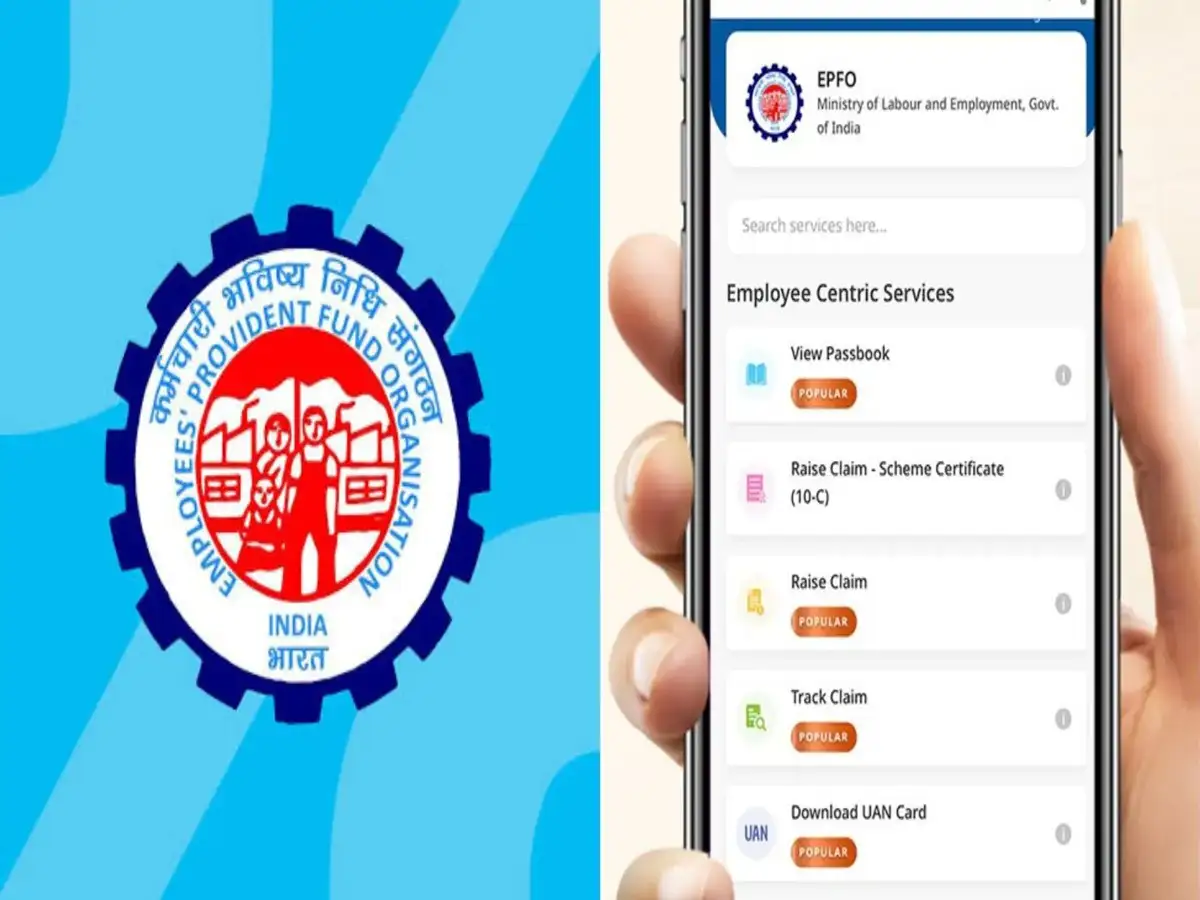
Provident Fund (PF) is an essential savings account for working employees. However, checking the balance in a PF account, interest earned, or previous contributions often require the help of a cyber cafe or online center. This can cost 100 to 200 rupees. However, now there's no need to spend money to get this information. Employees can check their PF balance for free from home using their mobile phones. The Employees' Provident Fund Organization (EPFO) has provided several digital features to access PF account information. Even without the internet, a few options allow checking the PF account balance.
Check your PF balance with a missed call
The easiest option to check your PF balance is the missed call service. To do this, you need to give a missed call to 9966044425 from the registered mobile number linked to your UAN number. After a short while, the call will automatically disconnect, and an SMS will be sent from the EPFO. This SMS will contain the account holder's name, date of birth, last contribution, and the balance in the PF account.
SMS is also an option.
If you don't have internet access, you can check your PF balance via SMS. To do this, send an SMS like "EPFOHO UAN ENG" from your registered mobile number to 7738299899. If you need information in Marathi, you can use MAR instead of ENG.
UMANG App and EPFO Portal
Employees can also check PF account details through the UMANG app. After logging in to the app, you can view the contribution and complete account details by selecting the 'View Passbook' option. This information can also be obtained from the official EPFO Member Passbook portal. To avail these facilities, it is necessary to have an active UAN and a mobile number linked to the EPFO account. It is also beneficial to keep your KYC details updated. To avoid PF frauds, do not share OTP, password, bank details or other personal information with strangers.