BUSINESS
EPFO Face Authentication: Have you received a message about Aadhaar face authentication? Connect your UAN & Aadhaar from home
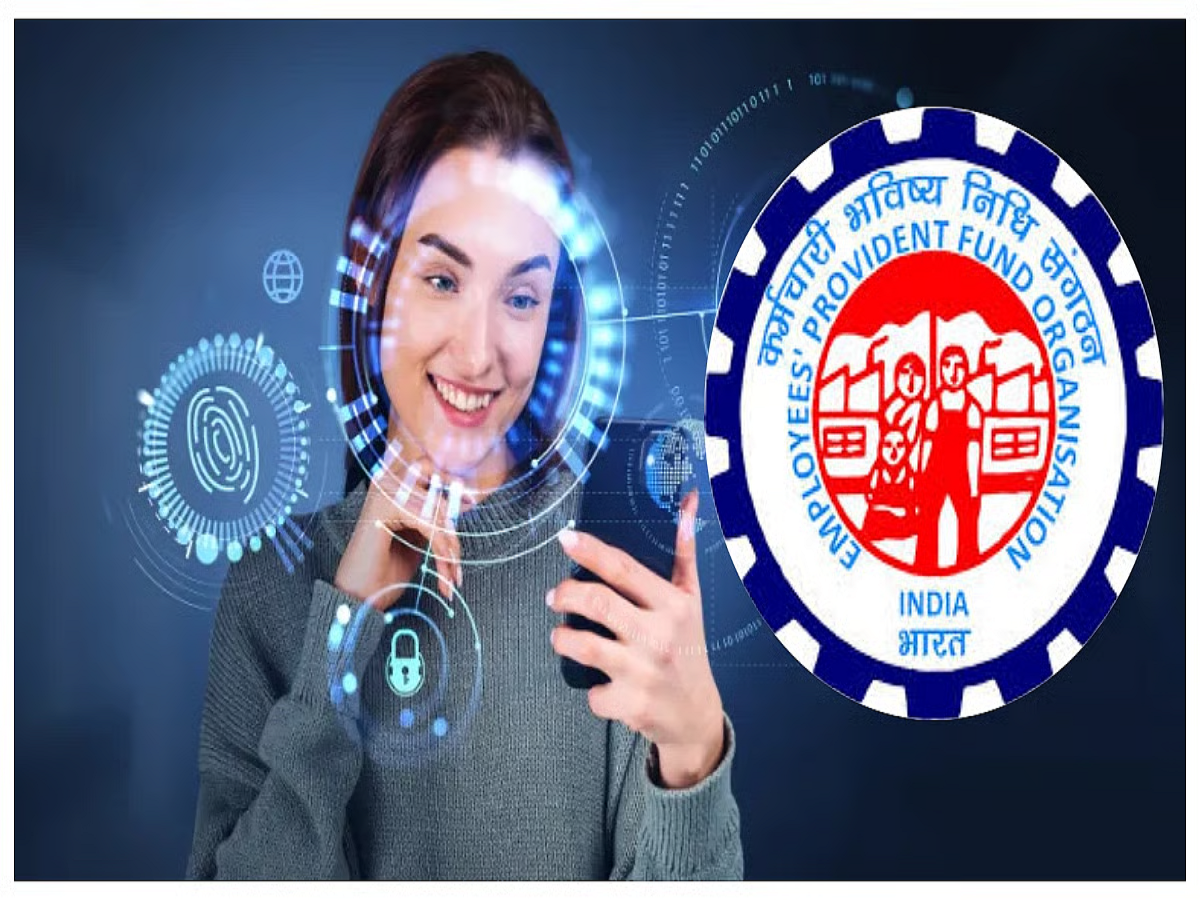
The Employees' Provident Fund Organization (EPFO) added this feature to make the digital system even more secure. It's designed to protect employees and prevent fraud.
If you also deposit money into your PF account every month, then face authentication will now be required. Recently, people received this update, asking them to update their PF account's face authentication. After receiving this message, employees are at a loss as to how this can be done. Those who have never used it before are finding this system difficult to understand. In today's article, we'll explain in detail how you can perform Aadhaar face authentication from home.
How to do EPFO Face Authentication?
- Employees should note that you can only perform Face Authentication if your mobile number is linked to your Aadhaar card. This is because you can only verify using an OTP.
- To do this, first open the EPFO website or the UMANG app. If you don't have the UMANG app on your phone, download it.
- Here you will need UAN number to open your PF account.
- After entering the UAN number, OTP verification will come on your mobile number.
- This PF account will be opened after entering the OTP.
- Here you choose the Face Authentication option.
- If you are not able to find it, you can also search in the search bar.
- Although you will get the option of Face Authentication or Face Verification on the screen.
Aadhaar FaceRD App will have to be used
- When you click on the Face Authentication option, it will take you to the Aadhaar Face app.
- Here you will be asked to open the phone's camera, allow camera permission on it.
- Now you have to stand in good light and click the photo.
- Scan your face by looking at the camera.
- Keep the phone in front of your eyes.
- This will scan the face in a few seconds.
- After scanning, a message of Verification Success will appear.
- Keep in mind that if the face matches the Aadhaar record, then a message of Successful Authentication will appear.
Image credit: Magnificent, EPFO/ Free press journal