LIFESTYLE
Electricity Bill: Lost your electricity bill? Get it from your mobile phone in just 2 minutes, learn the step-by-step process
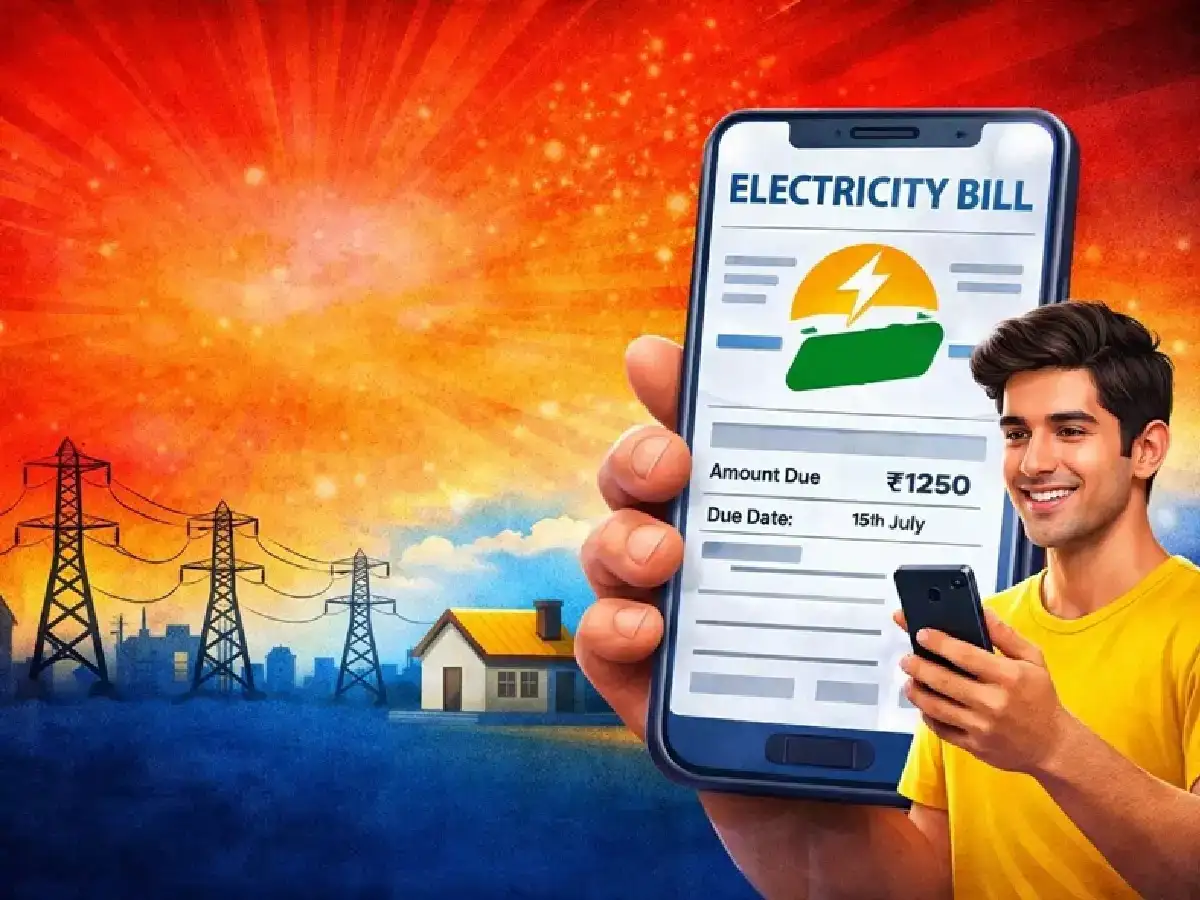
Nowadays, every work requires an Aadhaar card and an electricity bill. However, sometimes we lose our electricity bills, leaving people at a loss for what to do. Therefore, a new option has been introduced to make things easier and more secure. You can now download your electricity bill in just 1-2 minutes on the DigiLocker platform. You no longer need to visit different websites or offices to view your electricity bill.
With the new update, users can now view their electricity bills directly through the DigiLocker app. Most importantly, these bills come directly from the electricity company's database and are marked "Verified." This means you no longer need to visit multiple sites to download your bill. Downloading your electricity bill online is very easy.
How to download electricity bill?
First of all, you need to log in to the DigiLocker app or website with your mobile number.
After this, you will have to enter a security PIN (Password).
After logging in, you need to search for 'Electricity Bill.' Then, select your electricity company and enter your customer number and mobile number.
Your bill will be displayed directly in the app and you can download and save it.
DigiLocker offers many benefits. Your electricity bill will be saved in the app, and you can view it at any time. You can also download, print, and share it if needed. This feature works on both mobile and computer, meaning you can access your documents from anywhere, anytime.
The new system is completely secure. To ensure DigiLocker's security, the government has implemented several security measures, including mobile OTP, PIN, and encryption. This ensures your documents remain completely safe and no one can access them without your permission.
PC: Live Hindustan