BUSINESS
Download SIR Form: Didn't your SIR form reach you? Download it using these two methods, and understand each step
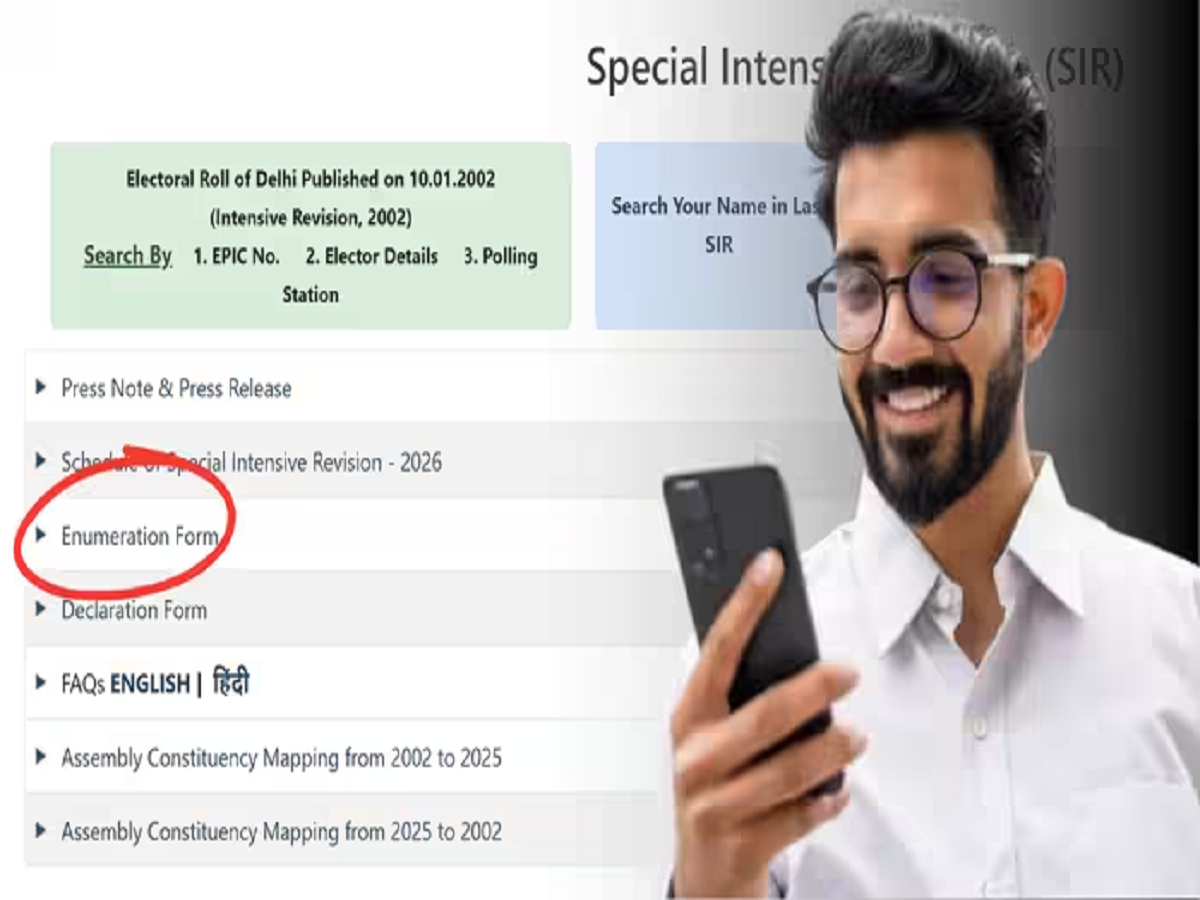
Download SIR Form 2026: Didn't your SIR form arrive? There's no need to frantically search for the BLO's number. You can easily download the SIR form using your phone. There are two ways to do this: first, download the form from the state election officer's website, and second, use the ECI's official website.
Enumeration Form PDF: The SIR process is currently underway in 16 states and three union territories. If you haven't received the form, there's no need to worry or rush to the voter registration office. To confirm your name on the voter list, you can easily download the SIR form from the comfort of your home using your phone. Notably, this can be done in not just one but two ways.
Download from the state CEO's website
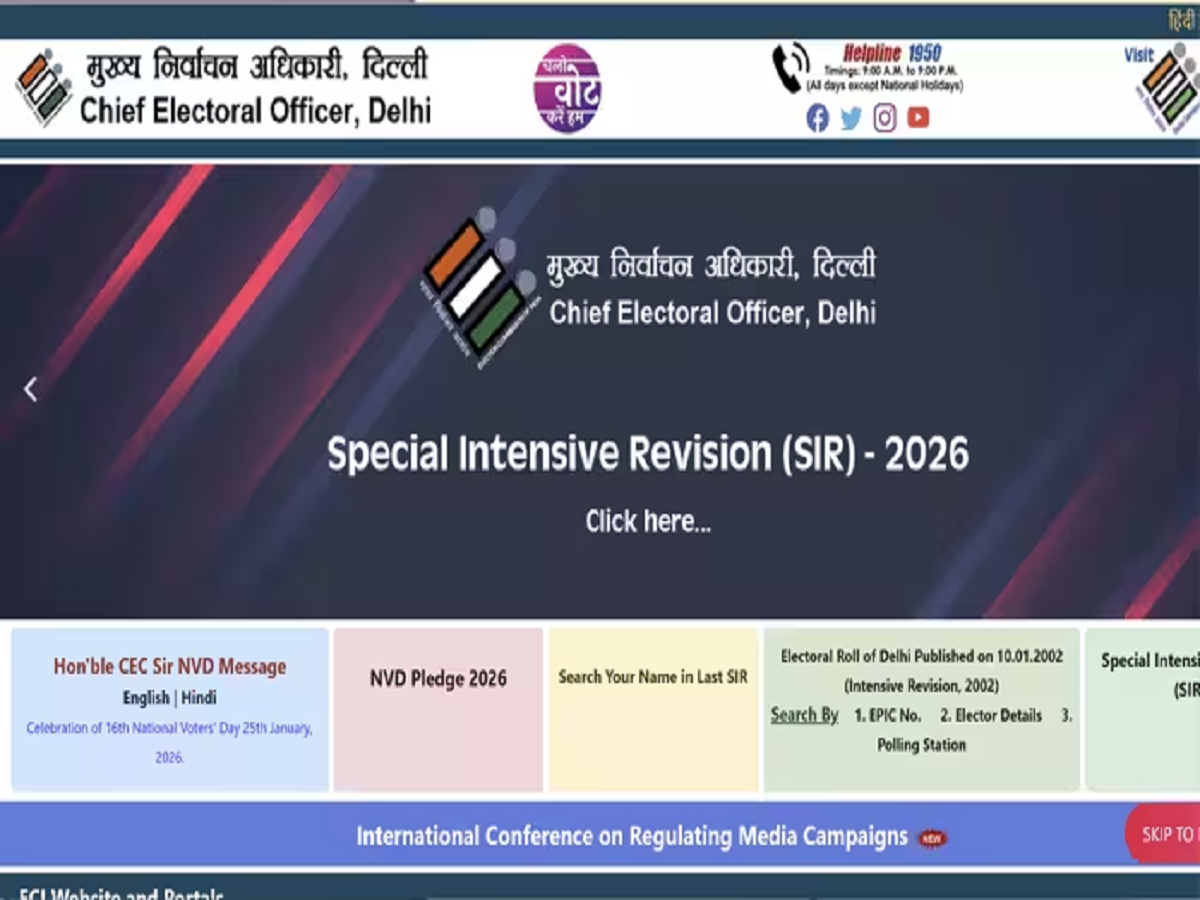
- You can download the form from the official website of the CEO i.e. Chief Electoral Officer of your state.
- For this, you can search on Google by writing the name of your state and CEO, which will open the website of the CEO of your state in front of you.
- There, on the homepage, you will see a specific section or banner for SIR 2026 or Special Intensive Revision 2026. Click on that banner.
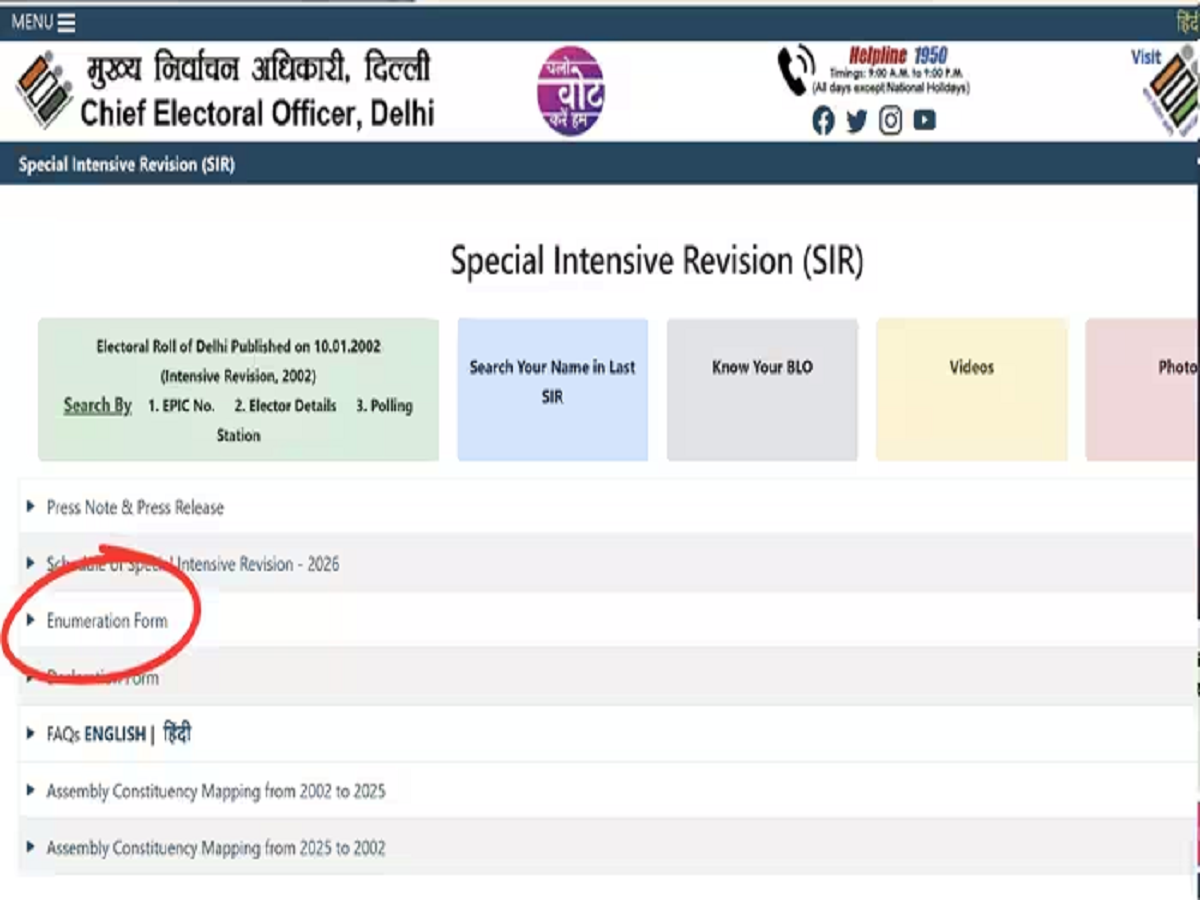
- On the next page you will see a list of forms, click on Enumeration Form (Annexure-III) there.
- By clicking on this, the PDF of the form will be downloaded to your device, which you can print.
Download from Voter Service Portal
- Apart from your state, you can also download this form from the central portal of ECI.
- For this, first go to the official website of the Election Commission voters.eci.gov.in.
- After this, scroll down on the homepage and click on the tab Downloads Forms or SIR 2026 Instructions.
- Now select Enumeration Form from the list and after that select the language and click on the download button.
- With this the SIR form will be downloaded on your device.
Things to keep in mind:
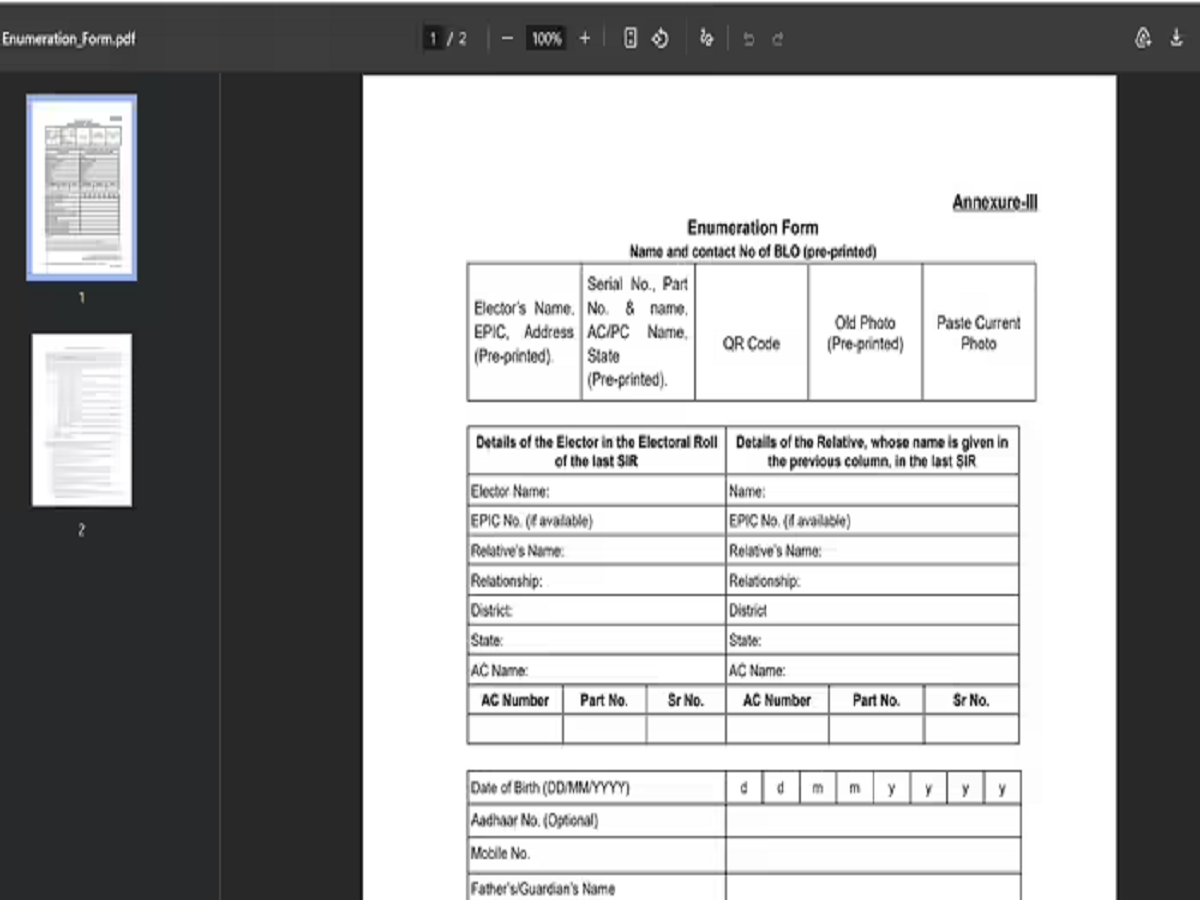
- Keep in mind that many frauds are taking place in the name of the SIR form. Therefore, download the form only from the official website.
- After downloading the form, fill it carefully and hand it over to the BLO.
PC: NBT