LIFESTYLE
Birth Certificate: Get a birth certificate at any age for just Rs 10, read the step-by-step process
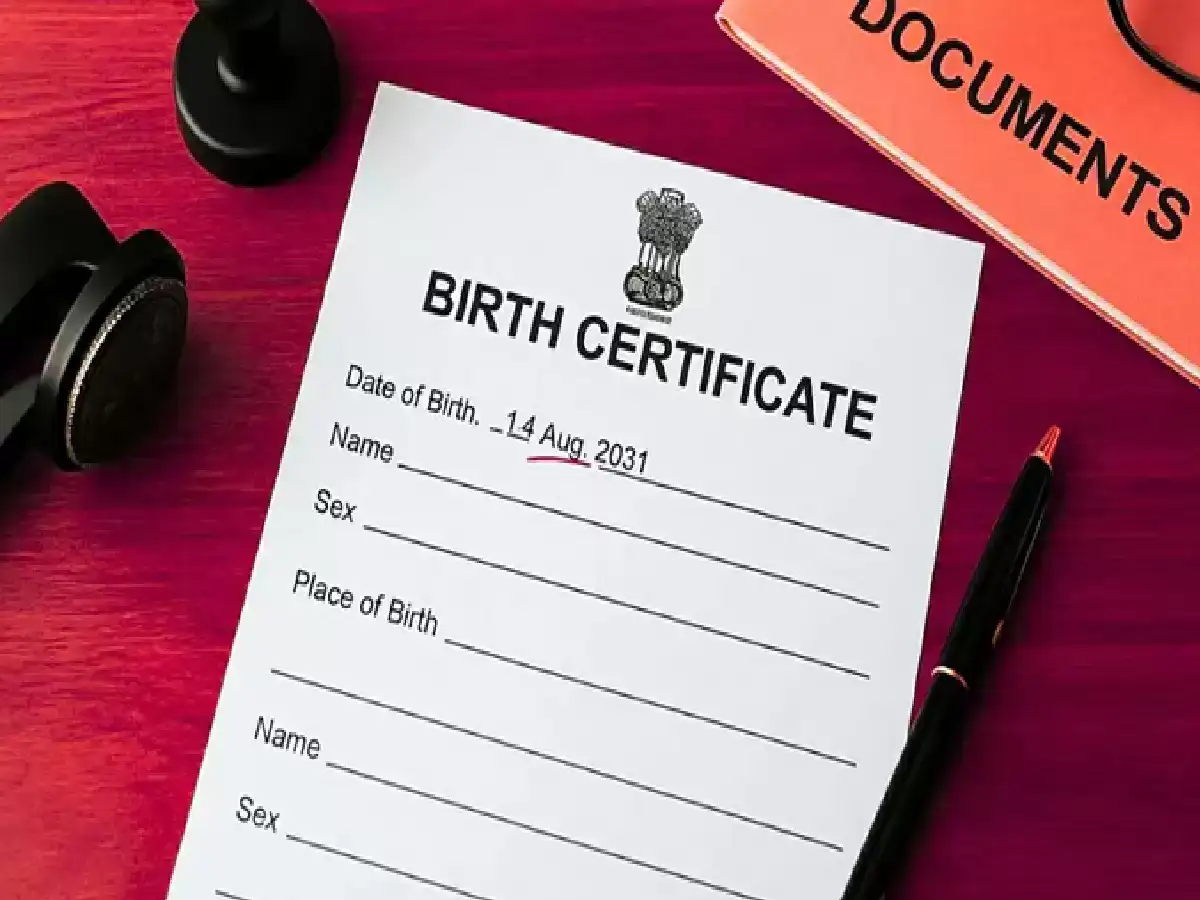
It's now easy to obtain a birth certificate at any age. There's no need to visit government offices. You can apply online from the comfort of your home. You can apply for a birth certificate online from the comfort of your home by visiting the official portal dc.crsorgi.gov.in.
The only significant difference in this process is the documentation. The required documents may differ for children and adults. If the child is under 21 days old, a hospital discharge slip is sufficient. However, if you wish to apply after 21 days, you will need an SDM order, an affidavit, and an identity card. If you fill in the correct document information on this portal, anyone of any age can easily obtain a birth certificate.
How to apply for birth certificate?
First, visit the portal crsorgi.gov.in and then register yourself.
After registration, log in to the portal using your user ID and password.
Open the form by clicking on 'Apply for Birth Certificate.' Fill in the date, place, and parental information correctly.
Scan and upload the required documents (like discharge slip, ID proof or SDM order) along with the application.
After filling all the information, submit the application.
Keep the 'Reference Number' you receive after submitting your application. You can use this to check your application status.
If the baby is less than 21 days old…
If the baby is under 21 days old, only a hospital discharge slip or a Mother and Baby Card is required to obtain a birth certificate. You can easily obtain a birth certificate for a child under 21 days old.
Documents required for birth certificate of male or female
If you want to obtain a birth certificate for a senior citizen, three documents are required. The most important is an SDM order. You can obtain this from a notary lawyer. It is made on a 10 rupee stamp paper. Additionally, an affidavit is required. An identity card, such as Aadhaar, PAN, or passport, will be required.
PC: SaamTV