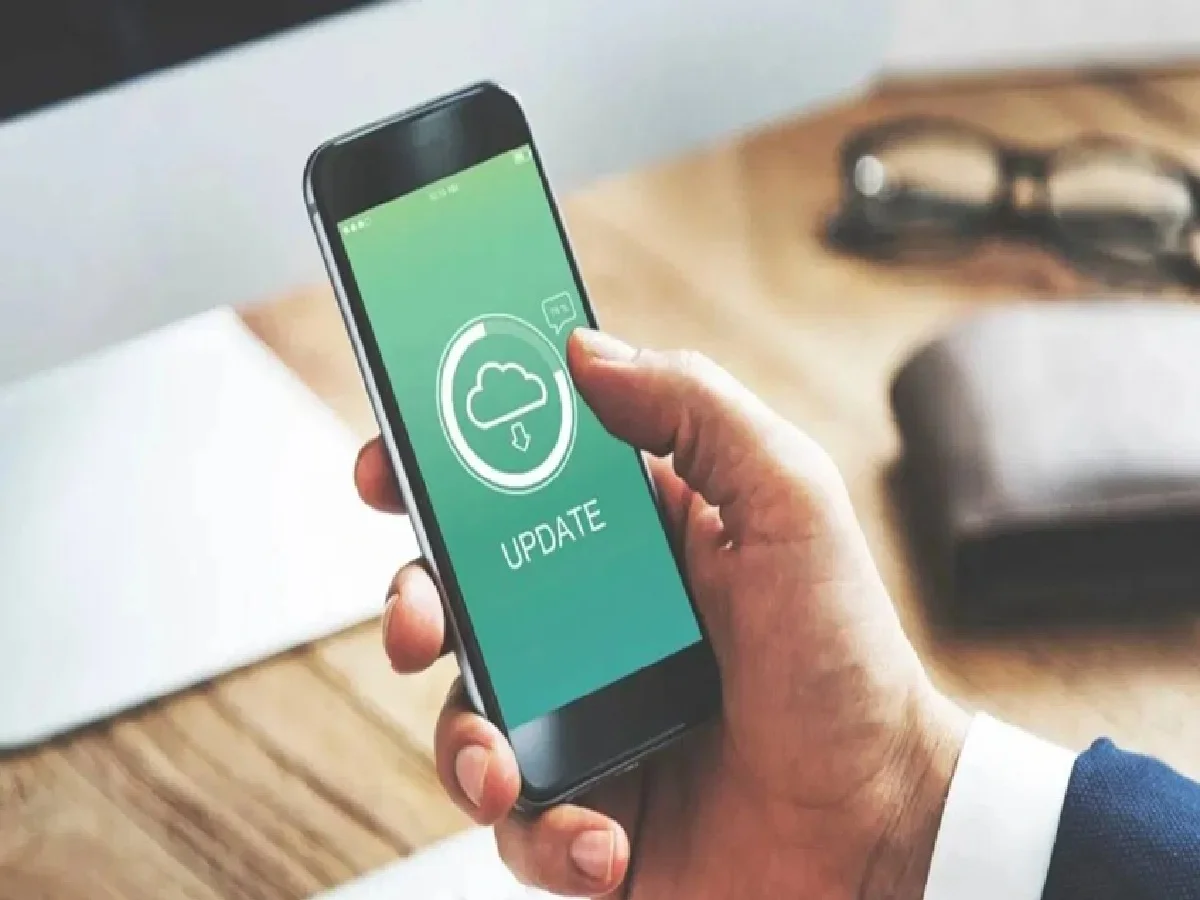
Nowadays, smartphone companies release software updates every month to ensure that every smartphone performs optimally. Similarly, updating your phone is as important as doing it carefully. New software updates can improve your device's performance, security, and features. However, if you make minor mistakes during the update process, your device may slow down, hang, or even crash, resulting in data loss. Therefore, keep a few things in mind before updating. In today's article, let's explore the mistakes you should avoid when updating your smartphone.
Many of us rush to start the update process even when our phone's battery is low. If the phone turns off while the update is running, it could cause a system crash. Therefore, only start the update when the device has at least 50 to 60% battery or when the phone is connected to a charger.
Poor internet connection
Software updates for your phone can sometimes be large. Slow or patchy internet connections can cause problems while updating your phone. Installation problems can also occur if the file isn't downloaded properly.
Not backing up data
Many people don't understand the importance of backing up their phone before updating, and this can sometimes lead to data deletion or even a phone reset during the update process, which can delete your photos, videos, and important files.
Not freeing up storage
If your device doesn't have enough free space, or storage space, it can cause problems updating your phone and prevent the update from installing properly. This can also slow down your phone. So, free up space by deleting unnecessary files and apps before updating.
Use your phone while the update is running
Many people use their phones or open apps while the update is running. This can interrupt the installation process and even cause the update to fail. Therefore, it's best to ignore your phone until the update is complete.
PC: TV9