TECH
Arattai has a powerful encryption feature, activate it in 3 steps, and privacy concerns will be over
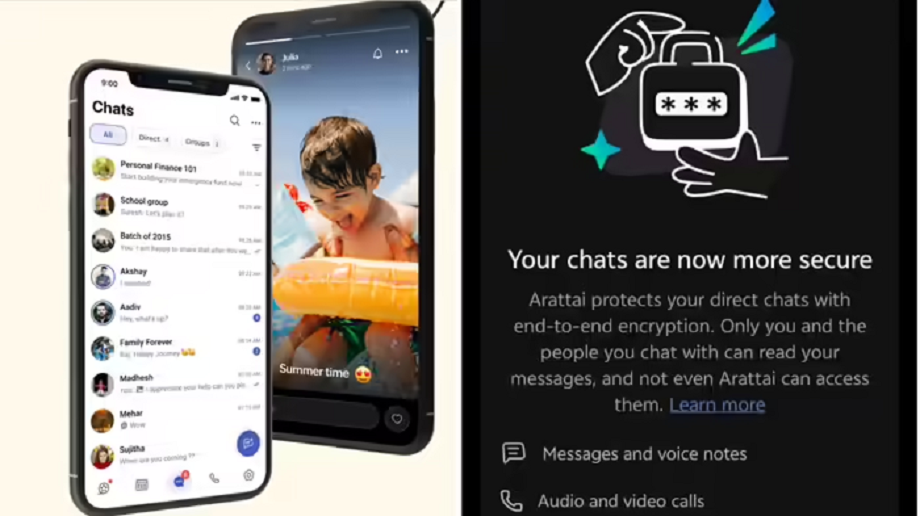
The Arattai app has received an update with the end-to-end encryption feature. You can use this feature by updating your app from the App Store or Play Store. Let's take a closer look at the benefits of this feature and how to activate it in just three steps.
India's indigenous messaging app Arattai has finally got the end-to-end encryption feature. Everyone was waiting for this feature since the app became popular. After the end-to-end encryption feature is introduced in Arattai, people's chats will now become completely private, just like WhatsApp. Let us tell you that due to this feature, no one will be able to read anyone's chat and the conversation on the app will remain between the sender and the one who reads the message. The arrival of this feature was announced by Sridhar Vembu himself on Tuesday. Let us know in detail about this feature and how to activate it.
What is end-to-end encryption feature?
The end-to-end encryption feature is used in messaging apps to make messaging private and secure. Apps like WhatsApp and Signal have been using it for a long time, which has led to continued trust in these messaging apps. Simply put, this feature converts your chats into a code that even the app you're using to send the message can't read.
This means that if you turn on end-to-end encryption and chat with someone on Arattai , even the Arattai app team won't be able to read your messages. Once your chat is encrypted, it can only be decoded on the phone of the person you're sending the message to. Therefore, this feature was long awaited, and it was the only significant difference between WhatsApp and Arattai.
How to use
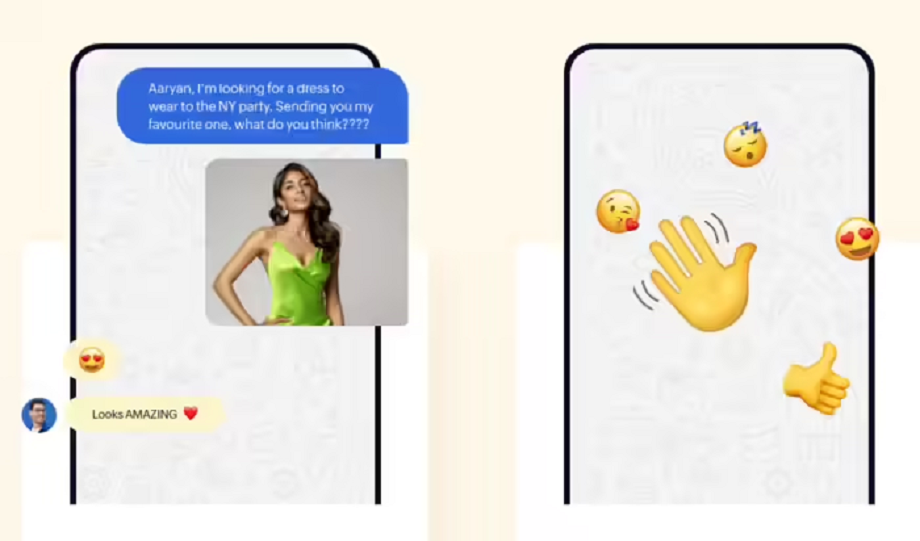
While using the Arattai app, we found that unlike WhatsApp, end-to-end encryption isn't enabled by default. This means that if you want to keep your Arattai chats private and secure, you'll need to follow a few steps to enable it. However, it's quite easy and can be activated in just three steps.
How to activate end-to-end encryption on Arattai?
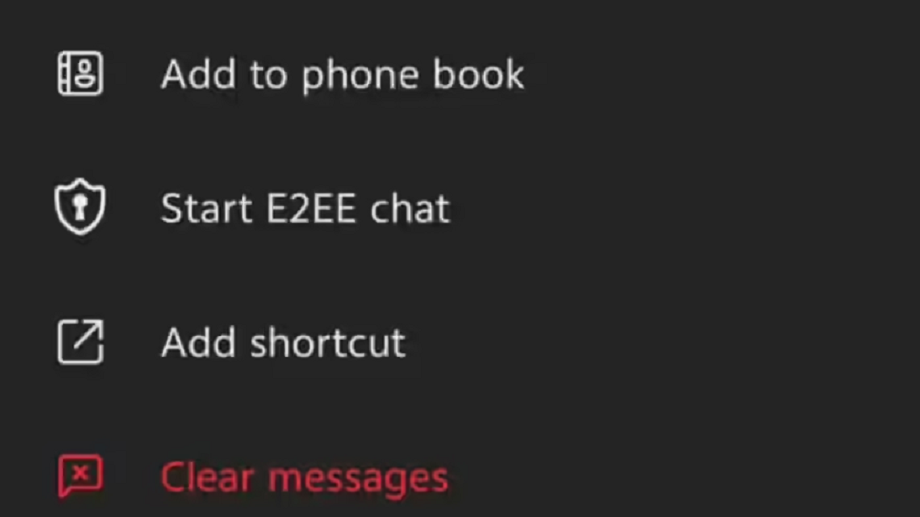
To turn on the end-to-end encryption feature in the Arattai app, you will have to go to the chat with the person in whom you want to turn on the end-to-end encryption feature. This is because unlike WhatsApp, the end-to-end encryption feature is not turned on by default for all chats in Arattai.
1. After coming to the chat, tap on the person's name.
2. After this, tap on the 'three dots' visible on the page that opens.
3. After this, tap on the option of Start E2EE chat.
Just do this and your end-to-end encrypted chat will begin. After this, you can be completely confident about the privacy of your chats.
Will anything remain private?

When it comes to privacy, it's worth noting that with this feature, your messages and voice notes, as well as audio and video calls, photos, videos, documents, and shared locations, will remain completely private. It's worth noting that you won't need to separately enable end-to-end encryption for audio and video calls. Any call you make will begin while still end-to-end encrypted.
Image Credit: arattai.in