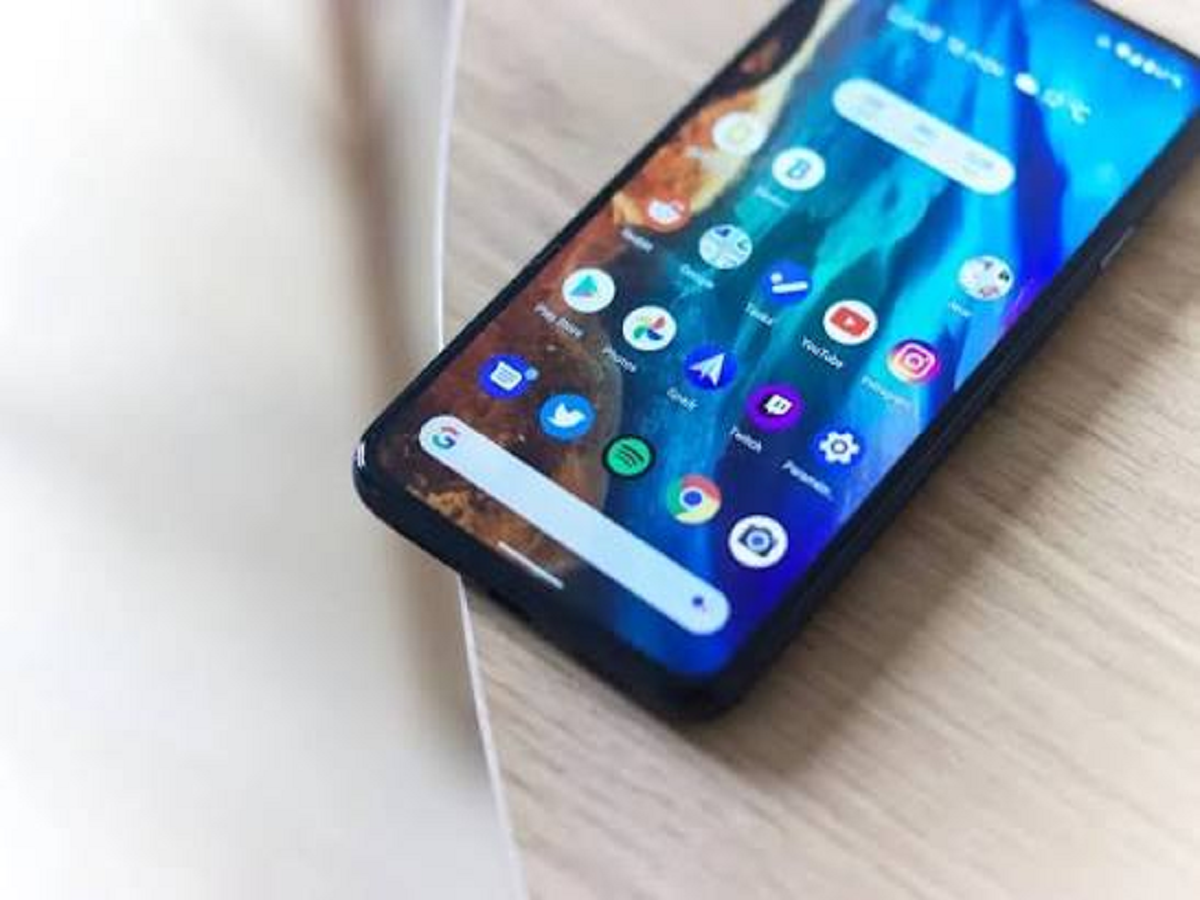
Google's latest Android 17 update brings several useful features that many smartphone users may not know about. One of the most practical additions is a new multitasking tool called Bubbles, which lets you turn supported apps into floating windows and use them while another app remains open. Android 17 is rolling out first to Pixel devices, with other eligible Android phones expected to receive the update during 2026.
Turn an app into a floating window
With Android 17, you can long-press an eligible app icon and convert it into a floating Bubble.
The app then stays on top of your current screen, allowing you to switch between tasks without completely leaving the application you're using. On larger-screen devices, Bubbles can also appear in a dedicated bar for easier multitasking.
For example, you could keep a messaging app floating while browsing the web or checking information in another application.
Another useful trick: control location access
Android 17 also adds more control over location permissions.
Instead of permanently giving an app access to your precise location, users can grant temporary access when needed. This can be useful for apps that don't need to know your location continuously.
Go to:
Settings → Privacy → Permission Manager → Location
The exact menu can vary depending on your phone manufacturer and Android version.
Share only the contacts you want
Android 17 also gives users greater control when an app requests access to contacts.
Rather than automatically giving an application access to your entire address book, supported devices can allow you to share only specific contacts.
This is particularly useful for apps that need contact information for a specific task but don't need access to your entire contact list.
Lost your phone? Use the improved Mark as Lost feature
One of the more important security upgrades in Android 17 is the enhanced Mark as lost function in Find Hub.
Google says the feature can lock a missing phone using biometric authentication, helping protect your information even if someone knows the device's passcode.
If you haven't already configured Google's device-finding features, it's worth doing so before your phone goes missing.
Hide app names from your home screen
Android 17 also introduces an option to hide app names from the home screen.
This can give your home screen a cleaner appearance, particularly if you prefer a minimal layout.
Don't forget the security update
Android 17 isn't just about visual changes and multitasking. Google has also included additional security and privacy controls in the new version.
If your phone has received the update, check the new privacy and security sections rather than simply installing Android 17 and continuing to use the old settings.
How to check if your phone has Android 17
Open:
Settings → About phone → Android version
If an update is available, you can generally find it under:
Settings → System → Software update
The availability and menu names will vary by manufacturer.
The Bottom Line
Android 17 brings several practical upgrades that can make everyday smartphone use easier. The new floating Bubbles feature is particularly useful for multitasking, while temporary location permissions, selective contact sharing and improved lost-device protection give users more control over their data and phone security.