
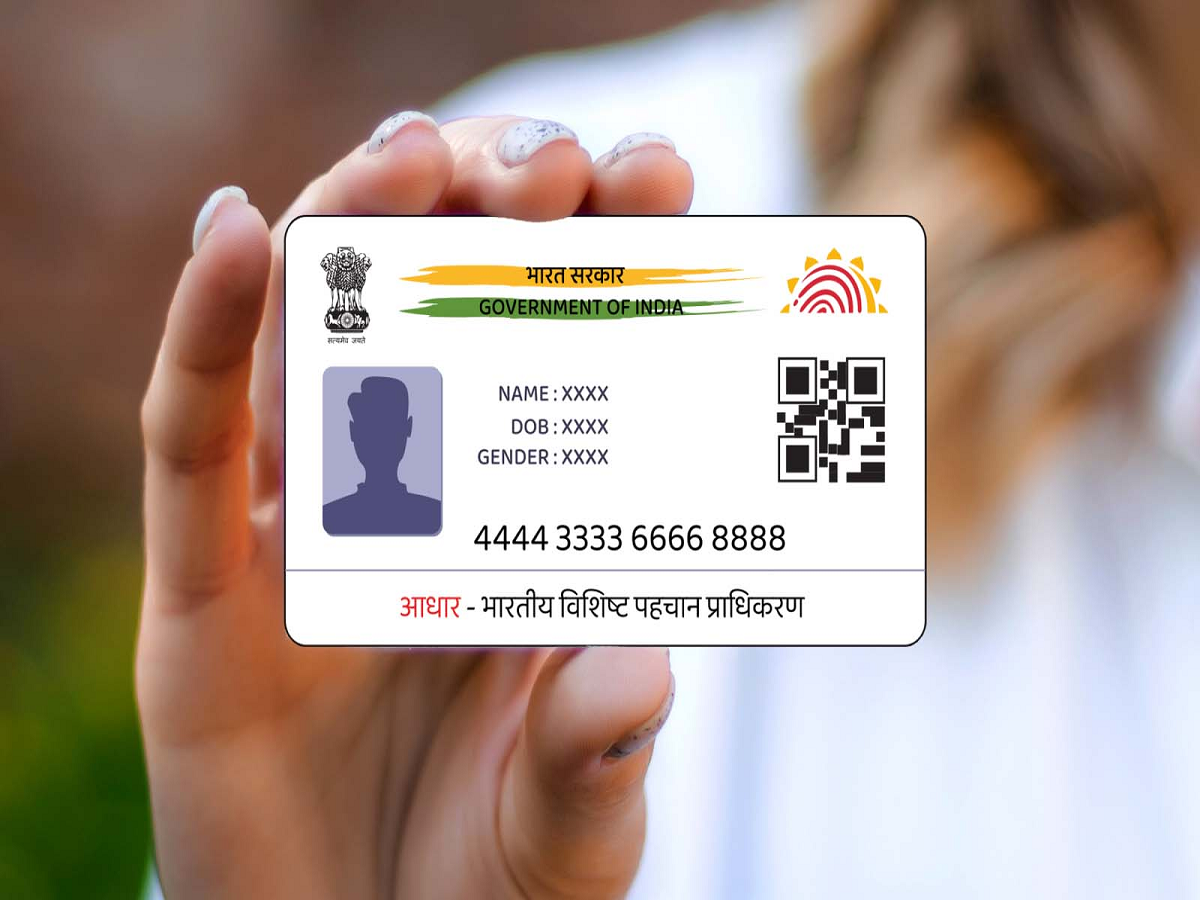
In today’s digital-first India, Aadhaar has become one of the most important identity documents. Whether it is opening a bank account, applying for government welfare schemes, buying a mobile SIM, filing taxes, or completing school admissions, Aadhaar is required almost everywhere. Since it is used so frequently, losing your Aadhaar card can be stressful—especially if you don’t remember the 12-digit Aadhaar number.
However, there is no need to panic. The Unique Identification Authority of India (UIDAI) has made the process extremely simple. Even if your Aadhaar card is lost and you have forgotten the number, you can still retrieve and download it easily using official methods.
Can You Get Aadhaar Without Knowing the Number?
Yes, absolutely. UIDAI allows residents to retrieve their Aadhaar number online using basic personal details. As long as your mobile number or email ID is registered with Aadhaar, you can recover your details within minutes.
This service is free, secure, and available 24/7.
Steps to Retrieve Aadhaar Number Online
If you have lost your Aadhaar card and do not remember the number, follow these steps:
-
Visit the official UIDAI website
-
Go to the ‘My Aadhaar’ section
-
Click on ‘Retrieve Lost or Forgotten UID/EID’
-
Enter your full name, date of birth, and registered mobile number or email ID
-
Fill in the captcha code and submit the form
You will receive a One-Time Password (OTP) on your registered mobile number or email. After entering the OTP, your Aadhaar number will be displayed on the screen. UIDAI will also send the details via SMS or email for your records.
How to Download e-Aadhaar
Once you retrieve your Aadhaar number, you can easily download your e-Aadhaar:
-
Visit the UIDAI website
-
Select Download Aadhaar
-
Enter your Aadhaar number and verify with OTP
-
Download the PDF file
The downloaded Aadhaar is digitally signed and is legally valid across India, just like the physical card.
What If Your Mobile Number Is Not Linked to Aadhaar?
If your mobile number is not registered with Aadhaar, the online retrieval process will not work. In such cases, you must visit the nearest Aadhaar Enrolment or Update Centre.
What you need:
-
Your 28-digit Enrolment ID (EID) (if available)
-
Any supporting identity document
At the centre, officials will verify your identity using biometric authentication. After verification, you will be issued an e-Aadhaar. A nominal fee of around ₹30 may be charged for this service.
Order a PVC Aadhaar Card for Convenience
If you prefer a durable card, UIDAI also offers a PVC Aadhaar Card, which looks similar to a debit or ATM card and is easy to carry.
Steps to order:
-
Visit the UIDAI website
-
Choose Order Aadhaar PVC Card
-
Enter your Aadhaar number and verify with OTP
-
Make an online payment of ₹50
UIDAI will print the PVC card and deliver it to your registered address via speed post within a few days.
Why Losing Aadhaar Is Not a Big Problem Anymore
Thanks to UIDAI’s digital services, losing your Aadhaar card no longer creates serious trouble. Whether you remember your number or not, Aadhaar can be retrieved quickly, safely, and legally.
Final Takeaway
Misplacing your Aadhaar card can be inconvenient, but it is not a crisis. With online retrieval options, e-Aadhaar downloads, and PVC card services, UIDAI ensures that citizens can regain access to their Aadhaar anytime, anywhere, with minimal effort.



