BUSINESS
Aadhaar Card: If you don't remember your Aadhaar card number or not, you can recover it like this
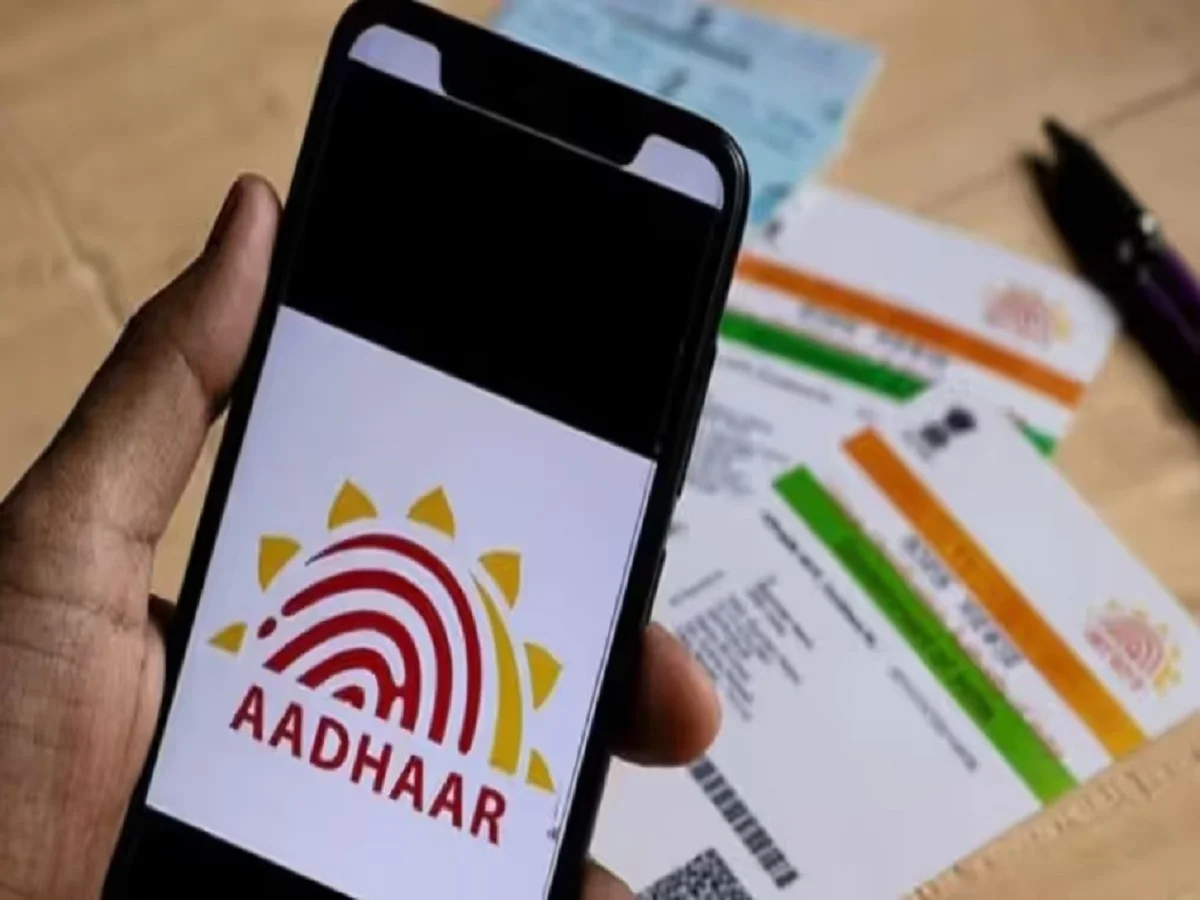
You must have an Aadhaar card, and if you don't have one, you should get one made. Nowadays, Aadhaar card has become a part of almost every important task; from opening a bank account to getting a SIM card and availing government schemes, it is required. Therefore, if you lose your Aadhaar card or don't remember the 12-digit number, you are bound to face problems. However, there is no need to panic; UIDAI has provided several easy ways to retrieve your Aadhaar number from the comfort of your home.
How to recover Aadhaar number from the website
If your mobile number is linked to Aadhaar, the easiest way is through the UIDAI website.
For this, first go to the official UIDAI website and go to the My Aadhaar section and click on the Retrieve Aadhaar Number option.
Here you will have to fill in your name, mobile number and captcha.
After this, click on Send OTP.
As soon as you enter the OTP received on your mobile, your Aadhaar details will appear on the screen.
If you want, you can also download e-Aadhaar.
Aadhaar number can also be obtained through SMS
Those who do not have internet access can also check their Aadhaar number through SMS. For this, you will have to send a message to 51969 from your registered mobile number. The format of the message should be UID <name> <pin code>.
PC- Gnttv.com