TECH
Your Smartphone Battery May Be Getting Damaged Faster Than You Think! 7 Charging Habits You Should Stop Following
Smartphones have become an essential part of everyday life. From online payments and office work to entertainment and communication, people depend on their phones throughout the day. However, despite improvements in battery technology, many users still struggle with battery degradation and reduced backup after a year or two of use.
One major reason behind this problem can be everyday charging habits. Lithium-ion batteries naturally lose capacity over time, but certain practices can accelerate the process. Understanding how smartphone batteries work can help users maintain better battery health and avoid unnecessary wear.
1. Charging your phone to 100% every time
Many smartphone users believe that charging their devices to 100% is necessary for maintaining battery performance. However, lithium-ion batteries experience greater chemical stress when kept at very high charge levels for extended periods.
This does not mean that charging to 100% occasionally is harmful. But keeping the battery fully charged for long periods every day can contribute to faster degradation. If your smartphone offers an 80% charging limit, using this feature may help preserve battery health over time.
2. Letting the battery frequently drop to 0%
Allowing your smartphone battery to drain completely before charging is another habit worth avoiding. Lithium-ion batteries do not need to be fully discharged before being recharged.
In fact, repeatedly allowing the battery to reach extremely low levels can increase battery stress. It is generally better to connect your phone to a charger when the battery level approaches 20% rather than waiting for it to switch off.
3. Using your phone while charging
Using your smartphone while it is charging is not automatically dangerous. However, activities such as gaming, video editing and extended video streaming can generate additional heat.
When charging and demanding applications run simultaneously, the phone may become warmer than usual. Excessive heat is one of the biggest factors that can accelerate battery ageing.
For better battery health, avoid intensive gaming or other demanding tasks while charging, particularly if the device is already getting hot.
4. Ignoring smartphone overheating
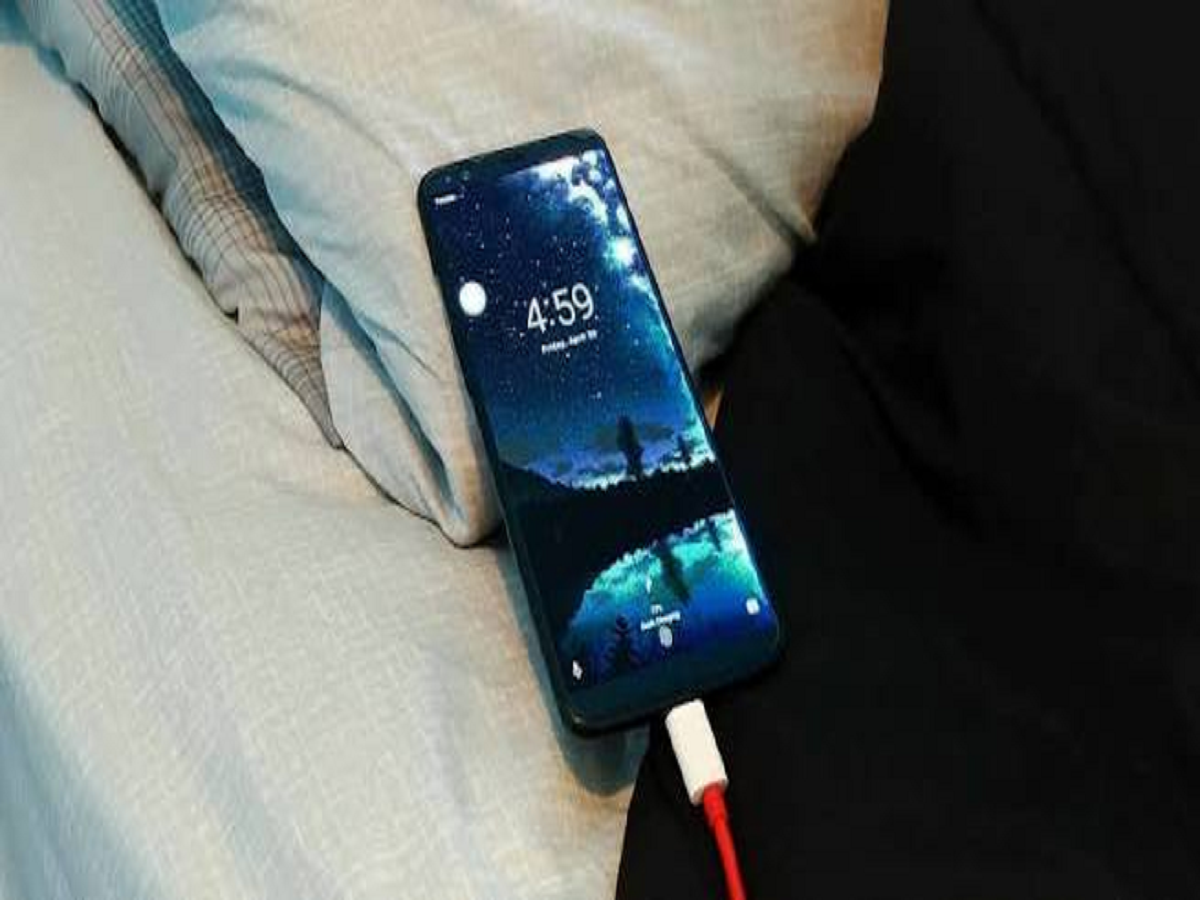
Heat can have a significant impact on lithium-ion battery life. Leaving your phone in direct sunlight, inside a hot car or under a pillow while charging can cause its temperature to rise.
High temperatures accelerate chemical reactions inside the battery, gradually reducing its ability to hold a charge.
If your smartphone becomes unusually hot, disconnect it from the charger if necessary, close demanding applications and move it to a cooler place. Avoid placing it in a refrigerator or exposing it to sudden temperature changes.
5. Using low-quality chargers and cables
Not all charging accessories offer the same level of safety and reliability. Poor-quality chargers and damaged cables may lack adequate electrical protection and can create overheating or charging problems.
It is advisable to use the original charger or accessories from reputable manufacturers that meet the phone's charging specifications. A charger with a higher wattage rating is not necessarily harmful, as compatible smartphones regulate the power they draw.
6. Keeping fast charging switched on unnecessarily
Fast charging is useful when you are in a hurry, but it can generate more heat than slower charging under certain conditions.
Modern smartphones have charging management systems designed to regulate temperature and power delivery. Still, if you do not need a quick charge, using a slower charging option can help reduce heat generation in some situations.
The biggest concern is not fast charging itself but the temperature at which the battery operates.
7. Leaving your phone plugged in overnight without checking its settings
Modern smartphones are designed to manage charging automatically, so leaving a phone plugged in overnight does not usually cause immediate battery damage.
However, keeping the battery near 100% for several hours regularly can contribute to long-term degradation. Features such as Optimised Battery Charging, Adaptive Charging and charging limits can help reduce the time the battery spends at a full charge.
Users should check their smartphone's battery settings and enable the available protection features.
How can you increase your smartphone battery's lifespan?
There is no way to prevent lithium-ion batteries from ageing completely. However, a few simple practices can help slow down the process:
-
Avoid exposing your smartphone to excessive heat.
-
Keep the battery away from frequent extreme charge levels.
-
Use reliable chargers and charging cables.
-
Enable battery protection or optimised charging features.
-
Avoid demanding applications when the phone is overheating.
-
Do not wait for the battery to reach 0% before charging.
Ultimately, battery degradation is a natural process, and every smartphone battery loses some capacity with use. However, avoiding excessive heat and unnecessary charging stress can help maintain battery performance for longer.