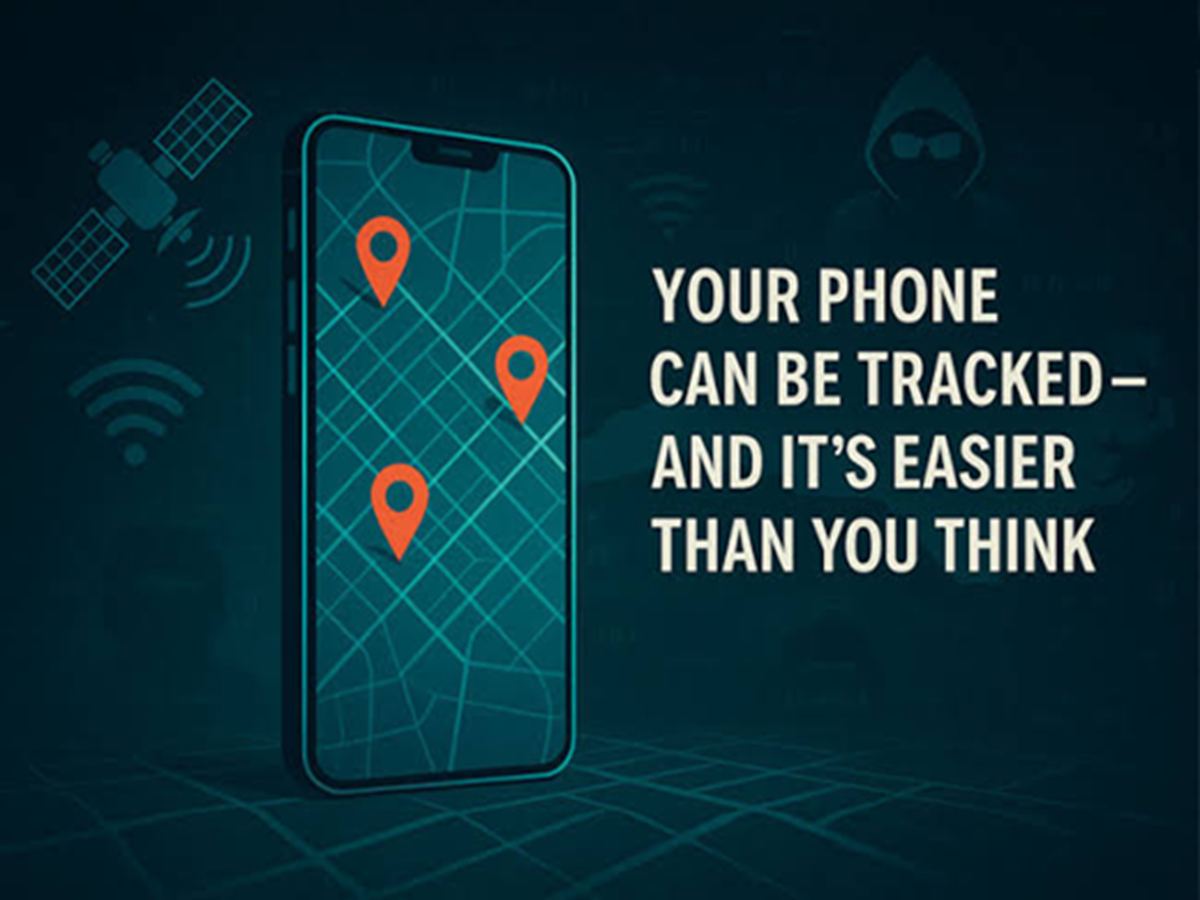
Smartphones rely on location services for navigation, ride-hailing, food delivery, weather updates, and emergency features. However, many apps continue to access your location even when you're not actively using them.
Reviewing your privacy settings regularly can help you reduce unnecessary tracking while still allowing essential apps to function properly.
Why Do Apps Ask for Location Access?
Many apps genuinely need your location to work correctly, such as:
-
Maps and navigation apps
-
Cab booking services
-
Food delivery platforms
-
Weather apps
-
Emergency and safety features
However, some apps request location access even when it isn't essential to their core functionality.
Check Which Apps Can Access Your Location
Open your phone's settings and review the list of apps with location permission.
Most smartphones let you choose from options such as:
-
Allow all the time
-
Allow only while using the app
-
Ask every time
-
Don't allow
For most apps, selecting "Allow only while using the app" provides a good balance between privacy and convenience.
Turn Off Precise Location When It's Not Needed
Many Android and iPhone models allow you to disable Precise Location for individual apps.
With this setting turned off, apps receive an approximate location instead of your exact position, which is often sufficient for services like weather updates or local news.
Review 't want others to know where the photo was taken.
Update Apps Regularly
Software updates often include privacy improvements and security fixes.
Keeping your operating system and apps updated helps ensure you have access to the latest privacy controls.
Signs an App May Be Using Location Unnecessarily
Pay attention if you notice:
-
The location icon appearing when you're not using navigation.
-
Unexpected battery drain.
-
Apps requesting location access without a clear reason.
-
Frequent permission prompts from unfamiliar apps.
If something seems unusual, review that app's permissions.
Simple Privacy Habits to Follow
To improve your privacy:
-
Review app permissions every few months.
-
Install apps only from trusted sources.
-
Remove apps you no longer use.
-
Read permission requests before accepting them.
-
Grant only the permissions an app genuinely needs.
The Bottom Line
Location services make smartphones more useful, but not every app requires continuous access to your whereabouts. Spending a few minutes reviewing your privacy settings can reduce unnecessary tracking, improve battery life, and give you greater control over your personal information—without affecting the apps you rely on every day.