TECH
Your Phone Knows More Than You Think! 8 Hidden Smartphone Features You Should Start Using Today
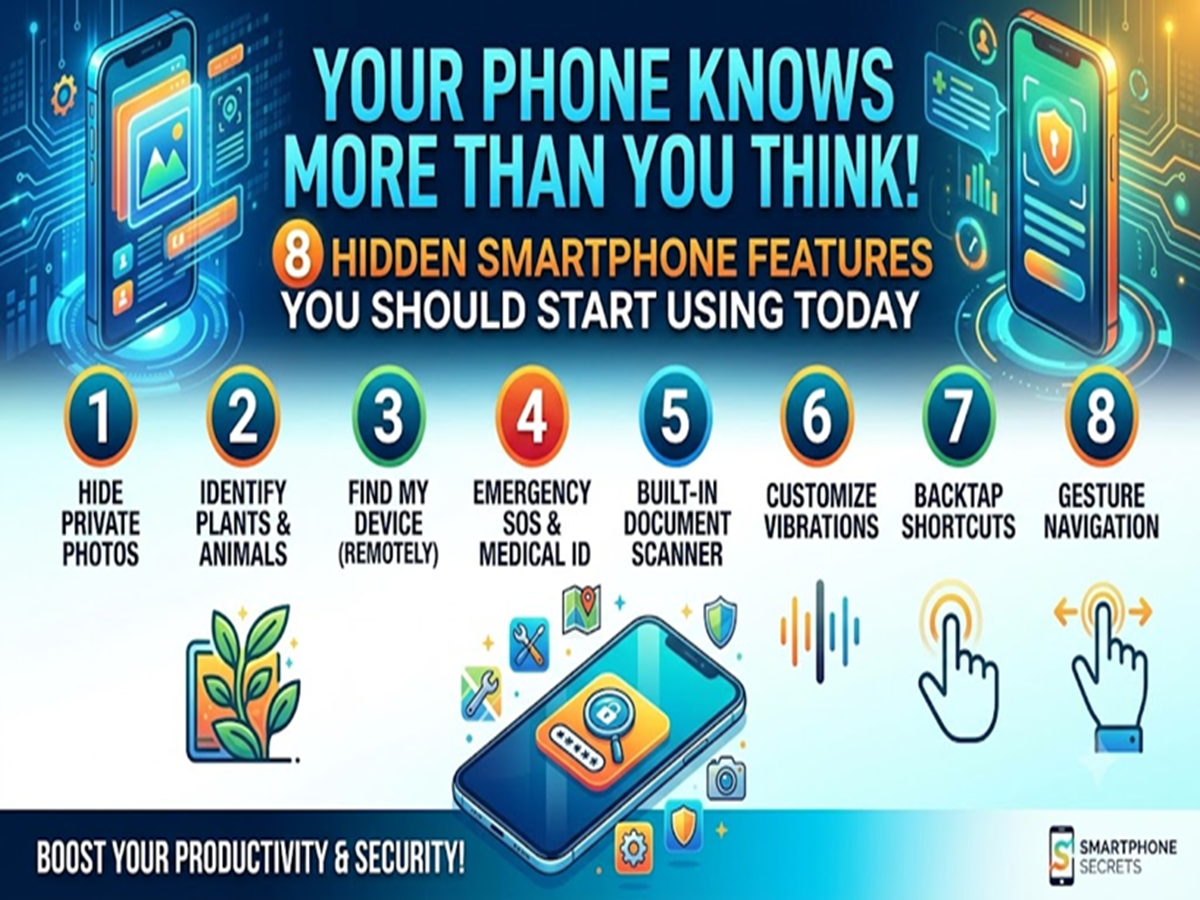
Modern smartphones are packed with useful features, but most users only scratch the surface. Beyond calls, messaging, and social media, your phone includes several built-in tools that can save time, improve security, and make everyday tasks much easier.
Here are eight hidden features you should start using today.
1. Scan Documents Without Installing Any App
You don't always need a separate scanner app. Most smartphones now let you scan documents directly using the camera, turning receipts, certificates, and notes into clear PDF files within seconds.
2. Turn Your Phone Into a Magnifying Glass
Can't read small text on medicine packets or restaurant menus? Use your phone's built-in Magnifier feature to zoom in on tiny text without taking a photo.
3. Use Split Screen for Multitasking
Need to watch a video while taking notes or compare two documents side by side? Split Screen mode allows you to use two apps simultaneously, making multitasking much more efficient.
4. Pin Important Apps
If you often hand your phone to someone else, App Pinning can lock the device to a single app. This prevents others from accessing your photos, messages, or personal files.
5. Find Your Phone Even When It's on Silent
Misplaced your phone at home? Most smartphones include a device-finding feature that can make your phone ring at full volume—even if it's set to silent or vibration mode.
6. Quickly Share Wi-Fi Without Typing the Password
Instead of telling guests your Wi-Fi password, generate a QR code from your phone's Wi-Fi settings. Others can simply scan it to connect instantly.
7. Schedule 'Do Not Disturb' Automatically
Tired of notifications interrupting your sleep or meetings? Set up a schedule for Do Not Disturb mode so your phone automatically silences calls and notifications during selected hours.
8. Check Which Apps Are Draining Your Battery
If your battery doesn't last all day, visit the Battery section in Settings to see which apps are consuming the most power. Limiting background activity for these apps can noticeably improve battery life.
Bonus Tip: Use Voice Commands to Save Time
Whether it's setting alarms, sending messages, opening apps, or checking the weather, your phone's voice assistant can perform many everyday tasks hands-free, helping you save time and stay productive.