A smartphone is one of the most-used gadgets in daily life, but many people unknowingly damage its battery through poor charging habits. Over time, these mistakes can reduce battery health, shorten screen-on time, and even affect the phone's overall performance.
Fortunately, extending your phone's battery lifespan doesn't require expensive accessories. A few simple changes to your charging routine can make a significant difference.
1. Don't Leave Your Phone Plugged In All Night
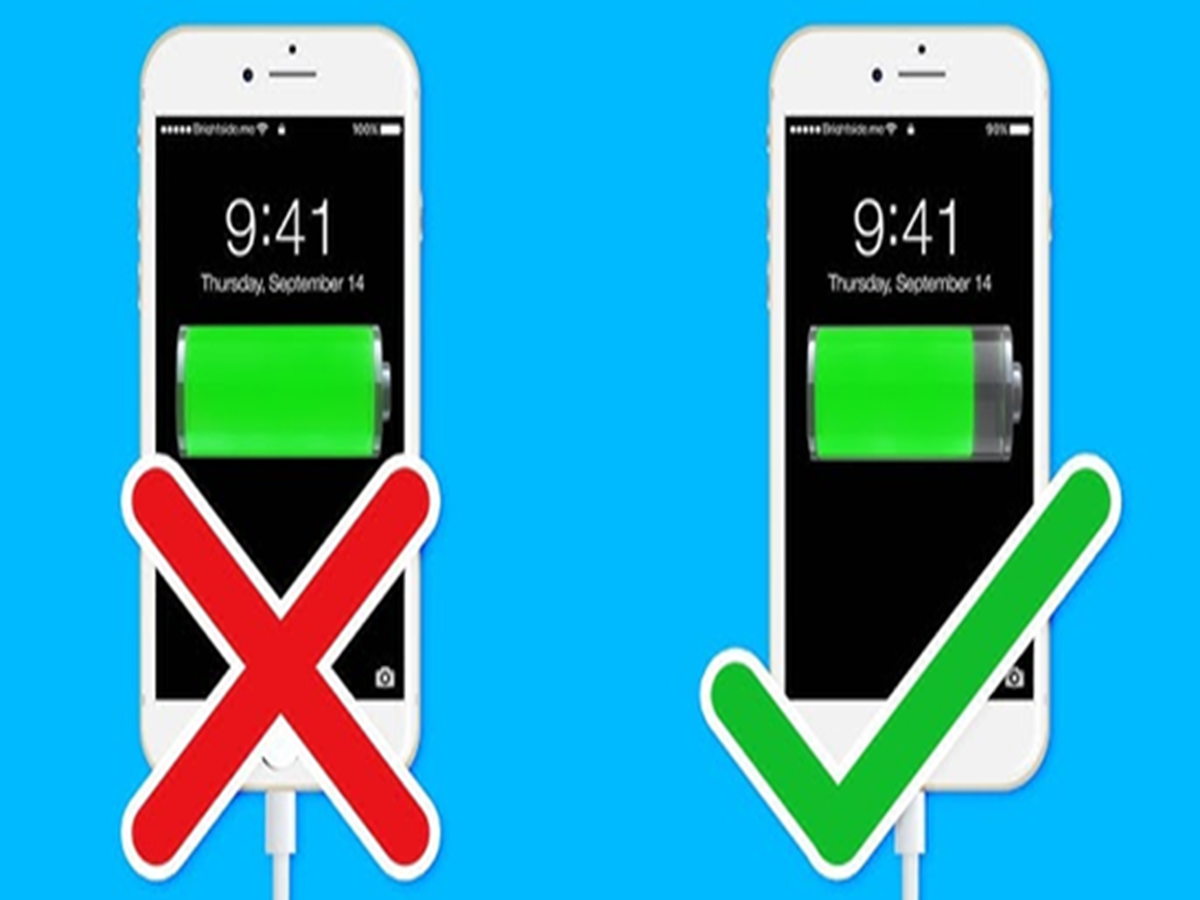
Modern smartphones stop charging when they reach 100%, but keeping the phone connected to the charger for several extra hours can generate unnecessary heat and put long-term stress on the battery.
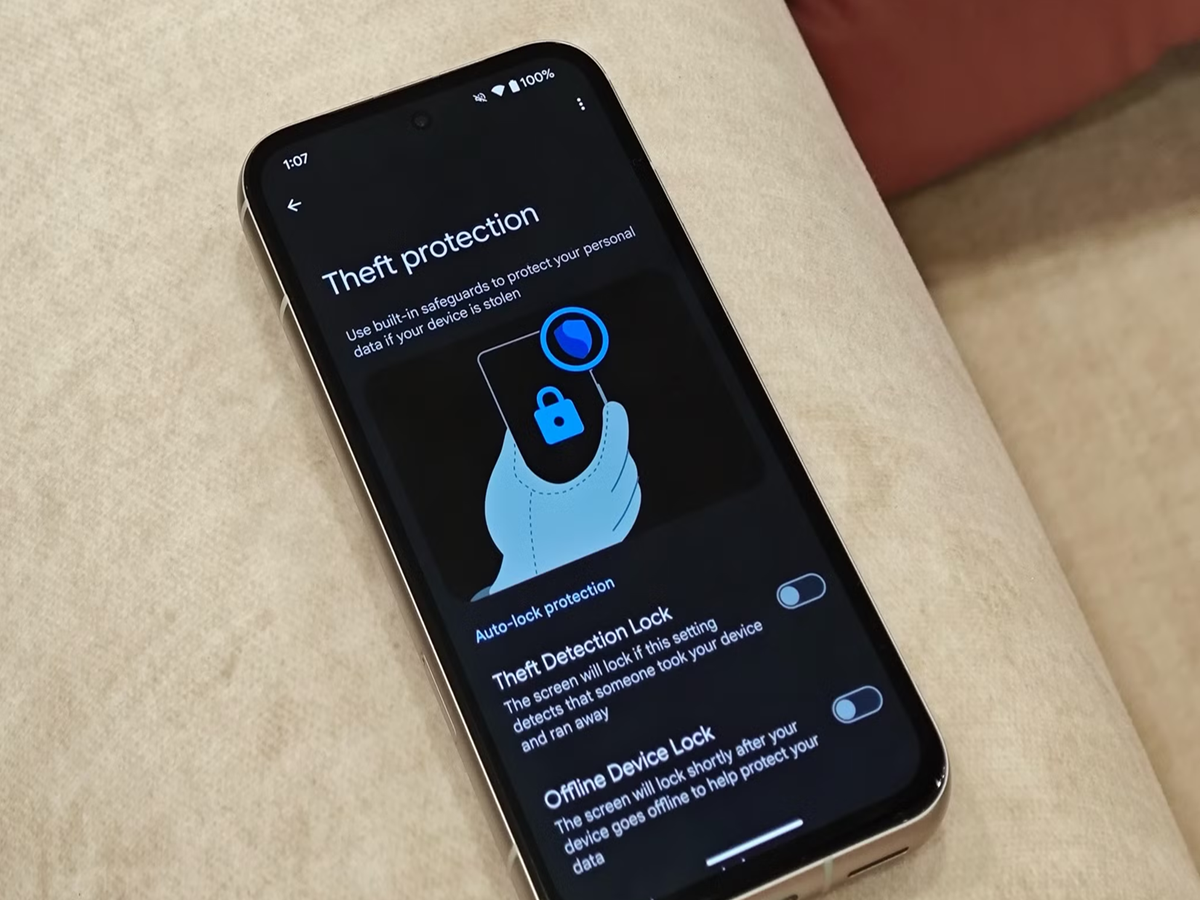
If your phone supports Optimized Charging or Adaptive Charging, enable it to help reduce battery wear.
2. Avoid Letting the Battery Reach 0% Frequently
Many people believe it's necessary to completely discharge the battery before charging again. This is no longer true for lithium-ion batteries.
Instead, try charging your phone before the battery drops below 20%.
3. Don't Keep the Battery at 100% All the Time
Keeping the battery fully charged for long periods can gradually reduce its capacity.
For everyday use, many experts recommend maintaining the battery between 20% and 80% whenever possible.
4. Avoid Cheap or Uncertified Chargers
Low-quality chargers and cables may not provide stable power and could damage both the battery and charging port.
Always use the original charger or a certified replacement from a trusted manufacturer.
5. Remove Thick Phone Cases While Fast Charging
Fast charging naturally produces more heat.
If your phone becomes unusually warm while charging, removing a thick protective case can improve heat dissipation and help maintain battery health.
6. Don't Use Heavy Apps While Charging
Playing graphics-intensive games or recording 4K videos while charging causes the processor and battery to heat up simultaneously.
Whenever possible, let your phone charge without running demanding applications.
7. Keep Your Phone Away from Heat
High temperatures are among the biggest enemies of smartphone batteries.
Avoid leaving your phone:
-
Inside a parked car.
-
In direct sunlight.
-
Near heaters or cooking appliances.
Excessive heat can permanently reduce battery capacity.
8. Keep the Charging Port Clean
Dust and lint can accumulate inside the charging port over time, leading to slow or inconsistent charging.
Inspect the port occasionally and clean it carefully using appropriate tools or have it professionally cleaned if necessary. Avoid inserting sharp metal objects into the port.
9. Install Software Updates
Battery optimization is often improved through software updates.
Manufacturers regularly release updates that enhance charging efficiency, reduce