Does your smartphone take forever to open apps, lag while scrolling, or drain its battery too quickly? Before you spend money on a new device, try changing a few settings. Many phones slow down over time because of unnecessary background activity, full storage, and outdated settings—not because the hardware has failed.
Here are some simple tweaks that can improve your phone's performance.
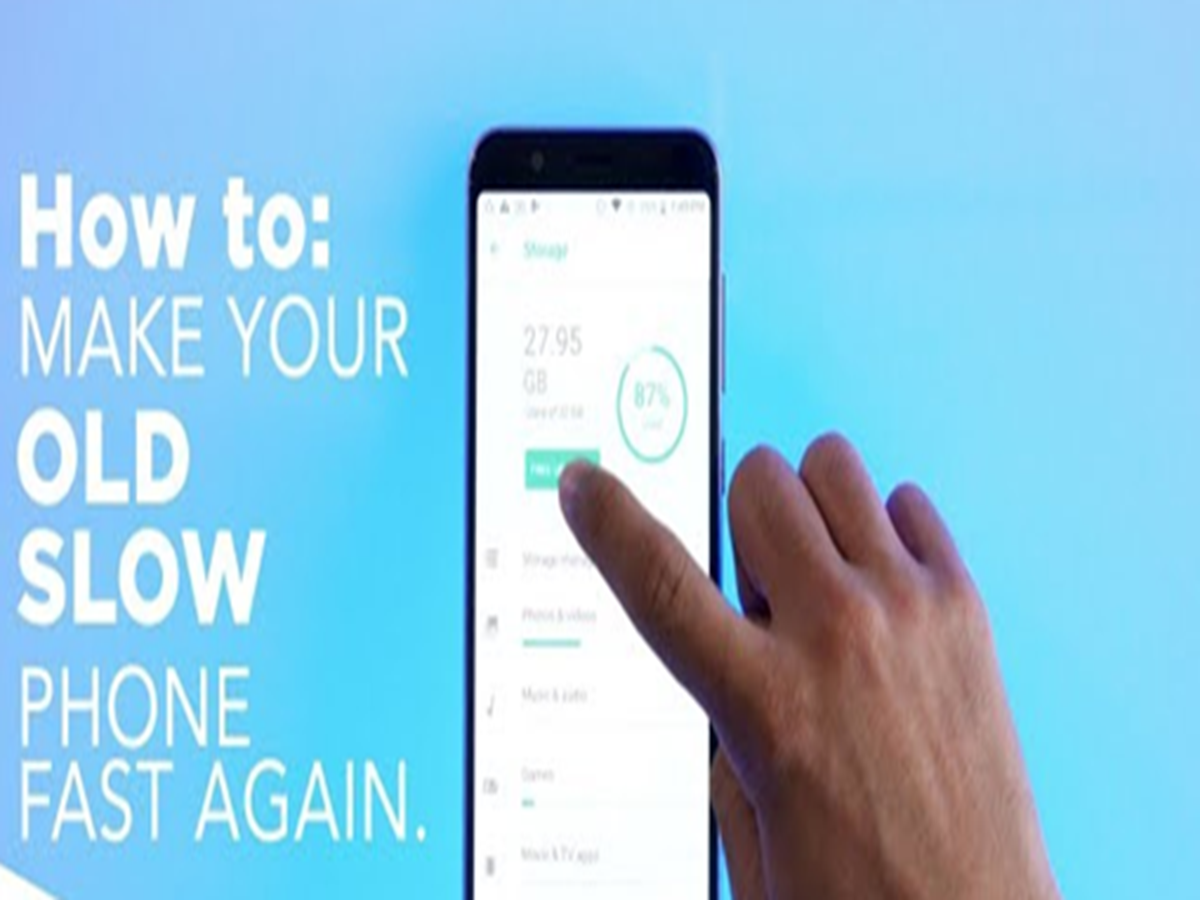
1. Free up storage space
A phone with nearly full storage often becomes slower.
Delete:
- Unused apps
- Duplicate photos and videos
- Large downloaded files
- Old WhatsApp media
Try to keep at least 15–20% of your storage free for smoother performance.
2. Restart your phone regularly
Many people rarely restart their phones.
Restarting your device once every few days clears temporary processes and can improve overall responsiveness.
3. Remove apps you don't use
Unused apps continue running in the background, consuming RAM and battery.
Review your installed apps and uninstall those you no longer need.
4. Disable unnecessary background activity
Many apps keep refreshing even when you're not using them.
Restrict background activity for apps that don't require constant updates, such as games or shopping apps.
5. Update your software
Operating system and app updates often include:
- Performance improvements
- Bug fixes
- Security patches
- Better battery optimization
Keeping your phone updated can improve both speed and security.
6. Reduce animations
Animation effects make the interface look smoother but can make older phones feel slower.
Reducing or disabling animations can make app switching and navigation appear much faster.
7. Clear app cache
Apps gradually accumulate cached data that can occupy significant storage.
Occasionally clearing the cache of frequently used apps can help resolve slow performance and free up space.
8. Check battery health
A degraded battery can cause some smartphones to reduce performance automatically.
If your phone's battery health has dropped significantly, replacing the battery may restore better performance.
9. Turn off features you don't use
Disable features such as:
- Bluetooth
- GPS
- NFC
- Nearby device scanning
when they are not needed. This reduces background activity and improves battery life.
10. Avoid installing apps from unknown sources
Unofficial apps may contain malware or unnecessary background services that slow down your device and compromise security.
Always download apps from trusted app stores.
Signs it's time to upgrade instead
If your phone still struggles after trying these steps and you experience:
- Frequent app crashes
- Very slow performance
- No longer receiving security updates
- Insufficient storage despite cleanup
it may be time to consider replacing the device.
The bottom line
A slow smartphone doesn't always need to be replaced. In many cases, freeing up storage, removing unnecessary apps, updating software, and adjusting a few settings can noticeably improve speed and battery life. Spending just a few minutes on these optimizations could make your phone feel much more responsive.