TECH
Your Android Phone Could Be Tracking Every Tap: New Malware Warning Highlights the Risks of Fake Apps
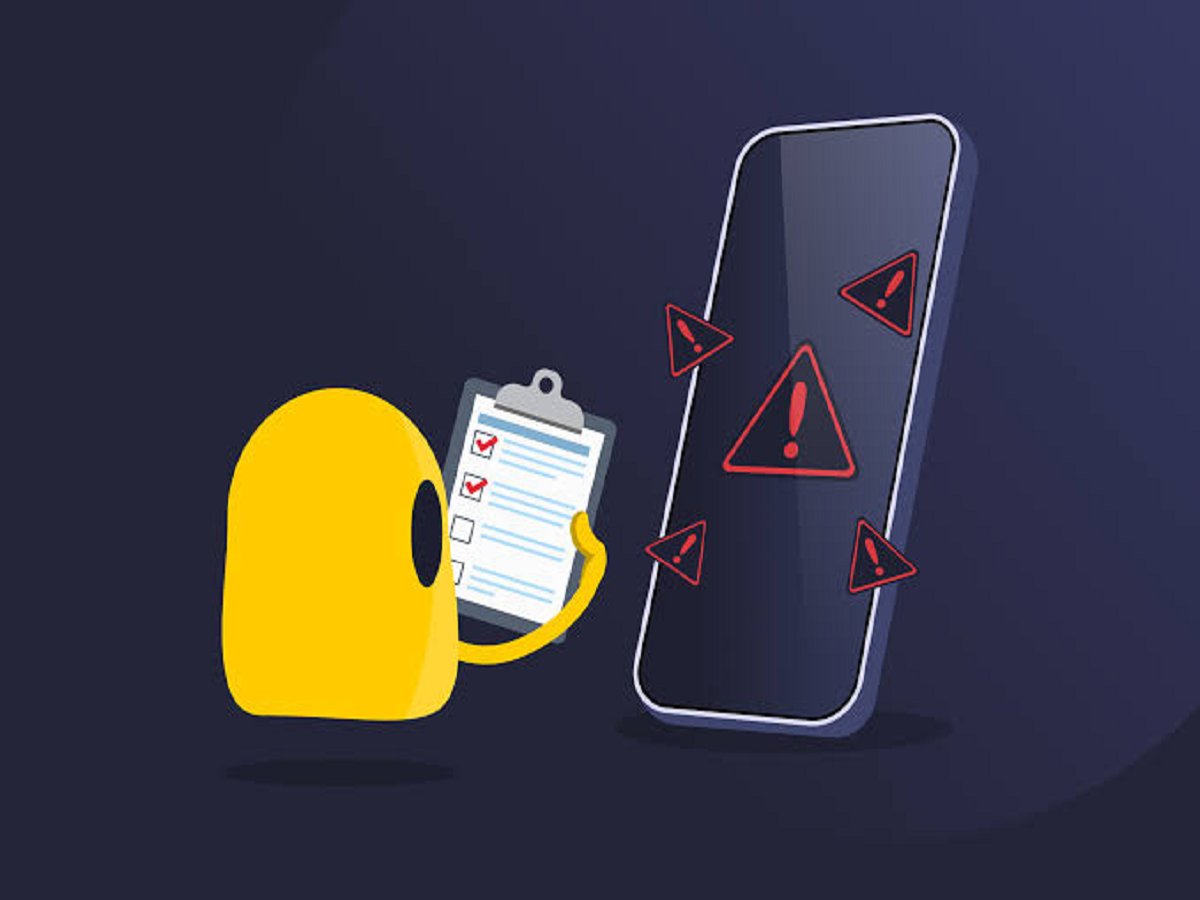
Smartphones have become digital wallets, communication hubs and personal assistants. But as people increasingly use their phones for banking, shopping and payments, cybercriminals are finding new ways to exploit mobile security weaknesses. A recent cybersecurity report has highlighted a particularly concerning threat: Android malware that can monitor touchscreen activity and potentially steal sensitive information.
The malware, identified as RatHat by researchers at cybersecurity firm Zimperium, was reported in September 2026. According to the report, it can abuse Android Accessibility features to monitor user interactions and target banking credentials, passwords and verification codes. The findings underline why smartphone users should be careful about the apps they install and the permissions they grant. <Cite refs={["turn611830news6"]}/>
How Can Malware Track Your Phone's Screen?
Android's Accessibility features are designed to make smartphones easier to use, particularly for people who need assistance interacting with their devices. Depending on the permission granted, certain accessibility services can read screen content or interact with other applications.
Malicious software may attempt to abuse these capabilities to observe what a user does on the phone. If successful, such malware could potentially identify sensitive information entered into banking applications or other services.
The risk is not limited to passwords. Attackers may also attempt to capture PINs, one-time passwords (OTPs) or information displayed in notifications.
However, installing a malicious application does not automatically give it unlimited access to every part of a phone. The outcome depends on the permissions obtained, the Android version, device protections and the malware's capabilities.
How Do These Attacks Reach Users?
Mobile malware often relies on social engineering rather than exploiting a phone without any user interaction.
Common infection routes include:
-
Fake applications promoted through suspicious websites or advertisements.
-
Messages containing links to unofficial app downloads.
-
Applications pretending to offer useful services, discounts or security tools.
-
Requests asking users to enable powerful Accessibility permissions without a clear reason.
Once installed, a malicious application may try to persuade the user to grant additional permissions. This is why an app's requested access can be just as important as its appearance or advertised features.
Five Ways to Protect Your Android Phone
1. Download apps from trusted sources
Use Google Play or the device manufacturer's official app store whenever possible. Avoid installing APK files from unfamiliar websites, particularly when they arrive through unsolicited messages.
Official app stores can also contain harmful applications, so check the developer, reviews and requested permissions before installing anything.
2. Review Accessibility permissions
Open your phone's Settings and search for “Accessibility” or “Installed apps” under Accessibility settings. Review the services that are enabled and switch off access for applications you do not recognise or trust.
Do not disable accessibility tools you genuinely need. Instead, verify unfamiliar services before changing their settings.
3. Keep your phone and applications updated
Install Android security updates and update your applications regularly. Updates can address known vulnerabilities and improve protection against emerging threats.
Enable automatic updates where practical, and do not ignore repeated security warnings from your device.
4. Never share banking OTPs or UPI PINs
Your UPI PIN is used to authorise payments and should never be shared with another person. An OTP should only be entered into the legitimate service for which it was requested.
If an unfamiliar application asks you to reveal an OTP, banking password or UPI PIN, stop and verify the request independently.
5. Act quickly if you suspect an infection
If you notice suspicious activity, remove unfamiliar applications where possible, revoke unnecessary permissions and run Google Play Protect or a trusted security scan.
If you suspect that banking details have been compromised, contact your bank immediately through its official customer-care channel. Change affected passwords from a trusted device and review recent transactions.
In India, suspected cyber financial fraud can be reported promptly through the national cybercrime helpline at 1930 or the official portal at cybercrime.gov.in.
Warning Signs You Should Not Ignore
Unusual pop-ups, unfamiliar applications, unexplained permission changes, unexpected banking alerts or suspicious transactions may indicate a security problem. Battery drain and overheating can also occur for many ordinary reasons, so these symptoms alone do not prove that a phone is infected.
If several unusual signs appear together, review your installed applications and security settings rather than clicking on random “phone cleaner” advertisements.
Is an Antivirus App Enough?
A security application can help identify certain threats, but no single tool can guarantee complete protection. Users should combine security software with regular updates, careful permission management and safe downloading habits.
Google Play Protect also scans applications and can warn users about potentially harmful software. Keep it enabled and take its warnings seriously.
The Future of Smartphone Security
Mobile malware is becoming increasingly sophisticated, but many attacks still depend on familiar weaknesses: users being tricked into installing an application, granting excessive permissions or entering sensitive information into an unsafe environment.
The best defence is to make security checks part of everyday phone use. Before installing an app, ask whether it comes from a trustworthy source and whether its permissions make sense for the service it provides.
A few seconds spent reviewing an application's permissions could help prevent a much more serious problem involving personal information or financial accounts.