Whether you're visiting someone, needing directions, or needing to keep family informed about your safety during a night out—WhatsApp's Live Location feature is incredibly useful. It lets you show your current location in real time, and it automatically turns off after a set time or at your discretion.
Easy steps to send live location on WhatsApp
Open a chat: First, open WhatsApp and go to the chat of the person or group you want to send your live location to.
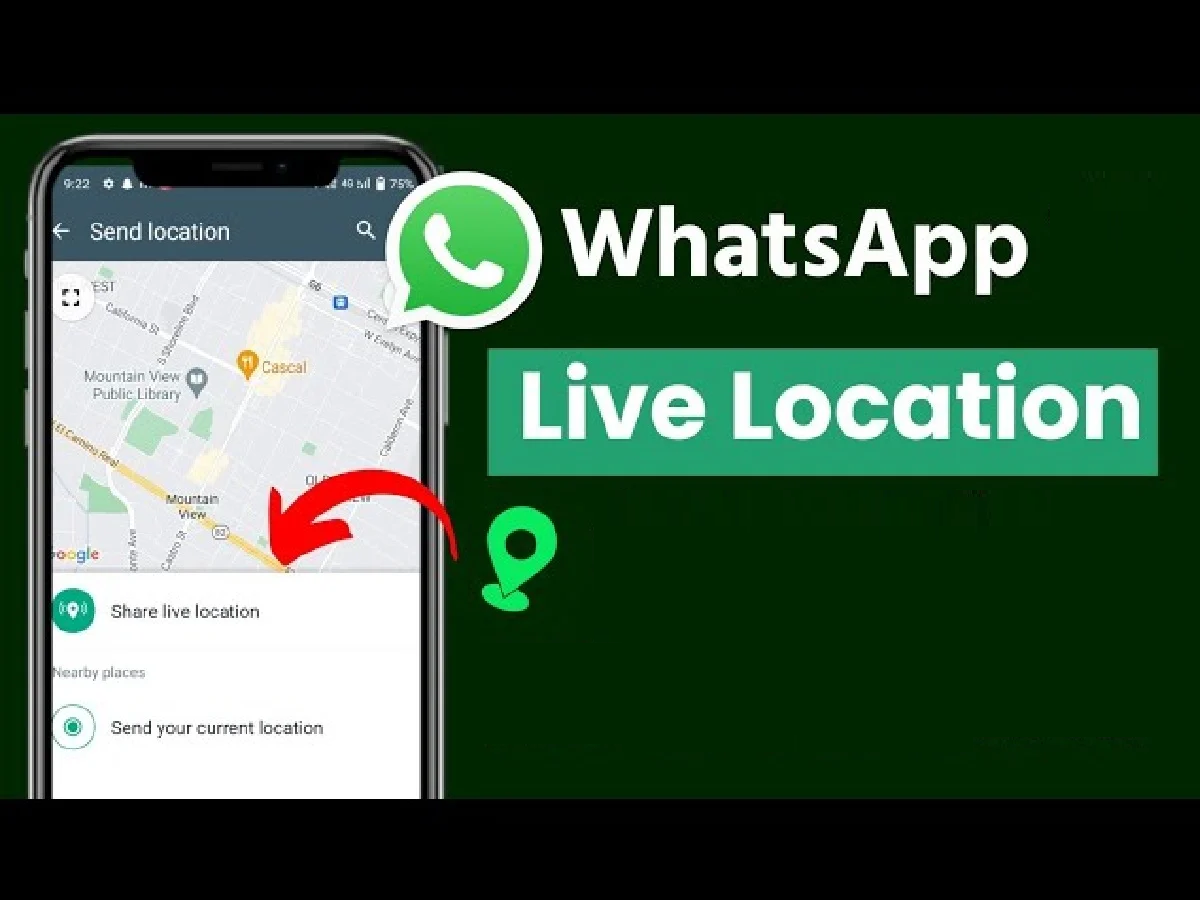
Select an attachment and location. Tap the paperclip icon (Android) or the + icon (iPhone) next to the message compose box and select a Location option.
Tap Share Live Location. Select Share live location from the options displayed on the screen.
Set a time limit: Choose from 15 minutes, 1 hour, or 8 hours, depending on your needs. If desired, add a short note and press Send.
How to turn off live location and important precautions
Stop anytime: When you're safely in your location or want to stop location sharing, tap the Stop sharing button below the map card sent in the chat.
Take care of privacy: Share live location only with trusted people or family members whom you completely trust.
What to do if the location gets stuck: If the other person does not see your location updating, then go to the phone's Settings > Apps > WhatsApp > Permissions > Location and turn on Allow all the time and Precise location.
PC: Youtube