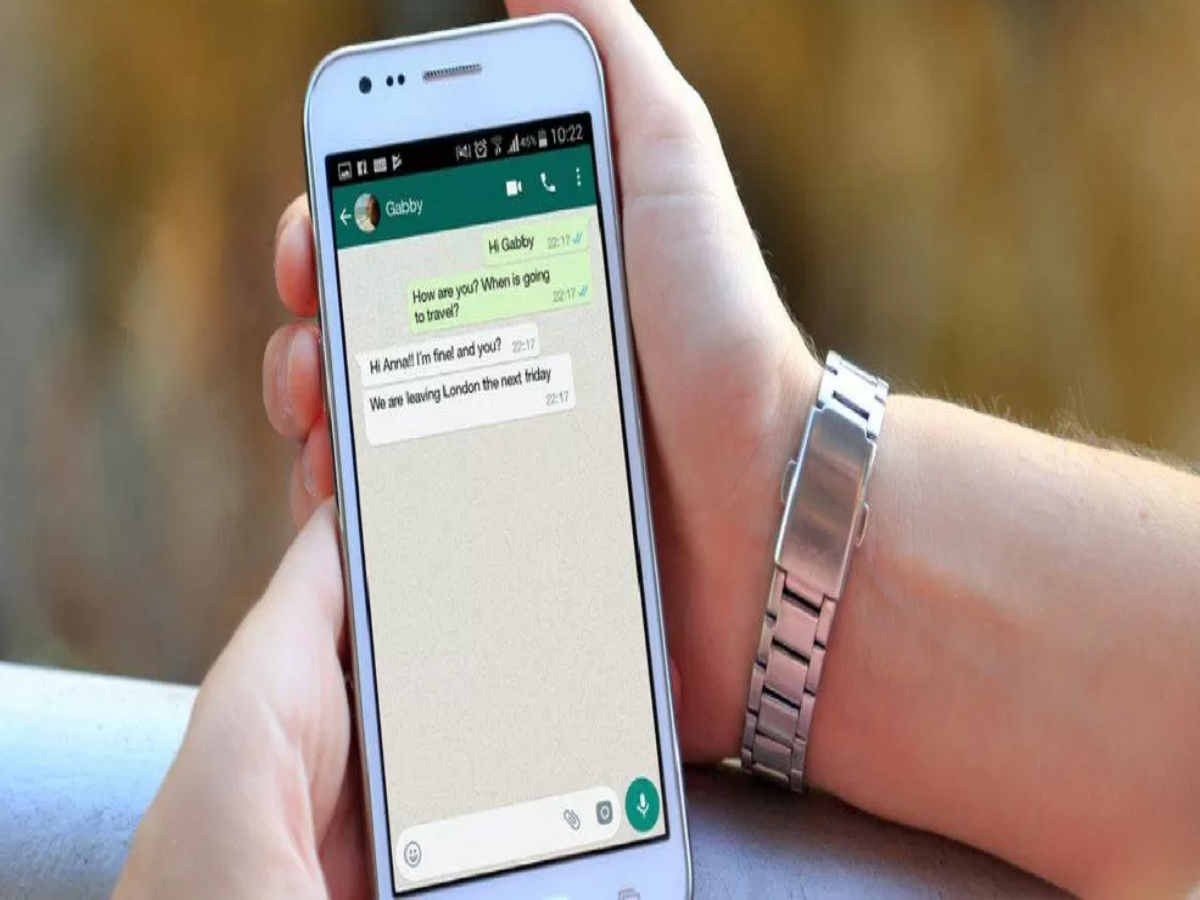
With digital payments becoming the backbone of everyday transactions in India, WhatsApp has emerged as more than just a messaging app. The Meta-owned platform offers an integrated payment feature called WhatsApp Pay, allowing users to send and receive money directly within chats. Powered by the Unified Payments Interface (UPI) and regulated by the National Payments Corporation of India (NPCI), WhatsApp Pay is designed to make money transfers quick, secure, and hassle-free.
WhatsApp Pay was introduced in 2018 and received NPCI approval for a phased rollout on February 7, 2020. However, before users can make any transaction, it is mandatory to add and link a bank account to WhatsApp. Similarly, users also have the option to remove or change their linked bank account whenever required.
Here’s a complete guide explaining how to add or remove a bank account on WhatsApp Pay, along with important details you should know.
What Is WhatsApp Pay and Why Is a Bank Account Required?
WhatsApp Pay is a UPI-based payment system, which means all transactions are directly processed between bank accounts. Unlike wallets, there is no need to add money separately. To use this service, your mobile number must be linked to your bank account, as UPI authentication depends on it.
Once your bank account is linked, you can make instant payments, receive money, and track transactions without leaving WhatsApp.
How to Enable WhatsApp Pay
To activate WhatsApp Pay, users must initiate a payment to one of their contacts.
Steps to enable WhatsApp Pay:
-
Open WhatsApp and go to Settings
-
Tap on Payments
-
Start a payment setup process
-
Verify your mobile number via SMS
-
Create or confirm your UPI PIN
After successful verification, WhatsApp Pay will be enabled on your account.
How to Add a Bank Account on WhatsApp Pay
Adding a bank account is a one-time process if your number is already registered with the bank.
Follow these steps to add a bank account:
-
Open WhatsApp on your smartphone
-
Go to Settings
-
Tap on Payments
-
Select Add Bank Account
-
Choose your bank from the list
-
Allow SMS verification
-
Set or enter your UPI PIN
Once completed, your bank account will be linked to WhatsApp Pay and ready for transactions.
How to Remove or Change a Bank Account on WhatsApp
If you want to switch banks or stop using WhatsApp Pay, you can easily remove your linked account.
Steps to remove a bank account:
-
Open WhatsApp
-
Go to Settings > Payments
-
Tap on your linked bank account
-
Select Remove Bank Account
-
Confirm the action
After removal, you will no longer be able to send or receive money until a new bank account is added.
Payment Methods Available on WhatsApp Pay
WhatsApp Pay supports two convenient payment options:
1. UPI-Based Payments
Users can send money directly to contacts via chat by tapping the ₹ icon. The money is transferred instantly between bank accounts.
2. QR Code Payments
This method allows users to send money to people who are not in their contact list by scanning a QR code.
Is WhatsApp Pay Safe to Use?
Yes, WhatsApp Pay follows UPI security standards. Every transaction requires UPI PIN authentication, and WhatsApp does not store sensitive banking information. Payments are processed through secure banking channels.
Final Takeaway
WhatsApp Pay simplifies digital payments by integrating banking services directly into conversations. Adding or removing a bank account is quick and user-friendly, making it easy to manage your payments anytime. Whether you’re paying friends, family, or small businesses, WhatsApp Pay offers a reliable and secure solution for everyday transactions.