TECH
WhatsApp Has a Hidden Feature Most Users Ignore! Turn Your Important Chats into Private Locks with This Simple Trick
WhatsApp has become one of the most widely used messaging applications in the world. From sharing personal photographs and documents to discussing office work and making payments, millions of people depend on it every day.
However, not every conversation is meant to be visible to everyone who gets access to your smartphone. Whether it is a personal conversation, confidential office discussion or private information, users often want an additional layer of protection.
What many people don't realise is that WhatsApp already offers a feature designed specifically for this purpose: Chat Lock.
Instead of relying only on your phone's screen lock, this feature allows you to protect individual conversations using your device authentication or a secret code.
Here is how the feature works and how you can use it.
What Is WhatsApp Chat Lock?
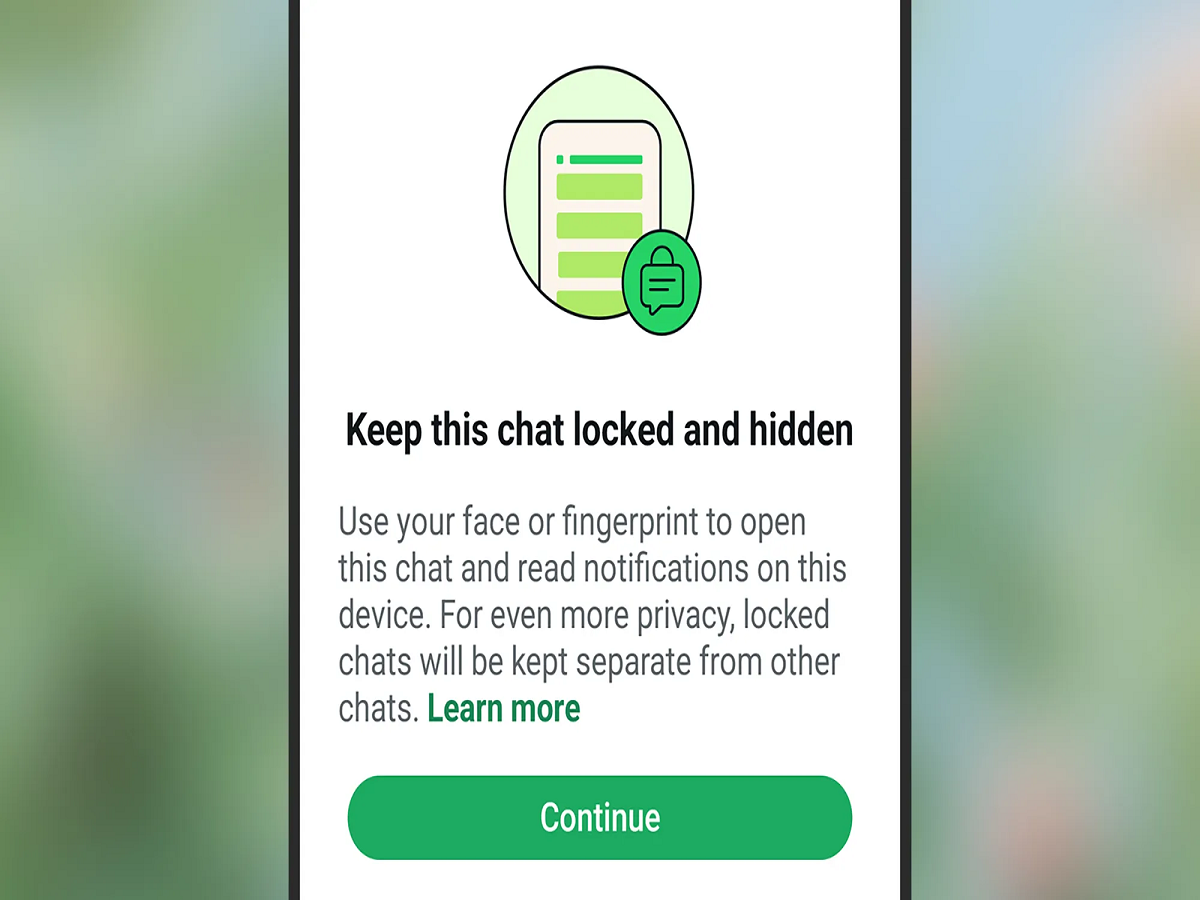
Chat Lock is a privacy feature that allows users to move selected conversations into a separate locked folder.
Once a chat is locked, its notifications no longer display the message content or sender details in the usual way.
The conversation is also moved out of the regular chat list, making it harder for someone casually browsing your WhatsApp to access it.
Users can unlock protected conversations using their device's authentication method, such as a fingerprint, face recognition or device passcode, depending on their phone.
How to Lock a Private WhatsApp Conversation
Activating Chat Lock is relatively simple and does not require installing any additional application.
Follow these steps:
-
Open WhatsApp on your smartphone.
-
Select the individual or group conversation you want to protect.
-
Tap the contact or group name at the top of the screen.
-
Find the Chat Lock option.
-
Enable the feature and authenticate using your phone's security method.
The selected conversation will now appear inside the Locked Chats folder instead of your regular chat list.
Want More Privacy? Create a Secret Code
WhatsApp also offers an additional privacy option called Secret Code.
This feature allows users to create a unique code for their locked chats. You can use it to hide the Locked Chats folder from the main chat list.
To access the hidden folder, enter your secret code into WhatsApp's search bar.
This provides an additional layer of privacy, especially when you do not want the locked-chat section to be immediately visible.
Can You Lock Group Chats Too?
Yes. Chat Lock is not limited to individual conversations.
You can also use it to protect selected group chats. This can be useful for private family discussions, office groups or conversations involving sensitive information.
The feature works similarly to individual chat locking, allowing you to keep selected conversations separate from your regular inbox.
Does Chat Lock Protect Your Entire WhatsApp Account?
No. This is an important distinction.
Chat Lock protects selected conversations, but it does not replace WhatsApp's other security features.
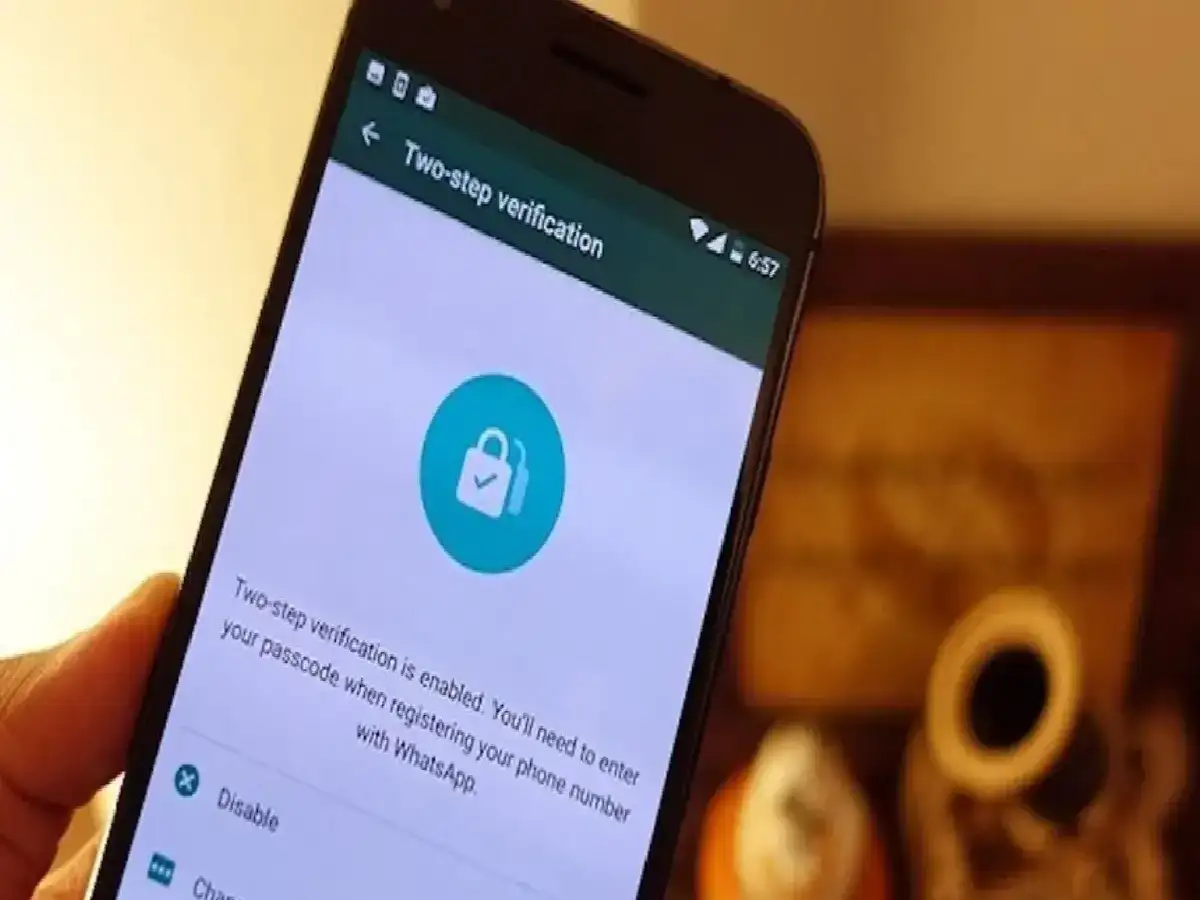
For better account protection, you should also consider enabling two-step verification.
You can find this option under:
Settings → Account → Two-step verification.
This adds an additional PIN requirement when registering your WhatsApp account on a new device.
You should also enable end-to-end encrypted backups if you want your cloud-stored chat backups to receive additional protection.
5 WhatsApp Privacy Settings You Should Also Check
Apart from Chat Lock, several other settings can help improve your privacy.
1. Last Seen and Online: Control who can see when you were last active and whether you are currently online.
2. Profile Photo Privacy: Restrict your profile picture to contacts or selected people.
3. Silence Unknown Callers: Reduce interruptions from people who are not in your contacts.
4. Disappearing Messages: Set messages to disappear automatically after a selected period in supported conversations.
5. App Lock: Use your phone's fingerprint or biometric authentication to prevent unauthorised access to WhatsApp itself.
Final Thoughts
WhatsApp offers several privacy tools that many users never explore. Chat Lock is particularly useful because it allows you to protect specific conversations without hiding or deleting your entire chat history.
If you regularly share personal information through WhatsApp, taking a few minutes to configure these settings can make your messaging experience more secure.
However, remember that Chat Lock is not a substitute for complete device security. Anyone who knows your device credentials or has access to your unlocked phone may still pose a privacy risk.
Keeping your smartphone protected and reviewing your WhatsApp privacy settings regularly is the best way to safeguard your conversations.