TECH
WhatsApp Hacking Alert: Your Account Can Be Compromised Even Without OTP — Follow These 5 Safety Steps Now
In today’s digital era, smartphones have become indispensable — and so has WhatsApp. From office communication to personal conversations, video and audio calls to sharing important documents, the messaging platform plays a vital role in daily life.
However, with rising usage comes increasing cyber threats. Fraudsters are now actively targeting WhatsApp accounts. In several cases, users have reported their accounts being compromised even without sharing an OTP.
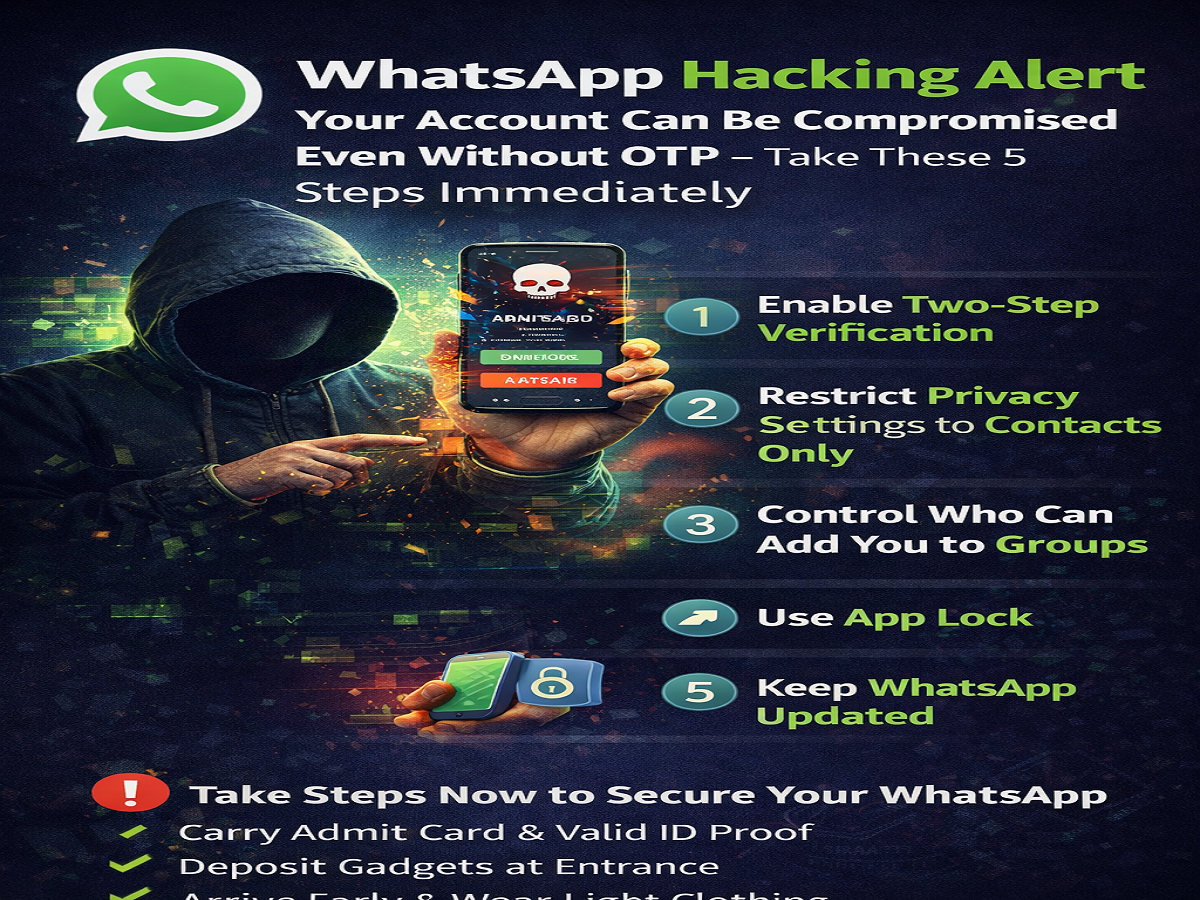
Experts advise that timely changes in security settings can significantly reduce the risk of hacking. Here are five essential steps you must take immediately to safeguard your account.
1. Enable Two-Step Verification
To strengthen account security, turn on two-step verification. This feature requires you to set an additional six-digit PIN.
Even if someone attempts to log in using your phone number and obtains the OTP, they will not be able to access your account without the PIN.
To enable it:
Go to Settings > Account > Two-step verification > Enable, and create a secure PIN.
2. Keep Privacy Settings Limited to Contacts
Many users keep their profile photo, last seen, and online status visible to everyone. This makes it easier for scammers to monitor activity and attempt fraud.
For better protection, restrict these settings to “My Contacts.”
Go to Settings > Privacy and adjust the following options:
-
Profile Photo
-
Last Seen & Online
-
About
-
Status
Limiting visibility prevents unknown users from tracking your activity.
3. Decide Who Can Add You to Groups
Being added to unknown or suspicious groups can expose you to malicious links and scams. Cybercriminals often circulate fake links through such groups to trap users.
To control this:
Go to Settings > Privacy > Groups, and select “My Contacts” or “My Contacts Except…”
This ensures that only trusted people can add you to groups.
4. Use App Lock for Extra Protection
If someone gains physical access to your phone, App Lock can prevent them from opening WhatsApp.
Enable fingerprint lock or face authentication to ensure only you can access the app. This adds an extra layer of security to your chats and personal data.
5. Keep the App Updated and Avoid Suspicious Links
Always update WhatsApp to the latest version. Security vulnerabilities are regularly fixed in updates, making your account safer.
Additionally, avoid clicking on suspicious links received from unknown numbers. Many hacking attempts begin with a single careless click.
Stay Alert, Stay Secure
As cyber threats continue to evolve, users must take proactive measures to secure their digital communication. By enabling built-in security features and practising caution, you can significantly reduce the risk of WhatsApp hacking.