
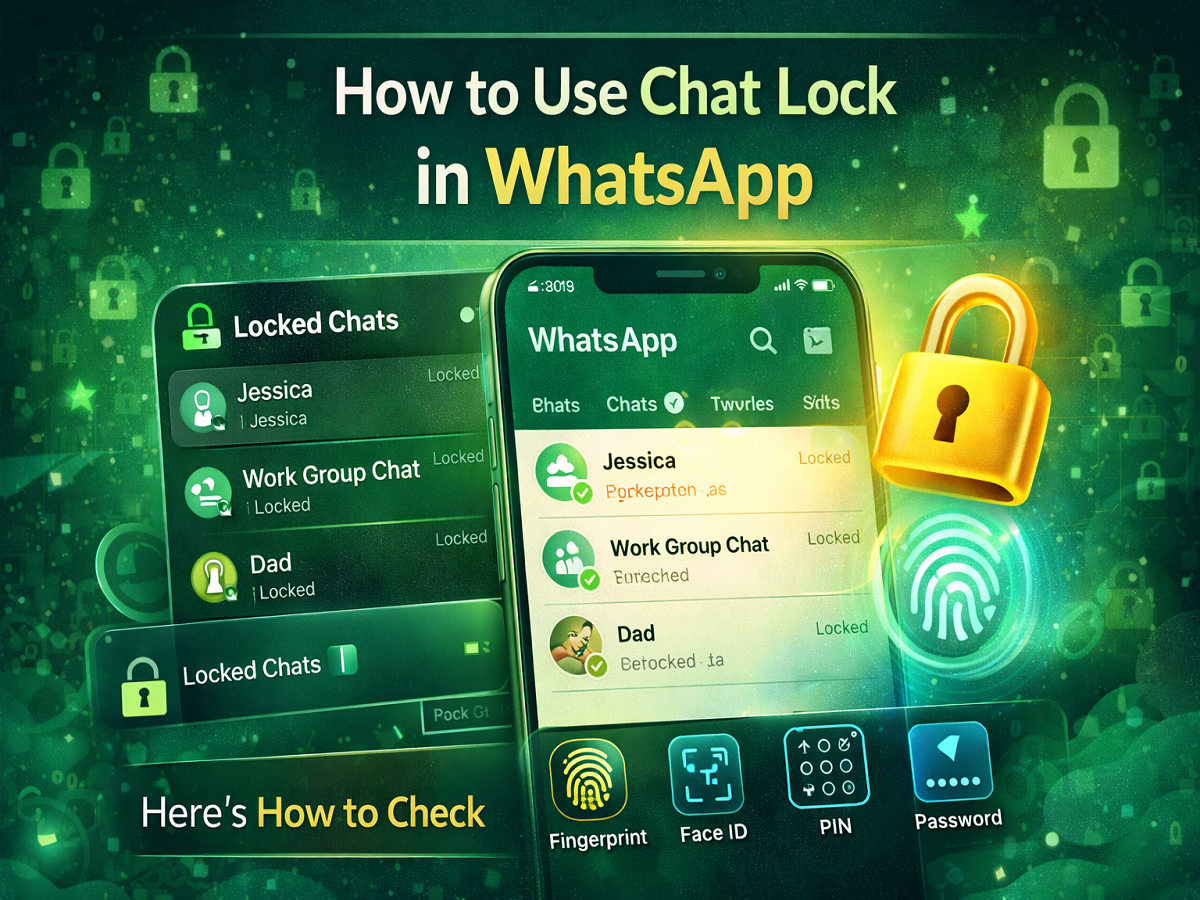
Privacy is one of the biggest concerns for smartphone users today, especially when messaging apps contain personal conversations, photos, and sensitive information. To address this concern, WhatsApp has introduced the Chat Lock feature, a tool designed to add an extra layer of privacy to individual chats and group conversations.
While WhatsApp already protects messages using end-to-end encryption, the Chat Lock feature focuses on protecting conversations from people who might have access to your phone. With this feature enabled, users can lock specific chats so that they remain hidden and accessible only through authentication methods like fingerprint, Face ID, PIN, or device password.
The feature allows users to keep certain conversations private without locking the entire app. Below is a complete step-by-step guide explaining how to enable and use WhatsApp’s Chat Lock feature.
What Is the WhatsApp Chat Lock Feature?
The Chat Lock feature allows users to secure individual chats or group chats separately from the rest of their conversations.
Once enabled, the selected chats are automatically moved to a special “Locked Chats” folder inside the WhatsApp app. These chats remain hidden from the normal chat list and require authentication to access.
Additionally, WhatsApp prevents message previews from appearing in notifications for locked chats, further improving privacy.
Key Features of WhatsApp Chat Lock
The Chat Lock feature includes several privacy-focused benefits:
-
Ability to lock individual chats and group chats
-
Locked conversations are hidden from the main chat list
-
Messages from locked chats do not display previews in notifications
-
Chats move automatically to a dedicated Locked Chats section
-
Access can be secured using fingerprint, Face ID, PIN, or phone password
These features ensure that even if someone else uses your phone, they cannot easily access your private conversations.
Requirements Before Using Chat Lock
Before enabling Chat Lock, make sure you meet the following requirements:
-
Install the latest version of WhatsApp on your smartphone
-
Ensure you have an active WhatsApp account
-
Your phone should have screen lock security enabled (fingerprint, Face ID, PIN, or password)
The Chat Lock feature relies on the device’s existing security system to authenticate access.
Steps to Lock Individual Chats on WhatsApp
Follow these steps to lock a chat:
-
Open the WhatsApp application on your smartphone.
-
Scroll through the chat list or search for the contact or group you want to secure.
-
Open the conversation and tap the contact or group name at the top of the chat screen.
-
Scroll down and tap on “Chat Lock.”
-
Turn on the Lock Chat toggle.
-
Authenticate using your fingerprint, Face ID, PIN, or device password.
Once completed, the chat will immediately be moved to the Locked Chats section and removed from the regular chat list.
You can repeat the same process for other chats you wish to secure.
How to Access Locked Chats in WhatsApp
WhatsApp stores all locked conversations in a separate folder called Locked Chats.
To access them:
-
Open WhatsApp.
-
Go to the Chats screen.
-
Swipe down from the top of the chat list.
-
Tap on Locked Chats.
-
Authenticate using your fingerprint, Face ID, PIN, or password.
After verification, you will be able to see and open all the chats that you have locked.
Why Chat Lock Is Useful
The Chat Lock feature is especially helpful for users who share their smartphones with family members or friends. It ensures that sensitive conversations remain protected even if someone else temporarily accesses the device.
For example, users can lock chats that contain:
-
Personal or confidential conversations
-
Work-related discussions
-
Financial information
-
Private photos or media files
This feature provides peace of mind by ensuring that your most private chats remain secure.
Final Thoughts
WhatsApp’s Chat Lock feature adds an extra level of security to an already secure messaging platform. By allowing users to lock specific conversations instead of the entire app, WhatsApp gives people greater control over their privacy.
If you want to protect certain chats from unauthorized access, enabling Chat Lock is a simple and effective solution. Just update your WhatsApp app, follow the steps mentioned above, and keep your private conversations safe.


