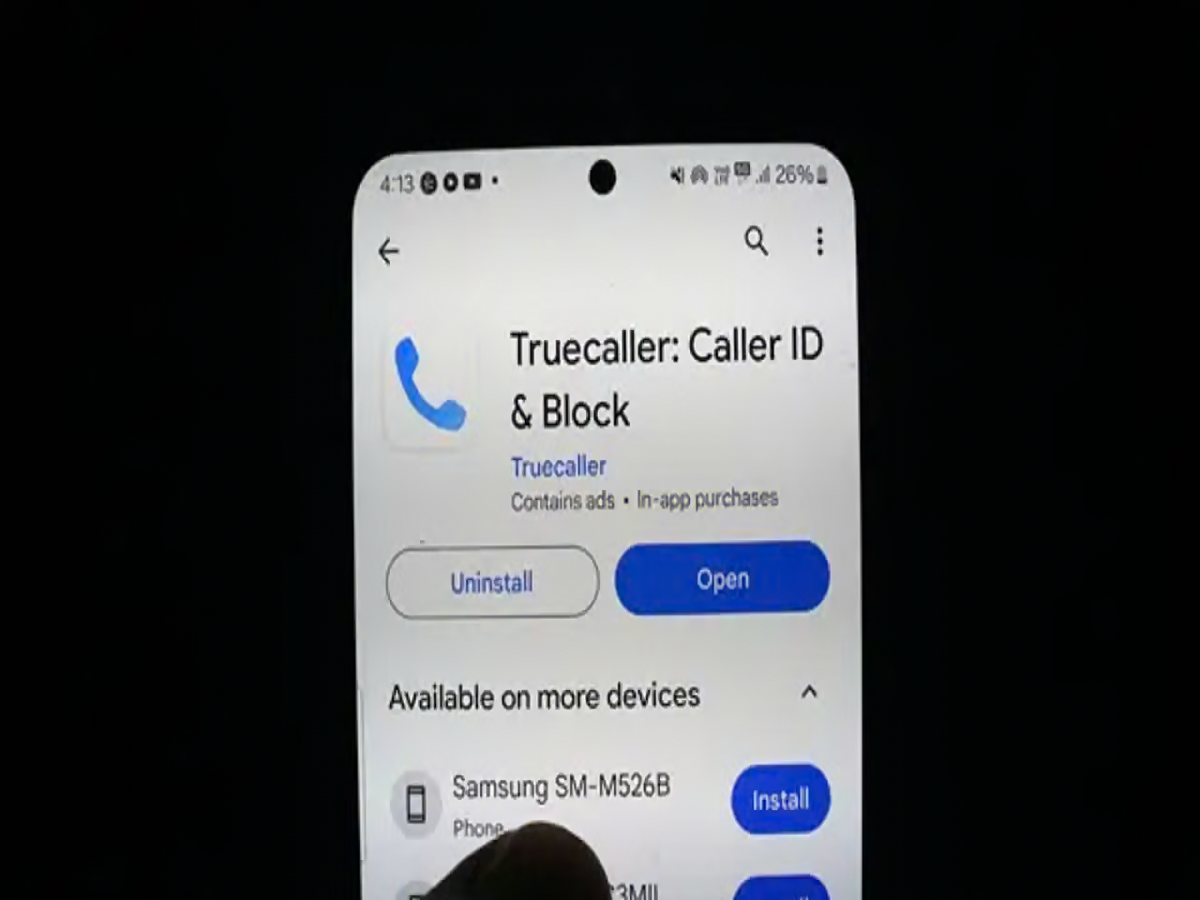
Truecaller has become a popular tool for identifying unknown callers, recognising spam numbers and managing unwanted calls. However, not everyone is comfortable with their name and mobile number appearing in a caller identification directory that other people can search.
If you want to keep your phone number more private, Truecaller provides an option to remove eligible numbers from its searchable directory. However, simply uninstalling the application or deactivating your account may not be enough.
To complete the process, you generally need to deactivate your Truecaller account first and then submit a separate request to unlist your number. Here is how to do it.
Step 1: Deactivate Your Truecaller Account
Before requesting number removal, deactivate your existing Truecaller account.
The steps may vary slightly depending on whether you use an Android phone or an iPhone.
For Android users:
-
Open the Truecaller application.
-
Tap the three-dot menu or your profile icon, depending on the app version.
-
Open Settings.
-
Select Privacy Center.
-
Look for the option to deactivate your account.
-
Follow the on-screen instructions to confirm deactivation.
For iPhone users:
-
Open the Truecaller application.
-
Tap your profile picture.
-
Go to Settings and open the Privacy Center.
-
Select the account deactivation option, if available.
-
Follow the instructions to confirm your decision.
Once your account is deactivated, you may lose access to Truecaller features associated with that account, including its caller identification and spam protection services.
Step 2: Submit a Separate Request to Unlist Your Number
Deactivating your account and removing your number from the searchable directory are two different actions.
To request removal, visit Truecaller's official unlisting page:
Open Truecaller Number Unlisting
Then follow these steps:
-
Enter the mobile number you want to remove, including the correct country code.
-
Review the number carefully to avoid submitting an incorrect request.
-
Complete any verification or confirmation steps displayed on the website.
-
Submit the unlisting request.
-
Wait for the request to be processed.
Truecaller states that removal can take up to 24 hours, although processing times may vary. Check the official website for the latest instructions if the page or procedure has changed.
Step 3: Check Whether Your Number Has Been Removed
After submitting your request, allow time for the directory to update.
You can then ask someone to check whether your number remains searchable in Truecaller. If it still appears after the expected processing period, revisit the official unlisting page and follow any available support instructions.
Keep in mind that information stored in another person's phone contacts or displayed by a different caller identification service may not be removed by this request.
Can You Remove Your Name Without Removing Your Number?
If your main concern is an incorrect or outdated name, you may be able to update your profile information instead of deactivating your account.
Changing your displayed name and unlisting your number serve different purposes:
-
Name correction: Updates the name associated with your Truecaller profile.
-
Number unlisting: Requests removal of your number from Truecaller's searchable directory.
Choose the option that matches your privacy needs.
Is Uninstalling Truecaller Enough?
No. Uninstalling the application only removes it from your phone. It does not, by itself, deactivate your account or submit a request to remove your number from the directory.
Similarly, account deactivation and number unlisting should not be treated as interchangeable processes. If your goal is to stop your number from appearing in Truecaller's searchable directory, complete both steps.
Final Thoughts
Protecting your phone number's privacy starts with understanding how caller identification services manage their directories.
If you no longer want your number to be searchable on Truecaller, deactivate your account, submit an unlisting request through the official website and allow time for the change to take effect.
These steps can help reduce your number's visibility in Truecaller's directory, although they cannot guarantee that your details will disappear from every third-party database or another person's contact list.