
TECH
Want Fewer YouTube Shorts? Here’s How to Disable Endless Shorts Scrolling on Android and iPhone
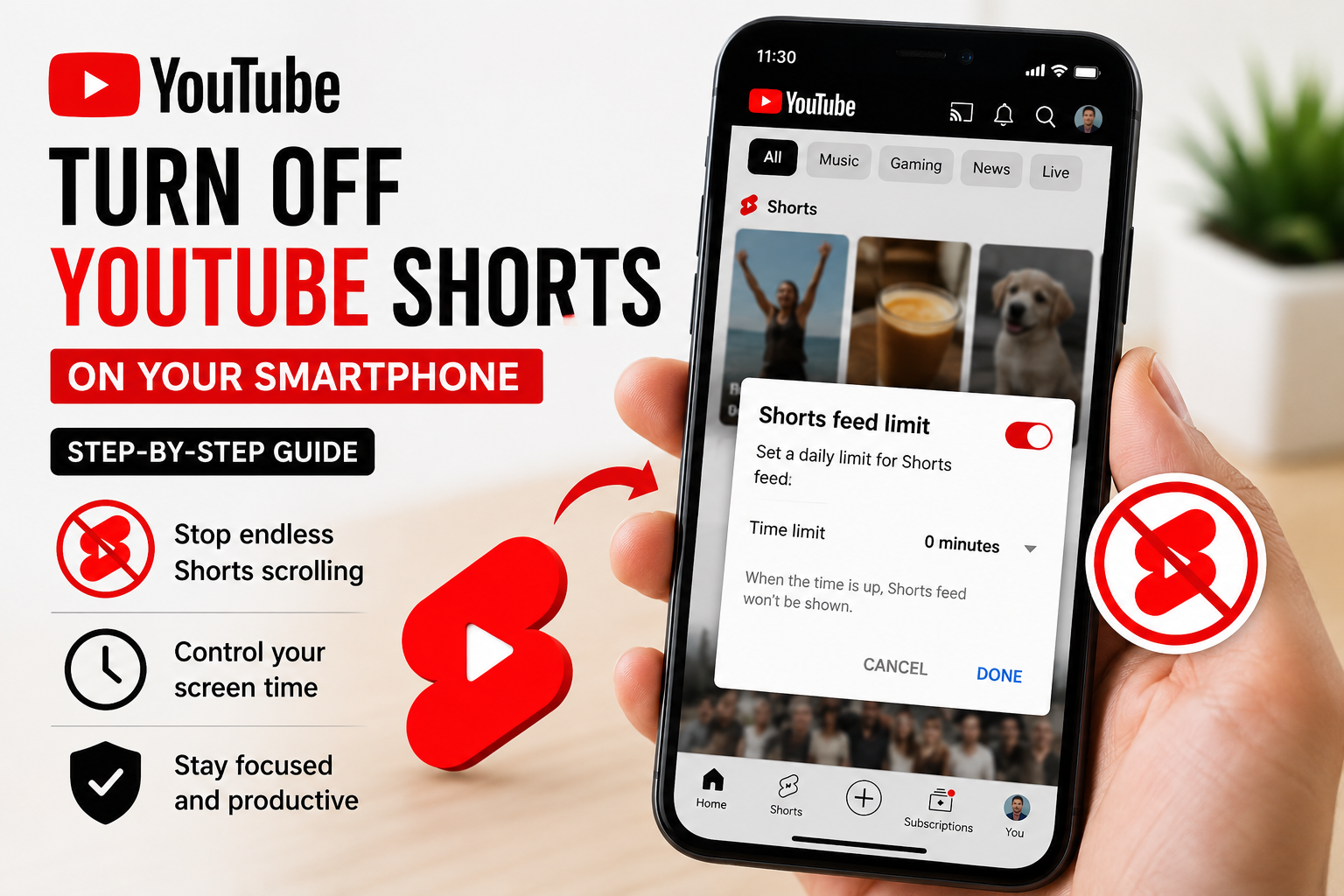
YouTube has introduced a useful new feature for users who want to reduce distractions caused by endless short-video scrolling. The platform now allows smartphone users to limit the Shorts feed completely by setting the Shorts timer to zero minutes inside the app’s Time Management settings.
The update is being released globally for both Android and iPhone users and is aimed at helping people reduce unnecessary screen time and regain better focus while using the YouTube app. While Shorts content will not disappear entirely from the platform, the feature removes the continuous swipe-based Shorts feed that many users find addictive and distracting.
YouTube Introduces More Control Over Shorts Consumption
Short-form videos have become one of the most popular content formats across social media platforms. However, many users often spend far more time than intended watching short clips continuously. To address these concerns, YouTube has expanded its digital wellbeing tools by adding a dedicated Shorts Feed Limit option.
The feature allows users to pause the main Shorts experience directly from the mobile app. Once activated, the app stops showing the endless scrolling Shorts section, making the overall YouTube interface cleaner and less cluttered.
This move could especially benefit:
- Students trying to improve concentration
- Working professionals aiming to reduce distractions
- Parents managing children’s screen habits
- Users looking to cut back on social media addiction
Although the feature removes the primary Shorts feed, YouTube has clarified that Shorts videos may still appear in other sections of the app, including:
- Search results
- Subscription feeds
- Shared video links
- Recommended content sections
Users can also manually continue watching individual Shorts if they choose to open them separately.
How to Turn Off YouTube Shorts on Android and iPhone
The process is simple and only takes a few minutes inside the YouTube mobile application.
Step-by-Step Guide to Disable Endless Shorts Scrolling
- Open the YouTube app on your Android smartphone or iPhone.
- Tap your profile icon located in the top-right or bottom-right corner.
- Open the “Settings” menu.
- Select the “Time Management” section.
- Scroll down until you find the “Daily Limits” area.
- Look for the “Shorts Feed Limit” option.
- Enable the feature and set the timer to zero minutes.
- Once activated, YouTube will pause the main Shorts feed immediately.
After completing these steps, the endless vertical scrolling Shorts interface will no longer appear inside the app experience.
What Happens After Disabling YouTube Shorts?
Once the Shorts timer is set to zero:
- Infinite Shorts scrolling stops working
- Shorts recommendations on the homepage may reduce significantly
- The app becomes less focused on short-form video suggestions
- Users regain better control over viewing habits
However, YouTube has confirmed that Shorts videos are not removed completely. Users may still encounter Shorts in certain situations, especially when:
- Opening videos shared through messaging apps
- Browsing subscription content
- Searching specific creators or topics
- Clicking direct Shorts links
Additionally, YouTube gives users the option to override the restriction manually if they decide to continue watching Shorts later.
Feature Currently Limited to Mobile Devices
At present, the Shorts Feed Limit feature is only available on the YouTube mobile app for Android and iOS users. It does not currently work on:
- Desktop browsers
- Smart TVs
- Streaming devices
The feature is rolling out gradually worldwide, so some users may receive the option later than others depending on app updates and regional availability.
Why This Feature Matters
Digital wellbeing has become an increasingly important topic as social media and video platforms continue encouraging long viewing sessions through algorithm-driven recommendations. Short-form videos, while entertaining, can often lead to excessive screen time without users realizing how much time has passed.
By introducing stronger controls for Shorts viewing, YouTube is joining a growing number of tech platforms that are offering tools to help users manage digital habits more responsibly. The update could become especially valuable for teenagers, students, and professionals trying to improve productivity and reduce mobile distractions.
For users who enjoy YouTube’s long-form content but want to avoid constant Shorts recommendations, this new setting offers a practical middle-ground solution without requiring them to uninstall or completely stop using the app.



