
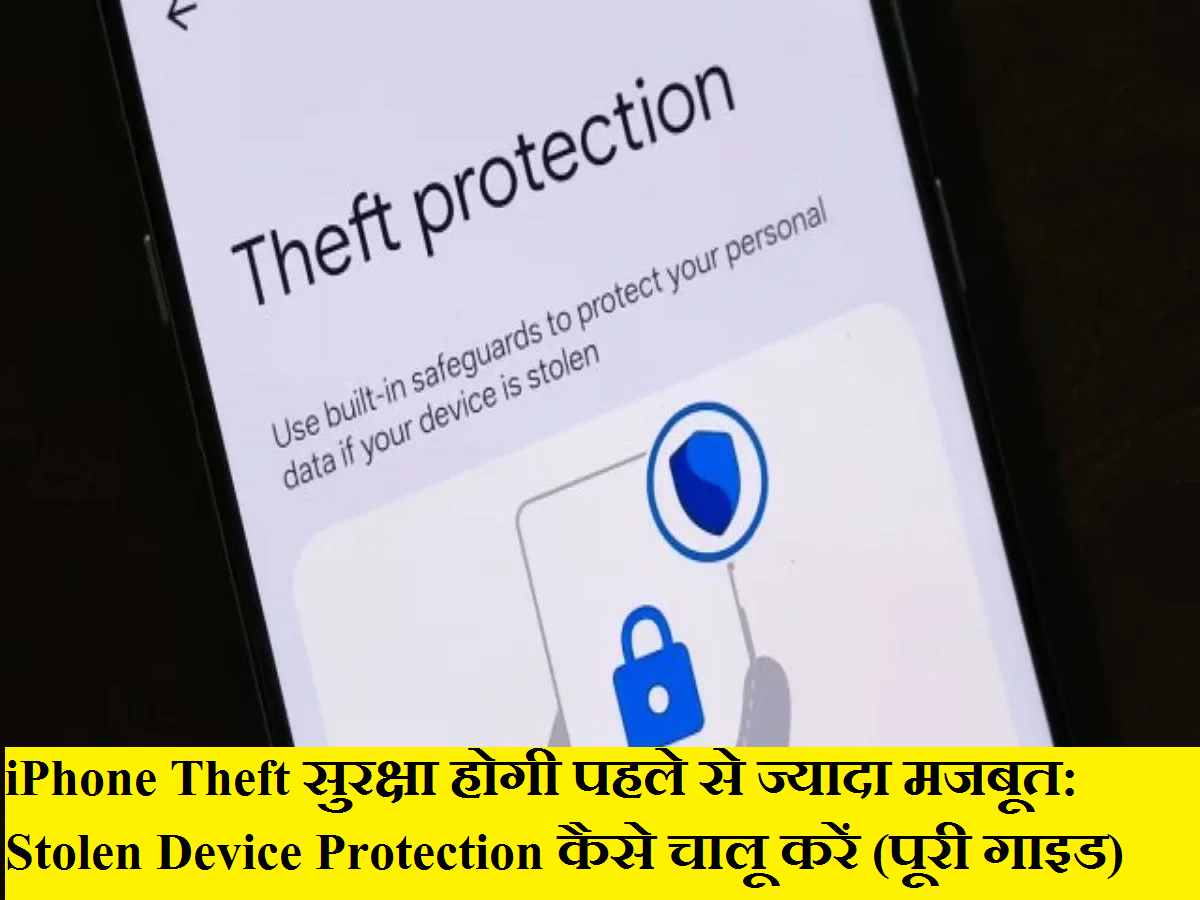
Smartphones today hold far more than just contacts and photos—they store banking details, personal conversations, work data, and access to multiple online accounts. As iPhone theft cases continue to rise, protecting this sensitive information has become more important than ever. To address this growing concern, Apple has introduced a powerful new security feature called Stolen Device Protection, designed to safeguard your iPhone and Apple ID even if your device falls into the wrong hands.
In this detailed guide, we explain what Stolen Device Protection is, why it matters, and how you can enable it on your iPhone to significantly enhance your digital security.
What Is Stolen Device Protection and Why Does It Matter?
Stolen Device Protection is a security feature introduced with iOS 17.3 that adds an extra layer of defense when your iPhone is stolen. In many reported theft cases, criminals first observe users entering their passcodes in public places. Once the phone is stolen, they use that passcode to change Apple ID passwords, disable Find My, and lock the rightful owner out of their own account.
This feature directly tackles that problem. Even if someone knows your passcode, they won’t be able to make critical account or security changes without biometric authentication—such as Face ID or Touch ID—especially when the device is outside your trusted locations.
How Stolen Device Protection Works
Once enabled, Stolen Device Protection places stricter controls on sensitive actions, including:
-
Changing your Apple ID password
-
Updating your iPhone passcode
-
Turning off Find My
-
Accessing key account security settings
For these actions, your iPhone will require biometric authentication instead of relying solely on a passcode. This makes it extremely difficult for thieves to take over your device or Apple account.
Importantly, everyday tasks such as making calls, sending messages, or using apps continue to work normally. The feature focuses only on protecting high-risk actions, ensuring security without disrupting daily use.
Should You Enable Stolen Device Protection?
Absolutely. This feature offers strong protection with minimal impact on usability. Even if Face ID or Touch ID temporarily fails, you can still access basic phone functions. Additionally, Apple allows you to manage or disable the feature using your passcode when you are at a trusted location, such as your home.
In short, it is a low-effort, high-impact security upgrade that every iPhone user should consider enabling.
How to Enable Stolen Device Protection on Your iPhone
Follow these simple steps to activate the feature:
-
Make sure your iPhone is updated to iOS 17.3 or later.
-
Open the Settings app on your iPhone.
-
Scroll down and tap Face ID & Passcode or Touch ID & Passcode.
-
Enter your device passcode when prompted.
-
Look for the Stolen Device Protection option.
-
Tap Activate Protection to turn it on.
That’s it—your iPhone is now protected with an additional security layer designed specifically to prevent account takeovers after theft.
What If Face ID or Touch ID Doesn’t Work?
In rare situations where biometric authentication fails, Apple has built in a fallback. When you are at a trusted location, you can still use your passcode to manage or disable Stolen Device Protection. This ensures that you are never permanently locked out of your own device while maintaining strong security elsewhere.
Stolen Device Protection is one of the most important iPhone security enhancements in recent years. It goes beyond traditional passcode protection and addresses real-world theft scenarios that many users face today. By enabling this feature, you are not just protecting your phone—you are safeguarding your identity, data, and digital life.
If you value your privacy and want peace of mind in case your iPhone is ever lost or stolen, turning on Stolen Device Protection is a smart and necessary step.



