TECH
This is how you can hide your 'Online' status on WhatsApp; no one will be able to see that you are online
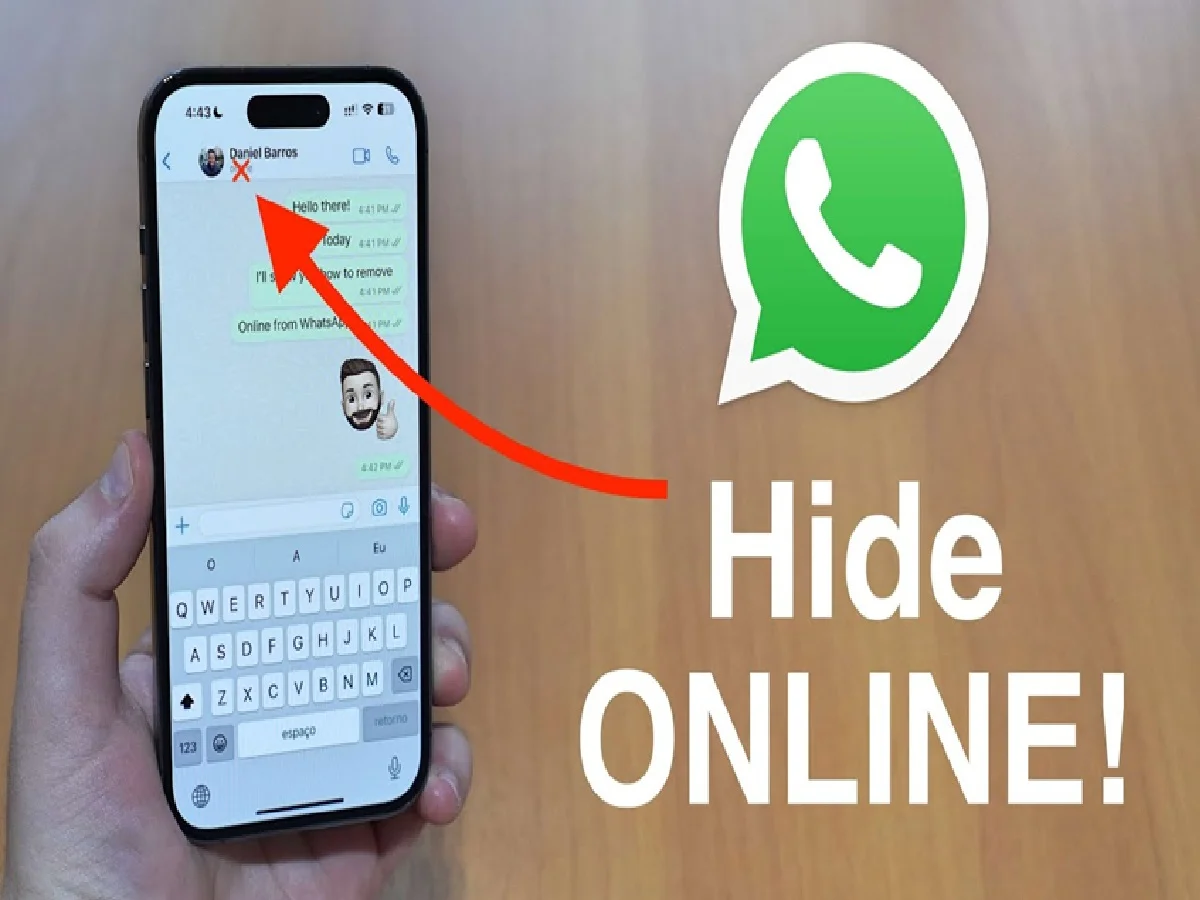
You can hide your active status on the instant messaging platform WhatsApp. Sometimes we want to check our messages on WhatsApp without informing our contacts about our online activity or appearing active on the app. You can use this feature of WhatsApp to do so.
The "Online" status on WhatsApp appears just below the contact name in the chat when the person opens the instant messaging app. As long as you're on WhatsApp, even if you're just scrolling, you appear "Online" to your contacts.
On WhatsApp, the tech company by default allows any user to see your last seen and online status, unless it is manually changed.
How to hide your online status on WhatsApp
For Android users, open your WhatsApp, then Tap More options and select Settings.
Now click on Privacy. You will get Last Seen & Online option. Click on it and select the preferred option.
For iOS users, open WhatsApp and then click on Settings option at the bottom right of your screen.
Tap on Account, then select Privacy. You will also get a similar Last Seen & Online option.
Tap on it and select any of these options: Everyone, My Contacts, My Contacts Except... and Nobody.
If you don't want a specific person to be able to see your online status, then you have to select My Contacts Except and select that contact and tap on Done.
If you don't want anyone to be able to see your online status, then you have to select Nobody.
PC: youtube