LIFESTYLE
The easiest way to download Aadhaar card, Aadhaar card will come on Whatsapp, do this work
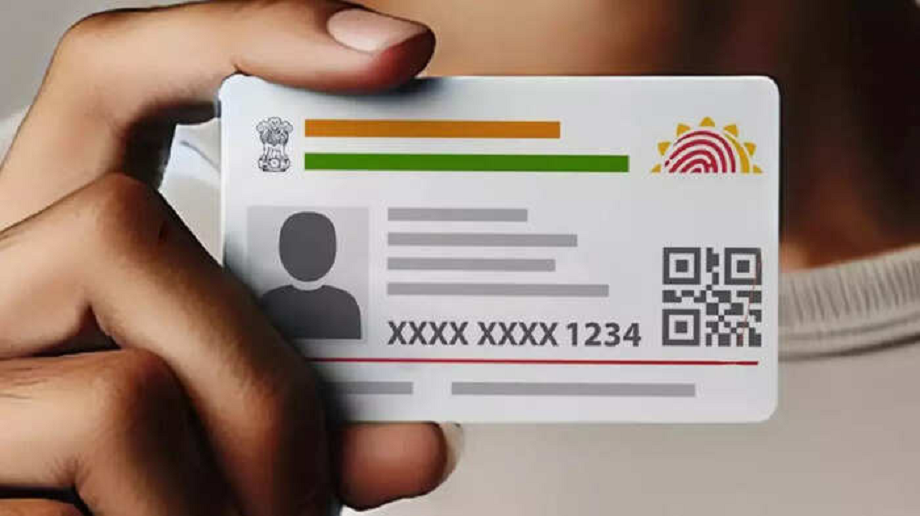
Along with UIDAI, you can also download your Aadhaar card very easily from your WhatsApp. Today we will tell you how you can download Aadhaar card from your WhatsApp.
How to download Aadhaar card from WhatsApp
Aadhar card is one of the most important documents. It is mandatory for every Indian citizen to have an Aadhar card. Aadhar card is used in every small and big work. Now whether you have to open an account in the bank or you have to book a hotel or book a train ticket. Aadhar card is used in every government and private work. Aadhar card is issued by the Unique Identification Authority of India i.e. UIDAI. In such a situation, you can download your Aadhar card from the UIDAI website, but do you know that you can also download your Aadhar card on your WhatsApp.
You can also download Aadhaar card from WhatsApp. You can easily download Aadhaar card through WhatsApp and get your Aadhaar card in PDF form on your number. Today we will tell you about how you can download Aadhaar card from your WhatsApp. Let's know.
How to download Aadhaar card from WhatsApp
- To download your Aadhaar card from WhatsApp, first save the official WhatsApp number of MyGov Helpdesk +91-9013151515 on your mobile phone.
- Now open WhatsApp and start chatting on the MyGov Helpdesk number. For this, write Hi and send it.
- Now choose the option of DigiLocker Services. Keep in mind that to download Aadhaar card from WhatsApp, you must have an active DigiLocker account.
- Now write your Aadhar card number and send it.
- Now send the OTP received on the registered mobile number.
- Now you will be shown all the documents that are present in your DigiLocker account. Choose the option of Aadhaar card from these, after which your Aadhaar card will come on your WhatsApp.
PC:Economic Times