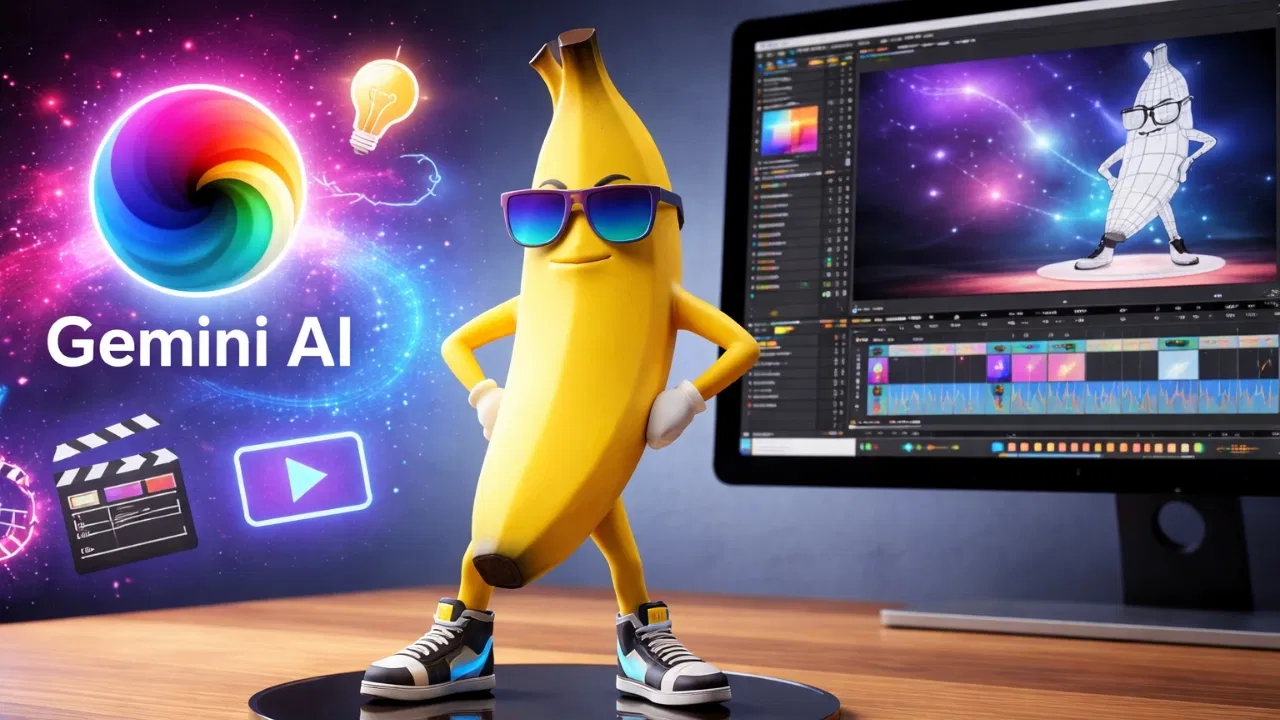
Video editing is no longer a grueling marathon of manual cuts. With the rollout of Gemini 3 Pro and the advanced Nano Banana Pro model, editors are now using AI as a "Co-Pilot" to handle the heavy lifting of planning, narrative flow, and technical optimization.
Expert Ava K. Penn recently demonstrated how these specific prompts allowed her to finish four professional videos in a single day—a feat that previously took a full week. Here are the six prompts that are redefining the craft:
1. The Strategic Roadmap
Stop staring at hours of raw footage. This prompt forces Gemini to act as a Senior Editor, organizing your chaos into a structured plan.
Prompt: "Act as a professional video editor. Review this raw footage description and create a precise editing plan, including pacing, cut points, b-roll placement, and transitions. The goal is to keep viewer attention high without distracting effects. Footage description: [Paste description]."
2. Style & Aesthetic Matching
Want your video to feel like a high-budget Netflix doc or a viral tech review? Use this to reverse-engineer any aesthetic.
Prompt: "Analyze the editing style of this reference video [Link/Upload] and explain how to replicate it. Focus on cuts, timing, color grading, and sound design. Apply this style to my topic: [Insert topic]."
3. Narrative & Emotional Flow
Great editing is about storytelling. This prompt audits your script to ensure your audience stays emotionally invested.
Prompt: "Review this video script and suggest edits to improve flow and emotional engagement. Identify sections to trim, reorder, or emphasize. Target audience: [Describe audience]. Script: [Paste script]."
4. Technical Export Optimization
Avoid the dreaded "pixelated upload." Get the exact settings for any platform, from YouTube 4K to TikTok’s specific bitrates.
Prompt: "Recommend optimal export settings for this video. Include frame rate, bitrate range, codec, and audio settings. Platform: [Insert platform], Video style: [Insert style]."
5. Raw Footage "Highlight" Audit
Upload your raw clips and let Gemini find the "gold." It identifies the strongest takes and suggests where to layer audio or text.
Prompt: "Review this uploaded raw footage. Identify weak sections, strong moments, suggested cuts, and opportunities for b-roll or sound enhancement for a professional final edit."
6. The Professional "Final Pass"
Before you hit render, use Gemini to "peer review" your work. It looks for technical inconsistencies that the human eye might miss after hours of editing.
Prompt: "Critically examine the pacing, visual flow, and audio balance of this edited draft. Suggest final changes to improve quality and audience retention."